
YouTube has become the go-to space for video. We have famous video creators that earn a good living doing so. And then, we have Vimeo, the professionally orientated video-sharing platform that many professionals use to host their projects and productions in the best quality possible online.
Vimeo has also made some changes under the hood to facilitate the professionals uploading and sharing it with clients or embedding it on their websites. They added a feature where it's possible for a client to give feedback on a per-second basis which is similar to what Frame.io does as their only product offering.
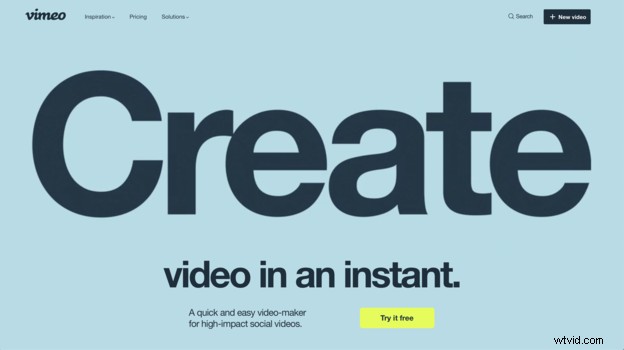 Now they've added the ability to add effects, titles, transitions, and more by using one of the templates they've created. And the effects the video they've made to introduce the features, looks promising. If these same effects had to be done manually in Premiere Pro and After Effects, it would've taken some time.
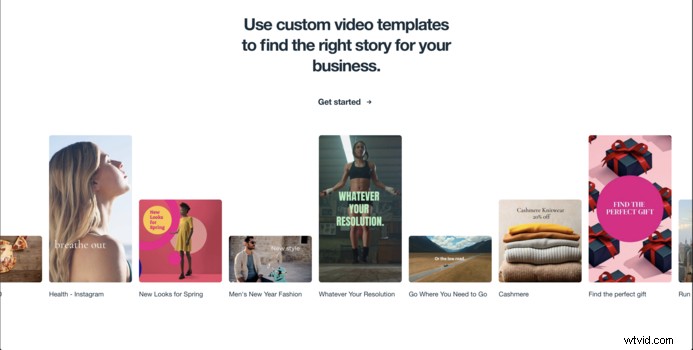 This is currently in beta, and it seems like these features are for social videos. So it's not for the professional productions, because those videos needs the professional flare of the motion graphic artists and editors. And on that note, what videos online are not uploaded to be social, or if all goes well, become viral?
Read more about it on their blog.