
When a Zoom call ends, the real work begins: locating notes, decisions, and action items you promised to follow up on. By linking Zoom to the tools your team already uses, meeting data can flow automatically into CRMs, project trackers, or workspace platforms—cutting out the need for manual copy‑and‑paste.
This guide spotlights the most effective Zoom integrations that turn meetings into trackable workflows, ensuring nothing falls through the cracks.
Key takeaways
- Integrations convert meetings into tasks, summaries, and reusable content.
- They reduce manual follow‑up and boost team alignment.
- Different tools address distinct needs: task tracking, communication, automation, and content creation.
- Camtasia excels at turning raw recordings into polished, shareable videos.
Zoom is ideal for connecting internal and external teams, but translating conversations into actionable items often falls short. Teams default to manual follow‑ups—someone notes actions, copies them into an email, or relies on Zoom’s AI. The result? Missed tasks, unclear accountability, and lost momentum.
Integrations eliminate that friction. Rather than waiting to post‑process a call, they handle follow‑up tasks in real time, syncing with project management tools, chat platforms, and calendars to make each meeting instantly actionable.
With these tools, companies spend less time chasing notes and more time executing decisions.
Crystal‑clear screen recording
Why settle for blurry content? Camtasia Editor’s screen recorder captures everything at up to 4K resolution.
Free Download
How to choose the best Zoom integration for your workflow
Not every feature‑rich integration is the right fit. Pick the one that aligns with your existing processes.
Focus on your primary use case
Identify where follow‑ups break down:
- Unassigned tasks: Choose a project‑management integration that auto‑creates and assigns action items.
- Context loss: Use a communication tool that syncs notes and recordings to chat or email.
- Repetitive admin: Deploy automated transcription to capture details without manual effort.
Resolve the biggest pain point first, then layer additional integrations as needed.
Look for integrations that reduce manual work
Effective integrations handle background tasks—copy‑pasting notes, updating CRMs, resending action items—so teams stay focused on high‑value work.
- Fewer missed items.
- Less time on admin.
- Reduced data‑entry errors.
Consider setup and security
Evaluate how long initial configuration takes, whether IT support is needed, and the ongoing maintenance load. A tool that requires weeks of setup and frequent tweaking may cost more than it saves.
Check permissions requested by each integration. Grant only the data required—this “least privilege” principle limits exposure if a breach occurs.
The best Zoom integrations for productivity and collaboration
There’s no single winner—choose based on your workflow. Below are solutions for task tracking, communication, automation, and content creation.
1. Camtasia — Turn Zoom meetings into professional video content
Camtasia’s Zoom integration pulls cloud recordings directly into Camtasia Editor, eliminating manual downloads. With automatic layout, audio enhancement, real‑time captions, and visual effects, teams can convert raw meetings into polished training, onboarding, or internal knowledge videos.
Key features
- Instant import of Zoom cloud recordings.
- Automatic layout and style adjustments.
- Built‑in audio cleanup and leveling.
- Real‑time caption generation.
- Annotations and zoom effects for clarity.
Strengths
- Transforms unedited footage into engaging videos.
- Reduces editing time and follow‑up communication.
- Improves accessibility and engagement for absent participants.
Tradeoffs
Requires a post‑meeting editing step, so it’s most valuable for teams that routinely repurpose recordings.
Best for
Learning & development teams, trainers, and any group that wants reusable video assets from Zoom calls.
Need to show your screen?
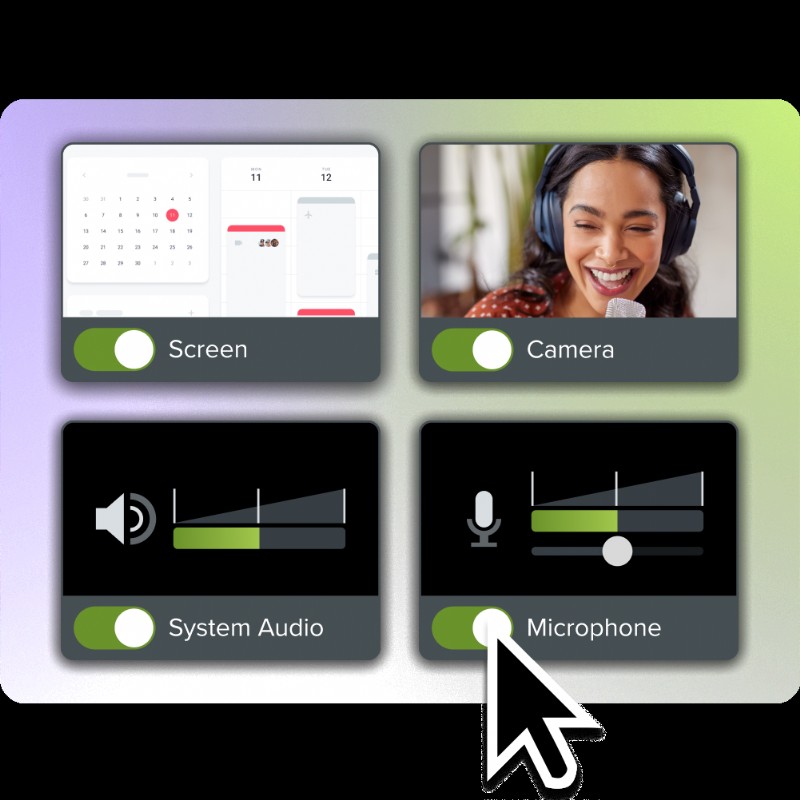
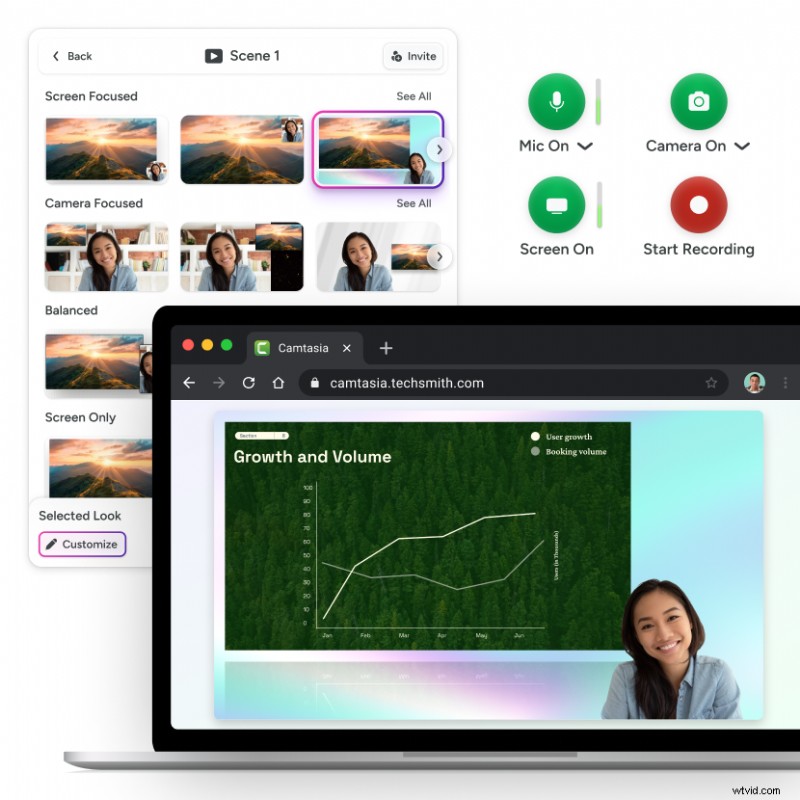
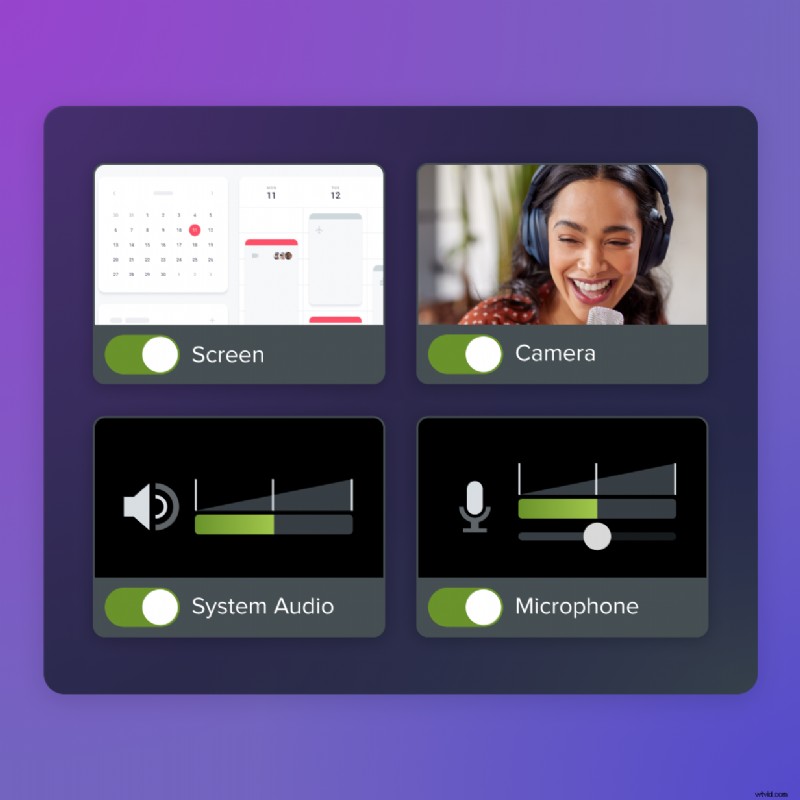
Skip the download. Use Camtasia online to record your screen, camera, and microphone right in your browser for free.
Start Recording
2. Asana — Turn meetings into trackable tasks
Asana’s native Zoom integration lets you create and assign tasks during the call, automatically linking them back to meeting notes. Tasks appear in shared workspaces, ensuring everyone can track progress.
Key features
- In‑meeting task creation and assignment.
- Automatic linking of tasks to meeting context.
- Centralized project visibility across departments.
Strengths
- Clear ownership keeps accountability intact.
- Moves conversations into actionable items immediately.
Tradeoffs
Best when teams already use Asana’s project structure. New or small teams may not see full value.
Best for
Teams managing structured projects with multiple contributors, deadlines, and deliverables.
3. Slack — Centralize communication and follow‑ups
Slack’s Zoom integration shares summaries, recordings, and action items directly into relevant channels, eliminating separate email threads.
Key features
- Instant notifications with recordings and summary links.
- Channel‑specific follow‑ups for project relevance.
- Launch Zoom calls directly from Slack.
Strengths
- Quick, centralized post‑meeting communication.
- Keeps context within the work channel.
Tradeoffs
Notifications can become noisy without disciplined channel organization, risking important updates being buried.
Best for
Fast‑moving teams that rely on async communication and need notes where work is already happening.
4. Grain — AI‑powered meeting notes and summaries
Grain records, transcribes, and summarizes Zoom calls in real time, automatically extracting key decisions and action items.
Key features
- Automatic transcription and readable summaries.
- AI‑driven action‑item extraction.
- Searchable cloud archive of every meeting.
Strengths
- No need for manual note‑taking during calls.
- Instantly searchable meeting history.
Tradeoffs
AI summaries may need a quick review for accuracy, and action items still require manual transfer to a project tool.
Best for
Teams that want accurate, searchable insights without the burden of note‑taking.
5. Zapier — Automate workflows across tools
Zapier connects Zoom to hundreds of apps, enabling custom triggers—save recordings to Google Drive, notify Slack or Gmail, or update CRMs—without coding.
Key features
- Trigger‑based automation for Zoom events.
- Automatic recording management.
- Cross‑platform notifications and updates.
Strengths
- Extremely flexible across tool stacks.
- Reduces repetitive tasks without developer help.
Tradeoffs
Requires initial setup and testing; as you scale, managing complex automations can become cumbersome.
Best for
Teams juggling multiple tools that need post‑meeting workflows to run automatically.
Once you’ve selected the right integration, setup is typically quick. Below are simple steps to connect and test it.
Install from the Zoom App Marketplace
Navigate to zoom.us/marketplace, find the tool, click “Add,” and follow the on‑screen prompts.
- Verify the integration’s developer name before installation.
- For enterprise accounts, obtain admin approval if required.
Authorize accounts
After installation, grant the integration the minimum permissions needed. Review each data‑access request carefully and enable full access only after testing.
Run a test meeting
Conduct a short test call to confirm that notes, recordings, action items, and attendee details sync correctly. Adjust settings if necessary before scaling.
Build a smarter workflow around your Zoom meetings
Zoom captures a wealth of information, but manual tracking quickly becomes messy. Combining integrations that automate task creation, centralize communication, and preserve meeting context keeps momentum alive.
While tools like Camtasia focus on post‑production, others streamline admin tasks. Pairing them—e.g., Asana for tasks, Slack for communication, and Zapier for cross‑platform automations—creates a seamless, end‑to‑end loop.
Ready to transform your meetings into productive workflows? Download Camtasia Editor and the Zoom integration now!
Looking for professional screen‑recording software?
From simple captures to polished editing, TechSmith offers everything you need to create professional‑quality content.
Learn More
FAQs
Most integrations work on Zoom’s free tier, but advanced features like cloud recording access or admin controls may require Pro, Business, or Enterprise plans. Confirm your requirements before installing.
What does Zoom integrate with?
Zoom connects to hundreds of apps via the Zoom App Marketplace, including project‑management tools (Asana, Jira, Trello), communication platforms (Slack), and automation services (Zapier).
How do I make a Zoom meeting more interactive?
Use collaboration apps like Miro for real‑time whiteboarding, add breakout rooms for focused work, and enable polls and reactions to keep participants engaged.