

Nov 18 2025 • Proven solutions
Live streaming has moved beyond entertainment; it’s now a core part of e‑commerce, education, and marketing. Whether you’re a gamer, a business owner, or a content creator, choosing the right platform can make or break your broadcast.
Below are ten of the most trusted live‑streaming software platforms—each backed by robust features, reliable uptime, and clear pricing structures.
1. Twitch
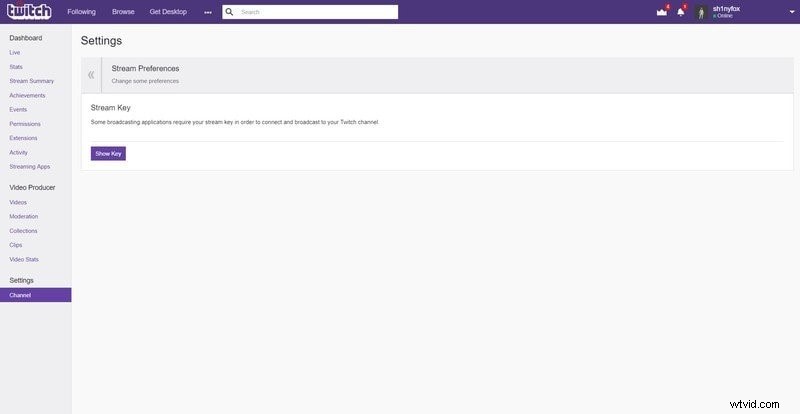
Twitch remains the industry standard for interactive live video, offering seamless streaming to PC, console, and mobile. Its powerful community tools make it a favorite among gamers and creators alike.
Key facts:
- Free basic account available; premium “Turbo” plan starts at $4.99/month.
- Ad‑free viewing for subscribers.
- Integrated chat, channel customization, and advanced analytics.
2. YouTube Live
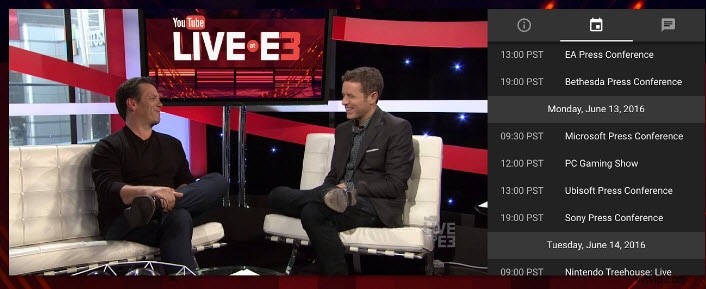
YouTube Live blends real‑time broadcasting with a powerful on‑demand library, making it ideal for creators who want a single platform for both live and archived content.
Key facts:
- No post‑production required—stream directly from the browser.
- Live chat lets viewers interact instantly.
- YouTube’s global reach guarantees maximum visibility.
3. Facebook Live
With Facebook’s massive user base, Facebook Live offers instant engagement and real‑time feedback, perfect for brands and community leaders.
Key facts:
- Real‑time analytics help refine content on the fly.
- Followers receive push notifications when you go live.
- Completely free to use.

4. Periscope (Twitter)
Periscope integrates directly with Twitter, allowing creators to reach audiences already engaged on the platform. Its intuitive interface makes live broadcasting effortless.
Key facts:
- Instant notifications for new followers and comments.
- 24‑hour replay availability with easy deletion.
- Free to stream.
5. Younow
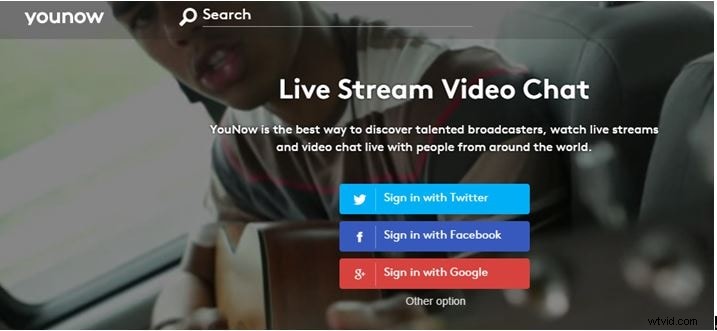
Younow specializes in social TV, letting users broadcast via webcam or mobile with integrated chat and content promotion tools.
Key facts:
- Free to use, ideal for casual and community streaming.
- Built‑in chat and promotion features.
6. IRIS (Bambuser)
IRIS, powered by Bambuser, supports live streaming from webcams, smartphones, and DSLR cameras to social networks like Facebook, Twitter, and WordPress.
Key facts:
- Free social‑media‑friendly streaming.
- Built‑in storage, sharing buttons, and geotagging.
7. USTREAM
USTREAM offers professional‑grade streaming with advanced graphics, multi‑guest support, and robust integration with social platforms—popular among marketers and broadcasters.
Key facts:
- Hosts 2 million+ live streams monthly, including high‑profile channels.
- Drag‑and‑drop graphics and on‑screen presentations.
- 24/7 support; pricing starts at $99/month.

8. DaCast
DaCast is a SaaS‑based platform designed for large‑scale events, offering reliable live and on‑demand streaming with no ads and an intuitive interface.
Key facts:
- Comprehensive streaming features and on‑demand hosting.
- Monthly plans start at $25.
- 24/7 support and ad‑free experience.
9. Livestream
Livestream (now part of Vimeo) offers a robust suite of tools for capturing, editing, and distributing live video across devices and platforms.
Key facts:
- Supports cameras, smartphones, and webcams.
- Built‑in chat and social sharing.
- Basic plan at $42/month.
10. Brightcove
Brightcove is a premier solution for mid‑size businesses and enterprises, offering advanced video management, marketing tools, and extensive template libraries.
Key facts:
- 100+ customizable templates and playlists.
- Integrated social sharing and marketing analytics.
- Pricing starts at $99/month.
Explore more: 10 Best Cameras for Live Streaming
Enhance Your Streams with Filmora
Filmora is a powerful yet intuitive video editor that lets you polish your broadcasts after the fact. Key features include:
- Green‑screen compositing for creative visuals.
- Color matching for consistent looks across clips.
- Motion tracking to overlay graphics on moving objects.
- Speed ramping for dynamic pacing.

Richard Bennett
Writer and video enthusiast
Follow @RichardBennett