

Nov 18, 2025 • Proven solutions
Best Free Live‑Streaming Software for PC and Mac
1. OBS (Windows / macOS / Linux)
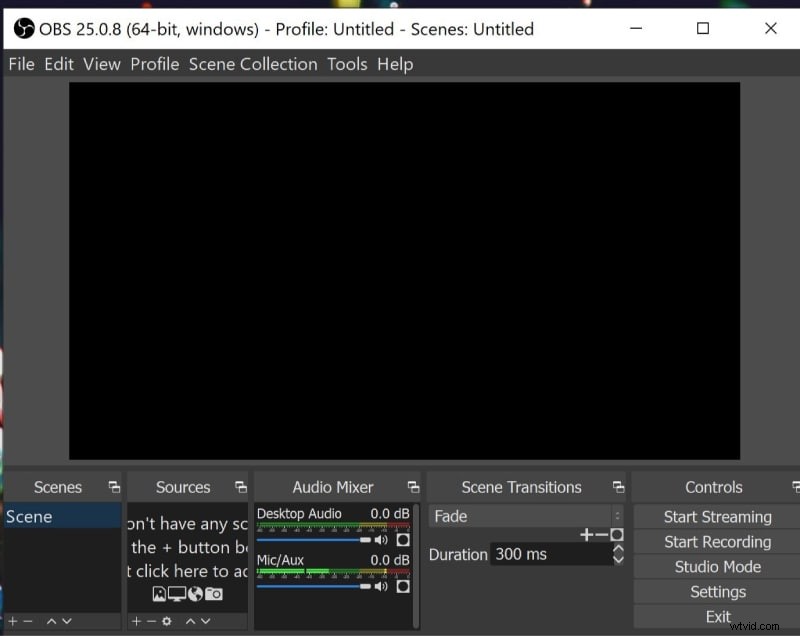
Open Broadcaster Software (OBS) remains the gold standard for live streaming. It’s open‑source, entirely free, and works on all major desktop operating systems. The intuitive interface caters to beginners while offering advanced options for professionals. Users can pull sources from local files, capture cards, or specific windows, and the extensive library of filters and editing tools allows for custom streams.
- Combine multiple sources on a single timeline for tailored projects.
- Rich collection of filters and video‑editing tools.
2. Adobe Flash Media Live Encoder (Windows / macOS)
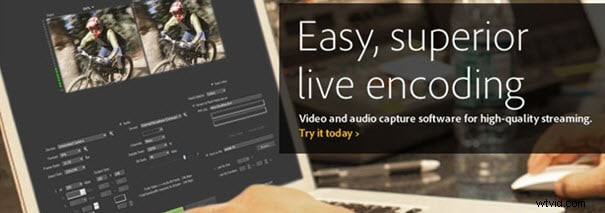
Adobe Flash Media Live Encoder is a staple for professionals who need top‑tier video quality and a straightforward setup. Leveraging the On2 VP6 codec, it delivers crisp audio‑video streams while offering powerful customization options.
- On‑site encoding for seamless workflow.
- High‑quality audio and video handling.
- Preferred for business events, political broadcasts, education, and sports.
3. Raptr (Windows)
Raptr is a desktop dashboard that tracks Steam, PlayStation, and Xbox activities, making it ideal for game streaming. Its integrated Twitch support allows creators to broadcast directly without third‑party tools.
- Interactive UI with a comprehensive feature set.
- Easy sharing to major social platforms, including Twitch.
4. FFSPLIT (Windows)
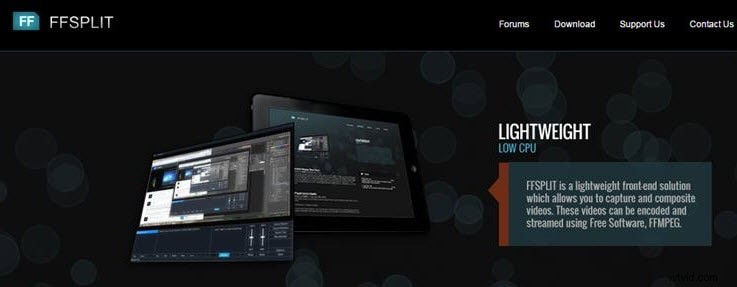
FFSPLIT is a free Windows utility that captures desktop activity with high‑quality output. Its hotkey feature simplifies recording, and it supports webcam overlay with a range of professional‑grade effects.
- Hotkey‑enabled recording for beginners.
- Webcam integration and extensive overlay options.
5. XSplit Free (Windows)
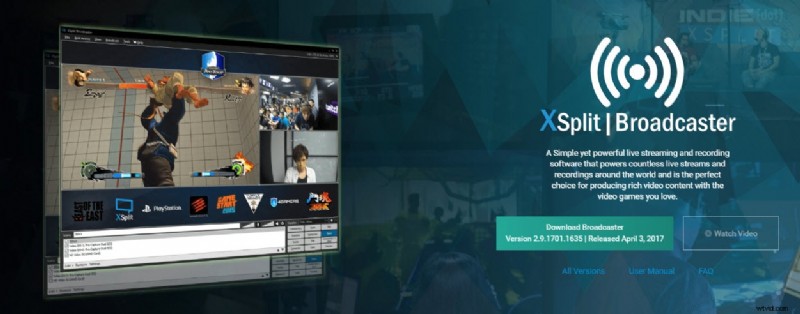
XSplit offers a polished, ad‑free environment for Windows users, focusing on quick setup and live output. It’s well‑suited for events and presentations thanks to its rich graphics library.
- Customizable graphics and themes.
- Optimized for live events and corporate presentations.
6. Wirecast Play (Cross‑platform)
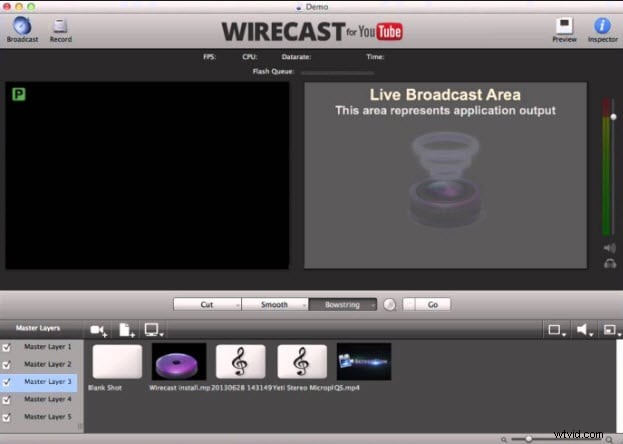
Wirecast Play delivers a lightweight, feature‑rich streaming experience. While the free tier offers basic tools, the paid version unlocks full production capabilities, ensuring high‑quality output without latency.
- Extensive customization options.
Best Free Live‑Streaming Apps for Android & iOS
1. Facebook Live
Facebook Live lets users broadcast in real time directly from their mobile device. A stable internet connection is essential for smooth streaming, and users can add engaging descriptions and subtitles to attract viewers.

2. Periscope (now integrated into Twitter)
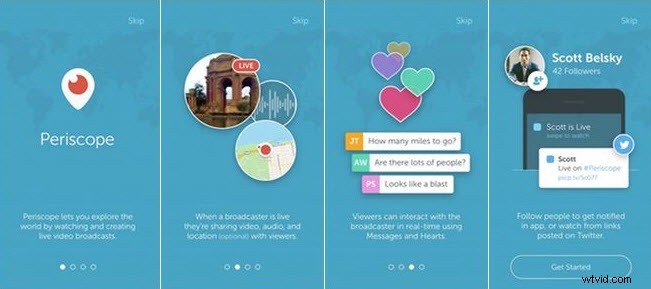
Periscope’s legacy platform offers professional streaming tools, including URL creation and cross‑posting to other sites. It supports various devices—from smartphones to studio rigs—making it versatile for beginners and experts alike.
3. Wirecast Go
Wirecast Go turns your smartphone into a portable studio. With instant shot switching, overlays, titles, and event highlights, it’s ideal for sports, live events, and business promos, delivering high‑quality video without lag.
4. Instalively
Instalively enables live streaming to multiple social platforms—Twitter, Facebook, WhatsApp, and more—while requiring only a YouTube account for uploads. It offers GPS tagging, customizable titles, and a range of filters for on‑the‑fly editing.
Editing Live‑Stream Videos with Powerful Video Editing Software

Richard Bennett
Writer and video enthusiast
Follow @RichardBennett