
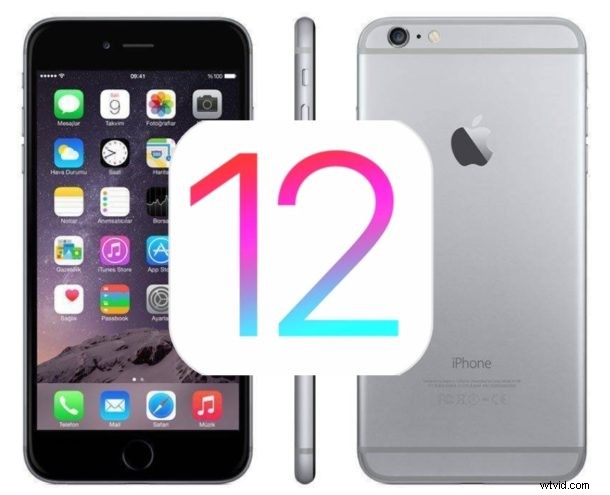
Apple has released iOS 12.4.4 for users of some older iPhone, iPad, and iPod touch hardware that are not eligible for the latest iOS 13.3 and iPadOS 13.3 release.
The update includes security updates and is therefore recommended for all users who are running a compatible device.
The release coincides with the availability of iOS 13.3 and iPadOS 13.3 updates, which is also available to download for newer iPhone and iPad models.
iOS 12.4.4 Compatibility
Specifically, iOS 12.4.4 is available to download for iPhone 6, iPhone 6 Plus, iPhone 5s, iPad Air 1st generation, iPad mini 2, iPad mini 3, and iPod touch 6th generation.
Later devices should install the latest version of iOS 13 and iPadOS 13 instead. Earlier devices that are not supported will remain on whatever the latest version of system software is for that particular hardware model.
How to Download & Install iOS 12.4.4 Update
Be sure to backup the iPhone or iPad to iCloud or a computer before installing any software update.
- Open the “Settings” app on iPhone or iPad
- Go to “General”, and then to “Software Update”
- Select “Download & Install” when the update for “iOS 12.4.4” is shown as available
The iPhone or iPad will restart itself to complete installation of the software update.
The iOS 12.4.4 update is fairly small, weighing in around 50mb for most users coming from a prior iOS version.
iOS 12.4.4 IPSW
- iPhone 6 Plus
- iPhone 6
- Updating…
iOS 12.4.4 Release Notes
Release notes accompanying iOS 12.4.4 are quite brief, stating simply “iOS 12.4.4 provides important security updates and is recommended for all users.” with a reference to an Apple support article (https://support.apple.com/en-us/HT210787) detailing information about a specific FaceTime bug.
Separately Apple also release updates to MacOS Catalina 10.15.2, iOS 13.3 and iPadOS 13.3, watchOS 6.1.1, and tvOS 13.3.