
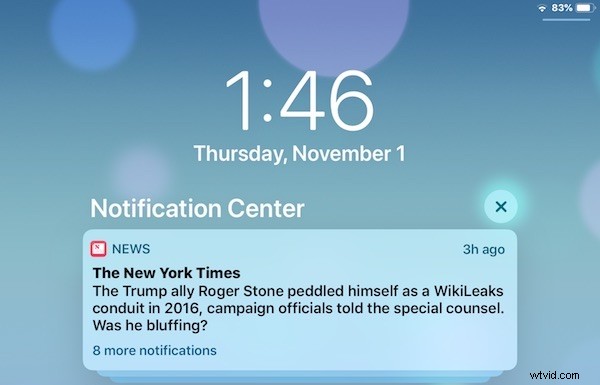
Can’t find Notification Center? Some iPad and iPhone users may be wondering where they can see all of their notifications and alerts on their devices with iOS 13 and iOS 12.
Accessing Notification Center on an iPhone or iPad is easy with iOS 13 and iOS 12, it’s just a matter of using the proper swipe gesture from the correct location.
How to See Notification Center in iOS 13 and iOS 12
Finding all of your notifications and alerts is easy on an iPhone or iPad with Notification Center, here’s how you can access it on the latest and greatest versions of iOS system software:
- From the Home Screen or within an app in iOS, swipe down from the middle of the top of the screen to access Notification Center
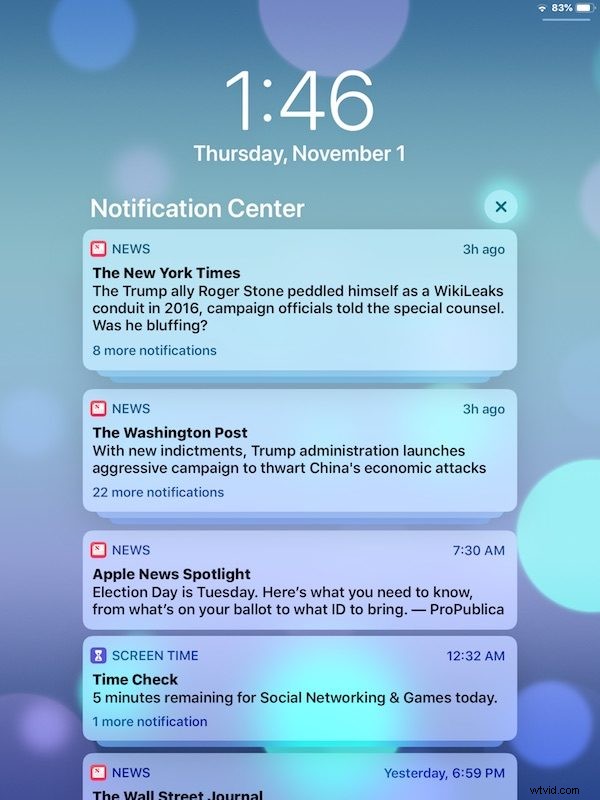
- Keep pulling down until you see Notification Center
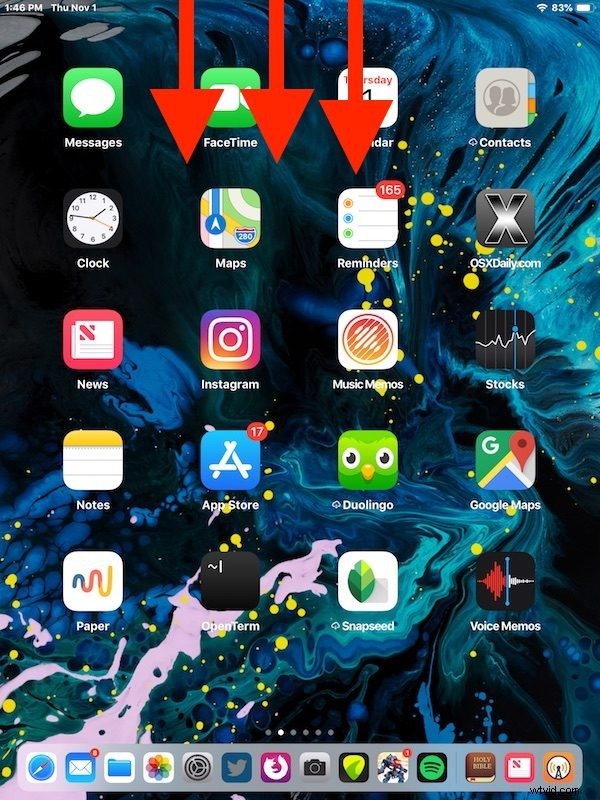
It’s important to swipe down from the center of the top of the screen, as if you swipe down from the top-right corner then instead you will access Control Center in iOS 13 and iOS 12 on the iPad and some iPhone models. If you find yourself in Control Center, you swiped down too far from the right, so instead aim for the top center of the screen to swipe down from.
Once you’re in Notification Center you can browse your notifications and alerts as usual, dismissing them, clearing them, and adjusting them as necessary.
Remember, new to iOS 12 and later is that you can quickly turn off future notifications or place them into ‘quiet’ delivery, right from the Notification Center, by swiping over on the notifications and then choosing “Manage” and adjusting the options as desired:
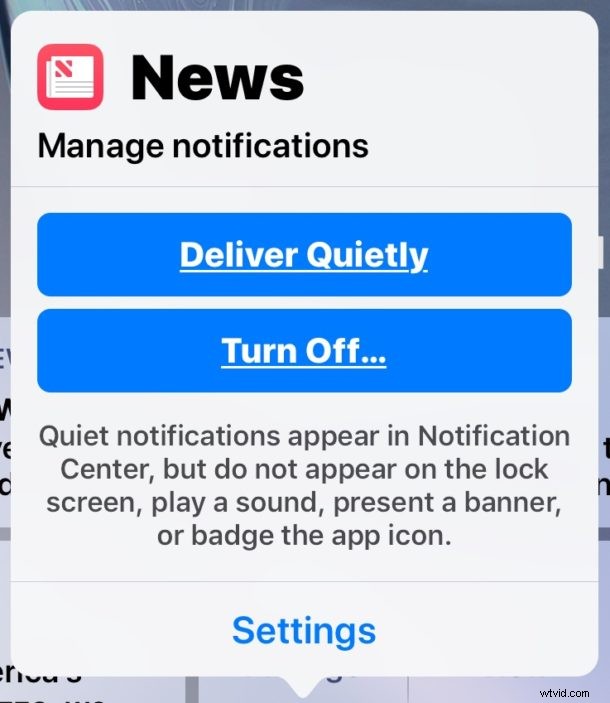
If you find the notifications and alerts to be annoying, for example perhaps you’re tired of the tabloid splashy News app deliveries, then you might want to disable the “News” and tabloid notifications and alerts on the iOS lock screens, which you can do from the “Manage” option within notification Center, or from the Notifications section of the Settings app.