
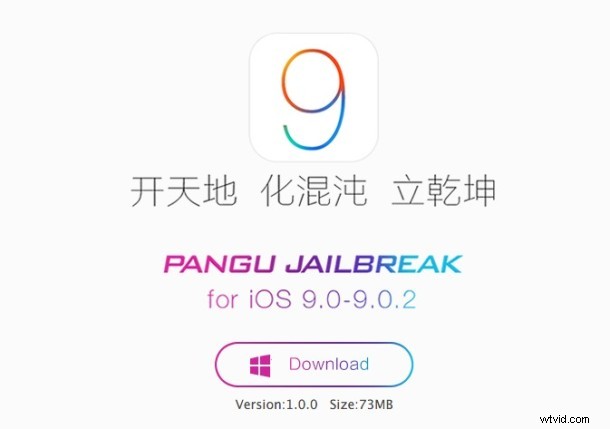
A jailbreak has been released for all compatible iPhone, iPad, and iPod touch models running iOS 9, iOS 9.0.1, and iOS 9.0.2. Arriving out of China, the Pangu jailbreak is the first for iOS 9 and iPhone 6s and iPhone 6s Plus.
Jailbreaking is intended for advanced users of iPhone, iPad, and iPod touch, and is not appropriate for the average user. There are many reasons why you shouldn’t jailbreak, including the potential introduction of security vulnerabilities, less reliable iOS experience, and perhaps most important, the potential for Apple to deny warranty service and support for a device with an active jailbreak installed.
Those who are comfortable with the risks associated with jailbreaking can follow the instructions below to jailbreak iOS 9 with Pangu using any compatible iPhone, iPad, or iPod touch mode.
How to Jailbreak iOS 9 on iPhone, iPad, iPod Touch with Pangu
Currently, the Pangu tool runs in Windows, but an OS X version is expected to be released for Mac shortly.
- Download the Pangu jailbreak tool from here
- Open the Settings app and go to “Touch ID & Passcode” and turn the passcode OFF (this is temporary, you’ll want to be sure to re-enable this later)
- Still in the Settings app, go to “iCloud” and disable “Find My iPhone” – this is also temporary and you will want to turn this back on when finished
- Toggle AirPlane Mode to the ON position
- Connect the iPhone to a computer with iTunes, and make a backup with encryption enabled to iTunes
- Launch the Pangu app downloaded in the first step and click on the Start button, follow the onscreen instructions to complete the iOS 9 jailbreak
You’ll need to provide Pangu with access to your devices Photos during the process. Once the jailbreak has completed, the iPhone or iPad will reboot and you’ll find the familiar brown Cydia icon on the devices home screen.

Remember, users can undo a jailbreak by restoring a device from backups made to iTunes.
Since Pangu is currently limited to Windows, Mac users would need to rely on a virtual machine, or wait until the Mac release of the software, which will likely arrive shortly. Heads up to iPhoneHacks for detailing the process on Windows.