
Can’t remember how to spell a word? You can ask Siri to spell the word for you! That’s right, good old Siri on your Mac, iPhone, or iPad has no problem helping you spell words if you can’t think of where to begin and when autocorrect is off or otherwise failing you, is this Siri feature supercalifragilisticexpialidocious or what? You’ll think it’s great too.
Here’s how you can stop fumbling with a confusing word and use this great Siri spelling trick on any iPhone, Mac, or iPad that has Siri enabled.
Summon Siri, then say “spell (word)”
Summon Siri however you normally do, whether that’s using Hey Siri handsfree, earbuds, or holding the Home button on the iPhone or iPad, the Siri Mac keystroke, or trigger the menu bar for Siri on the Mac, then you can say anything like the following:
- Spell (word)
- Hey Siri, spell supercalifragilisticexpialidocious
- Spell the word bureaucracy
- Spell baccalaureate
- Siri, spell bourgeois
- Siri, tell me how to spell accommodate
- Siri spell Caribbean
- Spell entrepreneur
This trick works exactly the same on iPhone, iPad, and Mac OS, as long as you have Siri you can use this.
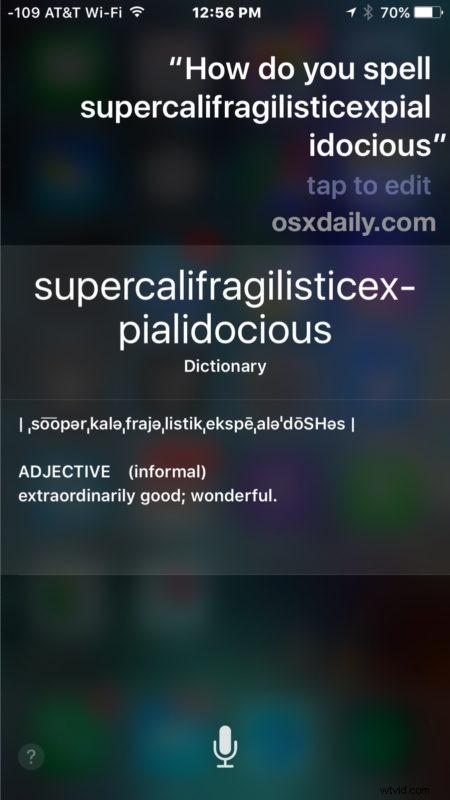
Siri will spell out the word, and also define it for you.
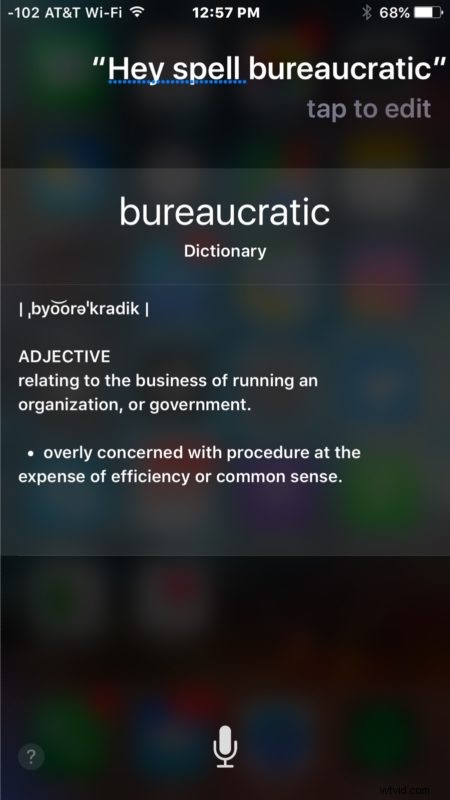
Now you can type it accurately even if you don’t know where to begin, great stuff.
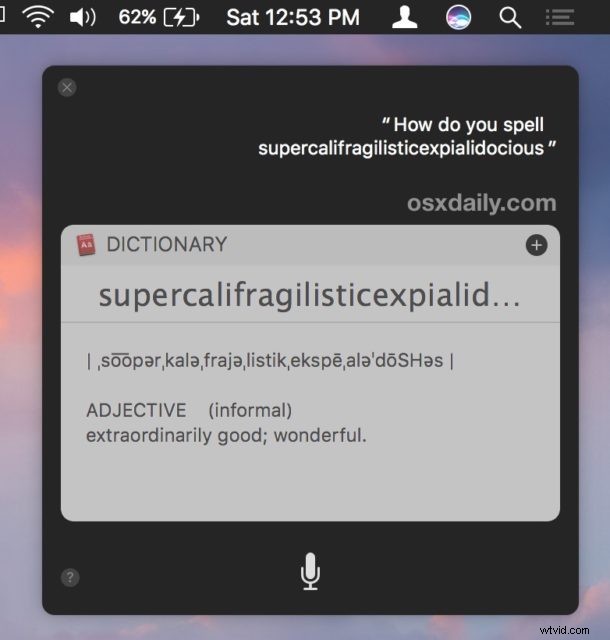
This is just yet another handy Siri trick available in the always expanding massive Siri commands list for iOS, and there’s a slightly different big list of Siri commands for Mac with some desktop specific actions.
The Siri word spelling is generally quite good but there are some failures, for example trying to spell “glycine” or “glycerinate” breaks it up into various weird word combos like “Glisan eight” or “Delight sunlight” – not quite what you’re looking for. Oh well… not everything is perfect!
Have any other handy Siri tricks? Share them with us in the comments!