
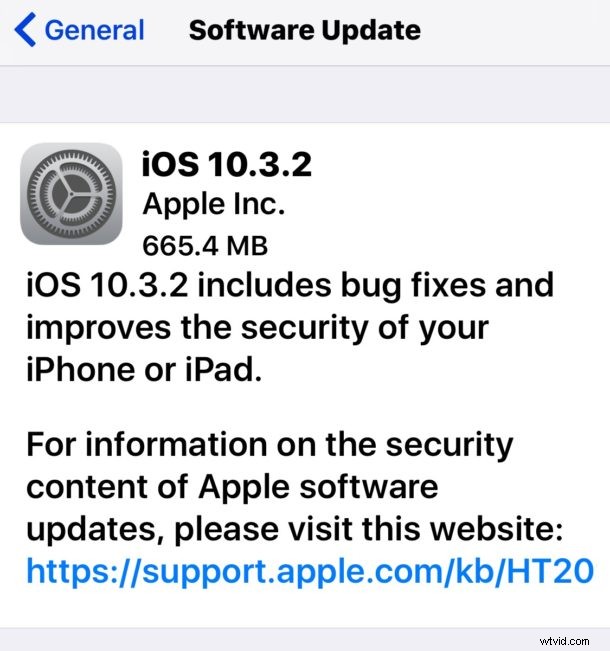
Apple has released the final version of iOS 10.3.2 for iPhone, iPad, and iPod touch. The small software update is said to include bug fixes and security enhancements for iOS devices and thus Apple recommends installing the update.
Separately, Apple has also released macOS 10.12.5 for Mac, watchOS 3.2.2 for Apple Watch, and tvOS 10.2.1 for Apple TV.
Always back up an iPhone or iPad before installing any software update. This is easily done through iCloud or iTunes. Do not skip a backup, despite being a minor point release update things could still theoretically go wrong which could result in data loss, a backup makes recovering from such an incident possible.
iPhone and iPad users can find iOS 10.3.2 on eligible devices via the Settings app > General > Software Update. Choose “Download and Install” after you backup the iOS device to begin the installation and update process.
iOS 10.3.2 IPSW Download Links
Advanced users may prefer to update iOS via IPSW firmware files, those can be downloaded directly from Apple at the links below:
- iPhone 7
- iPhone 7 Plus
- iPhone 6s
- iPhone 6s Plus
- iPhone 6
- iPhone 6 Plus
- iPhone SE
- iPhone 5
- iPhone 5c
- iPhone 5s
- 9.7 inch iPad 2017 Air 3
- 12.9 inch iPad Pro
- 9.7 inch iPad Pro
- iPad Air 2
- iPad Air
- iPad 4
- iPad Mini 2
- iPad Mini 3
- iPad Mini 4
- iPod Touch 6th gen
Separately, watchOS 3.2.2 and tvOS 10.2.1 can be downloaded via the Software Update mechanisms for Apple Watch and Apple TV.
Mac users will find Mac OS Sierra 10.12.5 update available in the Mac App Store as well.