

Apple has released a revisional software update for iOS 9.2.1 for iPhone devices with Touch ID sensors. The new build arrives as 13D20 (as opposed to 13D15 build of iOS 9.2.1 for all other devices) and aims to resolve an “Error 53” software issue where certain iPhone models with a broken or replaced Touch ID sensor would become inoperable, displaying the error 53 message in iTunes.
There are no new features or other changes in iOS 9.2.1 13D20, and unless you have an issue with Error 53 or the Touch ID sensor on a compatible iPhone, there is likely no urgency to update to this second version of iOS 9.2.1. Additionally, iOS 9.3 is expected to be released to the public in the coming weeks, and will also include the new patch, so if you have a Touch ID equipped device that is currently trouble free and don’t feel like updating software at the moment, you could wait for the 9.3 final build instead.
iPhone users can install the latest update through the Software Update mechanism on their iPhone, found in Settings > General > Software Update. Even though the update is minor, it is still recommended for users to backup their devices before beginning a software update.
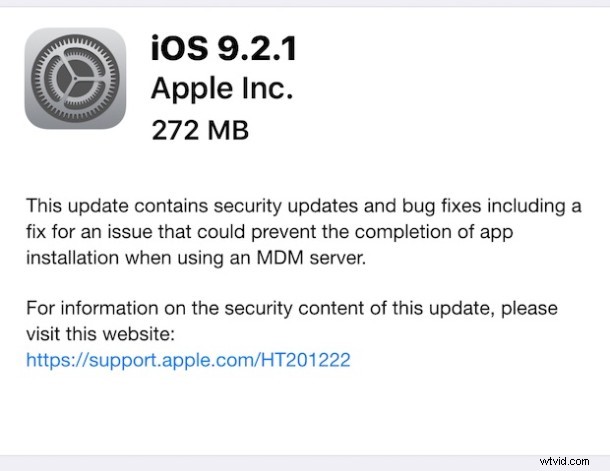
iOS 9.2.1 13D20 for iPhone IPSW Download Links
The 13D20 build of iOS 9.2.1 is available only for iPhone models with Touch ID sensors. The IPSW download links below are available from Apple servers and can be used to restore a device displaying “Error 53” with iTunes by following these instructions to use IPSW for updating software.
- iPhone 8,2 13D20
- iPhone 8,1 13D20
- iPhone 7,2 13D20
- iPhone 7,2 13D20
The 13D15 build of iOS 9.2.1 for all devices can be downloaded from here if required for whatever reason.