
Did you know that 80% of consumers are more likely to watch an entire video if there are captions available? That’s one of the reasons we created Zubtitle. We wanted to build the first automated, on-demand social media video tool (that was also simple and user-friendly) for adding captions to your videos.
Video content is an essential part of a solid digital marketing strategy. But by the time you’re finished creating and editing your video, we know you’re probably ready to send it out into social media land for your audience to view and enjoy. That’s why we’ve done our best to make Zubtitle into a one-stop-shop where you can quickly add all of the features you want to your video. If you want to learn about the ins and outs of the social media video tool that can save you time and money, keep reading!
This Social Media Video Tool Lets You Add Captions, Headlines, and More
What Can Zubtitle Do?
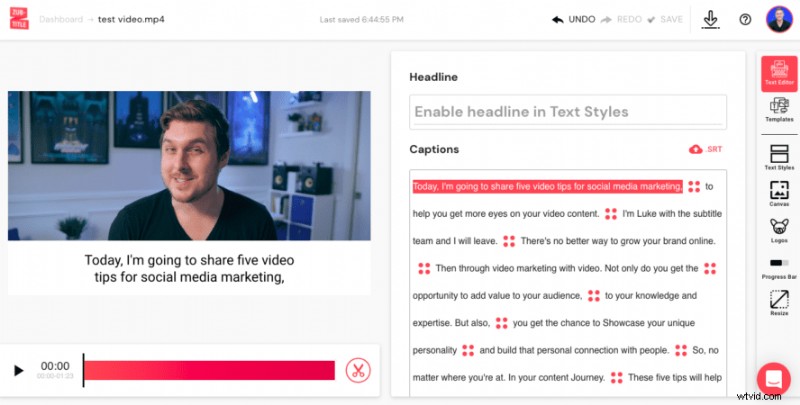
1. Automatically add captions
We’ve already covered the statistics: 80% of people watch social media videos on mute. So if you’re not using captions in your videos, you’re missing out on 80% of your potential audience. If you are currently using captions in your videos, odds are you’re transcribing them yourself or paying a virtual assistant to do it for you. Either way, you’re wasting time and/or money. Zubtitle will automatically transcribe your video and transform your spoken words into timed captions. All you have to do is scan through and make sure everything looks good!
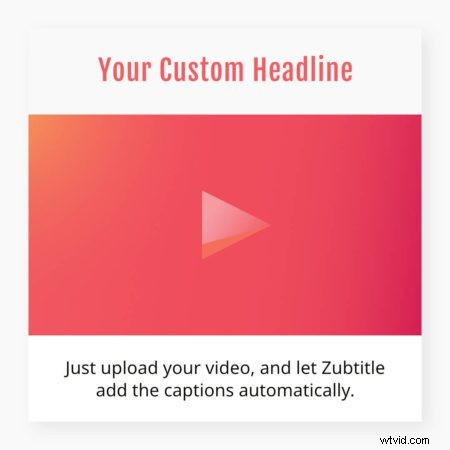
2. Include top border titles
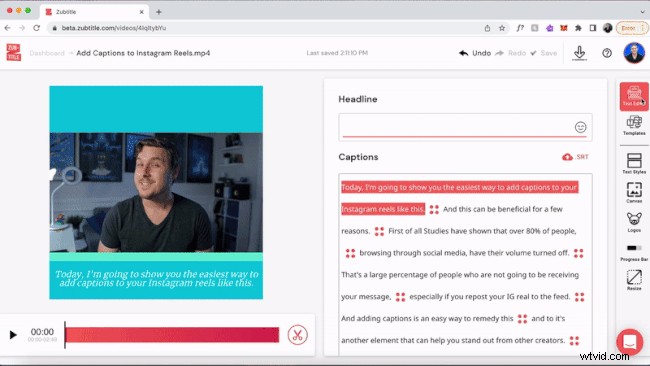
If you want your audience to stop scrolling through their social media feed to watch your video, it’s helpful to have a headline at the very top of your video that grabs their attention. With Zubtitle, you can add an enticing top border that will stop high-speed scrollers in their tracks.
3. Resize your video
Because every social media platform has different specifications for video sizing, we’ve made it easy for you to quickly resize your videos into square, horizontal, or vertical aspect ratios. With this handy feature, you won’t waste time trying to edit your video multiple times so they’re optimized for your various social media profiles.

4. Customize to suit your brand
We know it’s important that your video content always looks like it belongs to your brand. That’s why we designed Zubtitle so that you can customize everything… the colors, fonts, caption positioning, etc. You can add your own brand colors and custom fonts so that every video you produce through Zubtitle will match your brand’s unique style.
Are you ready to start quickly adding captions, headlines, and more to your videos?
Sign up for a free Zubtitle account today to get started! With our free plan, you can create two videos per month. To create up to 10 videos per month (and remove the Zubtitle watermark), check out our standard plan.