
Many app can easily turn your photos into sketches. But if you would like to turn photo into sketch online, this post offers you the top 3 methods. After turning your photos into drawing, you can use MiniTool MovieMaker to make a photo slideshow and post it on Instagram.
Want to apply sketch effect to your photo online? Don’t miss the following 3 tools that can turn photo into sketch in minutes.
3 Best Free Online Tools to Turn Photo into Sketch
- Lunapic
- PhotoFunia
- Pho.to
#1. Turn Photo into Sketch Using Lunapic
Speaking of turning photo into sketch, Lunapic is a great online tool for image manipulation. It’s more like an online Photoshop app packed with all the needed photo editing tools. With it, you can turn photo into sketch easily even without any knowledge of photo editing. And it offers you over 10 sketch effects like Pencil, Scribble, Color Pencil, etc.
In addition to that, Lunapic also allows you to make GIF transparent, blur image, mirror image, add border to image, pixelate image, and so on.
Now, let’s see how to turn a photo into a sketch with Lunapic.
Step 1. Open the Lunapic website in your web browser.
Step 2. Then click on Upload > Choose File to load the photo you want to turn into a sketch.
Step 3. Hover your mouse on Effect and go to Pencil Sketch.
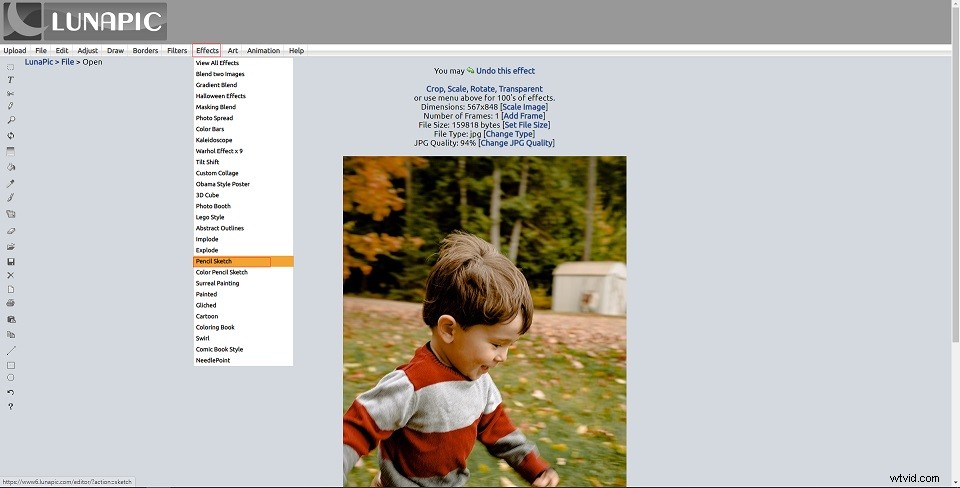
Step 4. After turning the photo into sketch, you can move the slider to adjust the Sketch effect. Meanwhile, if you are not satisfying this sketch effect, you can try other sketch effects.
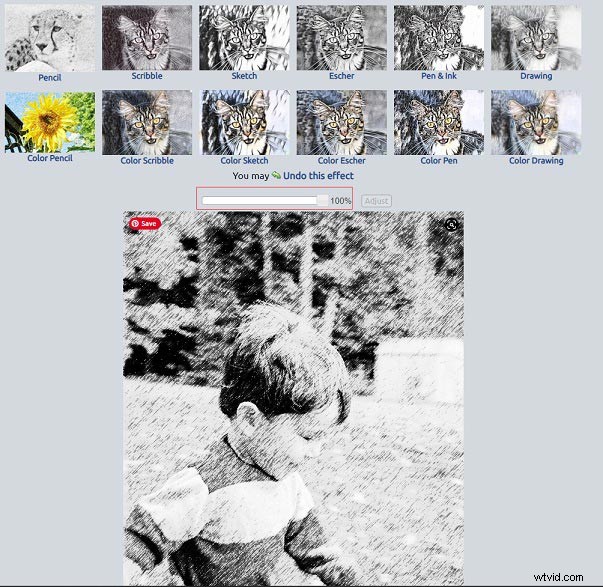
Step 5. When you are done, right-click on this image and save it to your device.
#2. Turn Photo into Sketch Using PhotoFunia
PhotoFunia is another place where you can turn photo into sketch online. It’s user-friendly and provides you with hundreds of effects except the sketch effect. The offered effects include Jade, Painter, Face swap, Marine, Burning photo, Zombie, Clown, Smoke flare, etc.
Here’s how to turn photo into sketch using PhotoFunia.
Step 1. Visit the PhotoFunia website and get to its homepage.
Step 2. Type “sketch” in the search bar and hit the Enter key.
Step 3. Then click on Sketch in the matching results to go on.
Step 4. Tap on Choose photo to import the target photo from your PC.
Step 5. After importing the photo, you can crop the photo as needed and click the Crop button to continue. Then tap on Go to start processing the photo.
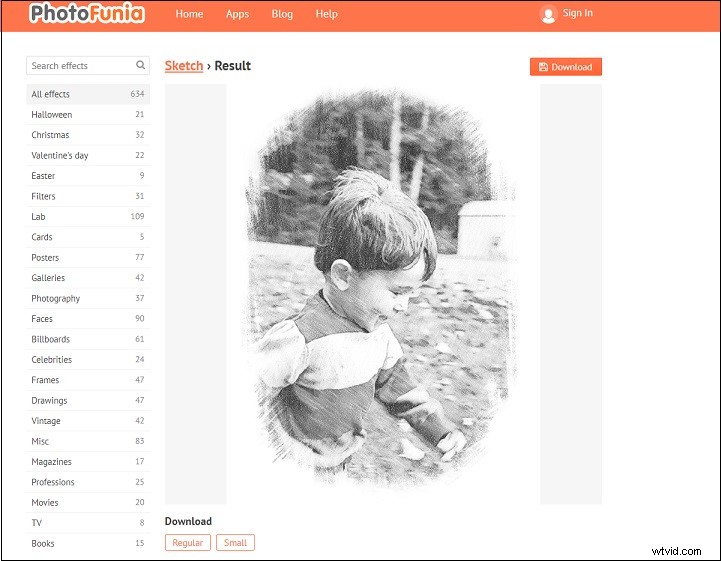
Step 6. Lastly, click on Download to save the sketch or choose to download this image in regular or smaller size.
#3. Turn Photo into Sketch Using Pho.to
The last method to turn photo into sketch is using Pho.to. This is an online free service offering 600+ creative effects including Sketch and a bunch of photo editing tools. With it, you can upload a photo from the computer, URL, Facebook and turn the photo into drawing.
Here’s a guide on how to turn a photo into a sketch.
Step 1. Go to the Pho.to website.
Step 2. Choose Sketch effect in the Fun effects page.
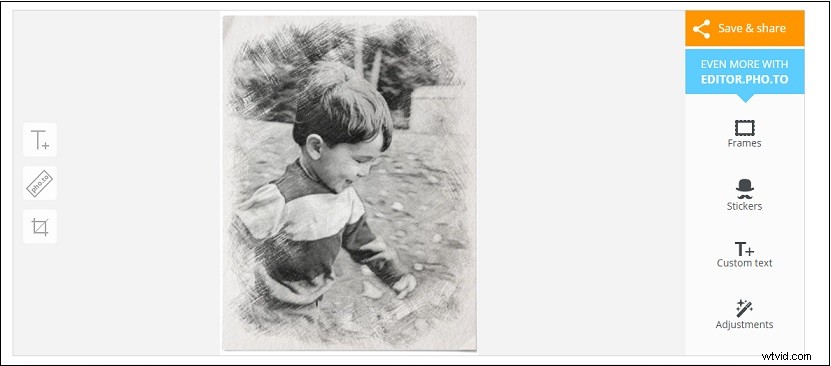
Step 3. Load your photo from computer. When the process is over, you can press on Save & share > Download to save this image.
Conclusion
Try the 4 best free photo to sketch tools and you can turn photo into sketch online without a hassle.