
Facebook Live allows users to go live on Facebook anytime, anywhere, so you can find diverse live video content on Facebook. How to find and watch live videos on Facebook? This post will show you how to watch Facebook Live on your phone, computer, and TV.
Facebook Live lets users livestream without subscription limit and interact with the audience. Viewers can watch live videos on Facebook from a mobile phone, computer, or TV. Below are the step-by-step guides on how to watch Facebook Live. (Try MiniTool MovieMaker to create a funny Facebook video)
How to Watch Facebook Live on Android and iOS
Step 1. Open the Facebook app on your phone.
Step 2. Tap on the Menu button in the lower-right corner and choose the Live Videos option. Then you will see all the live videos on Facebook.
Step 3. Alternatively, you can click the Videos on Watch after tapping the Menu button. Click on the Live category to find Facebook Live videos.
Step 4. Watch the live video you are interested in.
Related article: Solved - Facebook Videos Not Playing on Phone/Chrome
How to Watch Facebook Live on Computer
Step 1. Open your browser and go to the Facebook website.
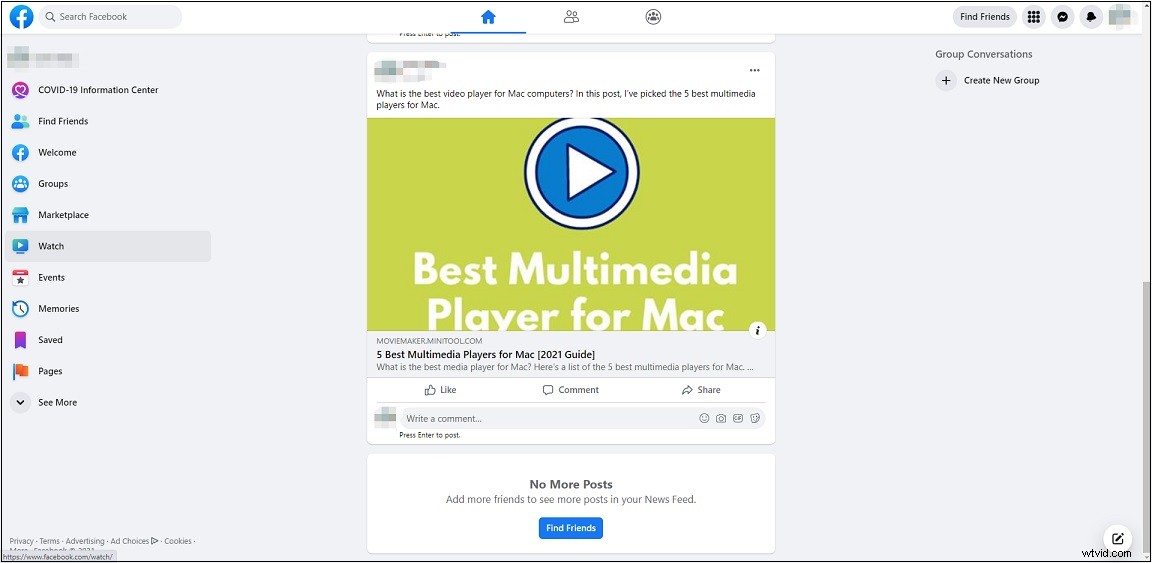
Step 2. Tap on Watch in the left panel to access the Facebook Watch page where you can watch short videos, TV shows, and live videos.
Step 3. Choose the Live option from the left panel and browse popular live videos, live news and live gaming.
Step 4. Then choose the live video you want to watch.
How to Watch Facebook Live on TV
Facebook enables you to cast videos from Facebook Watch or Facebook News Feed onto your TV. Here’s the step-by-step guide on how to watch Facebook Live on TV.
Step 1. Make sure that your phone and TV are on the same Wi-Fi network.
Step 2. Open the Facebook app and go to Menu > Live Videos. Find the live video that you want to stream.
Step 3. Play the video and tap the Screen Share icon in the upper-right corner of the video.
Step 4. Choose the TV you’d like to use to watch the live video.
How to Start a Facebook Live Event
If you want to livestream on Facebook, you can take the following steps on how to go live on Facebook using a mobile device.
Step 1. Open the Facebook app.
Step 2. Tap on What’s on your mind and select the Live Video option.
Step 3. Allow Facebook to use your camera and microphone and decide who can see your broadcast. After that, close the window and click the Start Live Video button to start a Facebook Live event.
Step 4. When you are live streaming, you can apply filters, enter comments, etc.
Step 5. Tap on Finish to end the live video.
Conclusion
Facebook Live is a great place to go where you can watch live gaming, live news and more. This post teaches you how to watch Facebook Live videos and how to go live on Facebook. Enjoy live videos on Facebook right now!