What is DPI
From the DPI meaning it is obvious, that the higher this setting is, the better. Photos with low DPI look grainy, with finest details and nuances missing.
The poor quality may be caused by different reasons: wrong resolution and camera settings, imperfect shooting techniques, lack of lighting, etc. But no worries! Even if this parameter of your image is lower than the standard (300 DPI), you can still fix it.
Clideo will help you to solve this problem in several clicks. Our tools are compatible with all the operating systems, be it Mac, Windows, or Linux in all their configurations. To use our online DPI converter, you don’t have to study lengthy manuals as it is extremely user-friendly and self-evident.
What is even more important – our tool is free for processing files up to 500 MB each, and you can edit as many images per a day, as you need.
Keep reading and get to know how to change DPI in 3 steps:
Upload a picture to the tool
Open Clideo’s DPI Changer in any browser and hit the “Choose file” button to pick up an image from your personal device.
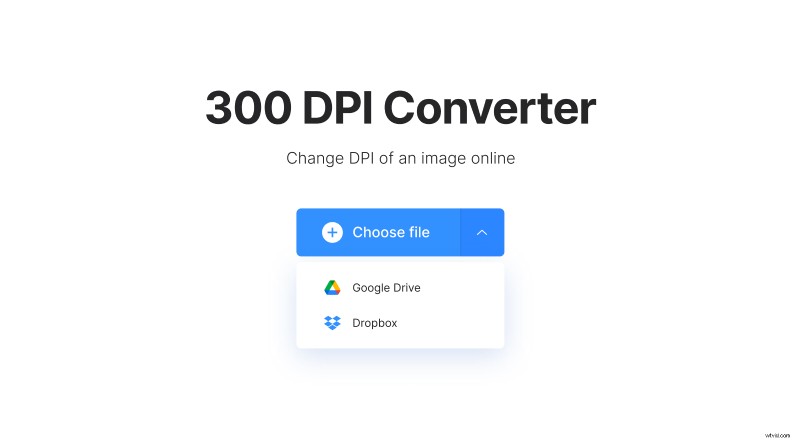
If you want to edit a picture stored online, call a drop-down menu on the right side of the pane. Here you can either select a photo from Google Drive or Dropbox.
Increase DPI of an image
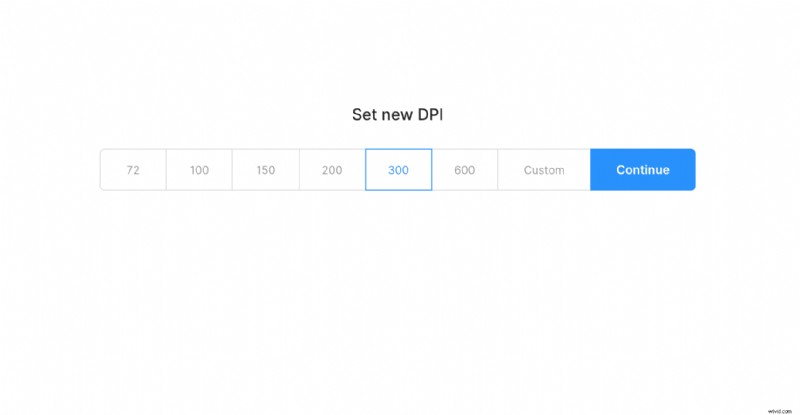
Select the needed parameter from 72 to 600 DPI or set the custom one. Then click on “Continue” and let the tool do its job.
Save the renewed image
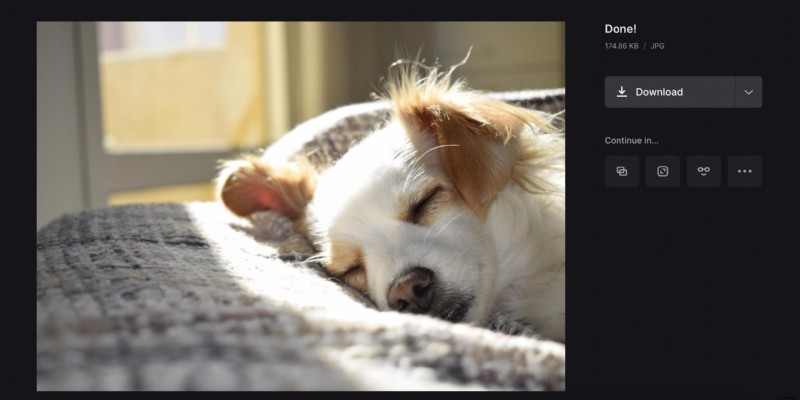
Save the file to your personal device or cloud storage account. If you want to edit it in some other tool right away and skip the “download/upload” step, subscribe to Clideo Pro.