How to know the DPI of an image
This may be due to the low picture’s DPI, in which case changing this value can help. But what is DPI and how can you determine DPI of an image?
The term DPI (dots per inch) is used in computing to define the quality and resolution of a photo or image. The higher the value, the more detailed and sharper the image will be when printed. Images with higher DPI values can also be enlarged more before pixelation starts.
Once you know the DPI value for your images, you can determine the correct ways to manipulate it. A higher initial DPI should allow you to resize images without losing quality, but it’s harder to do so for lower DPI images.
For the digital printing industry from A5 to A0, a standard value of 300 DPI is used, which is usually enough to print text and images well and with high quality. So how do you know if an image is 300 DPI or less?
Actually, the ways to check the DPI of an image on both Mac and Windows are pretty easy!
- On Mac, find the image in Finder, open it in Preview, then go to Tools > Show Inspector and look for the Image DPI line.
- On Windows, find the image in File Explorer, right-click on it and choose Properties from the menu. There, click the Details tab and look for Vertical resolution and Horizontal resolution in the list, which will show you the image’s DPI.
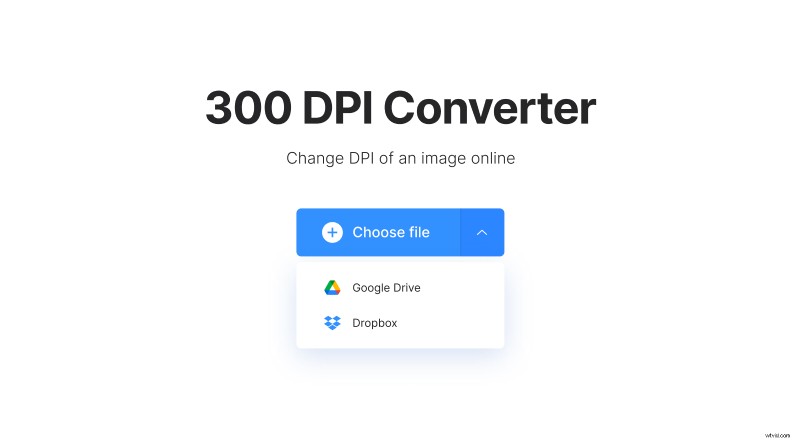
Now that you know how to check this value, what about changing it? With our tool, it’s an easy task that can be done in a few clicks! All you need to do is:
- Open Clideo’s DPI Converter and upload a file from your device or pick it from your cloud storage account.
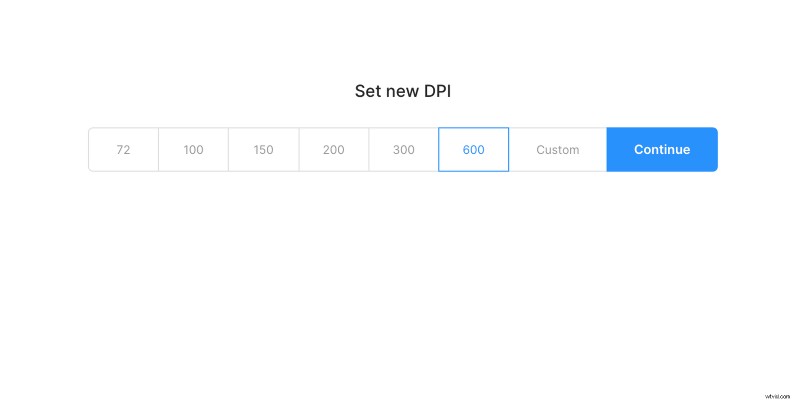
- Select a DPI you want to set or enter a custom value.
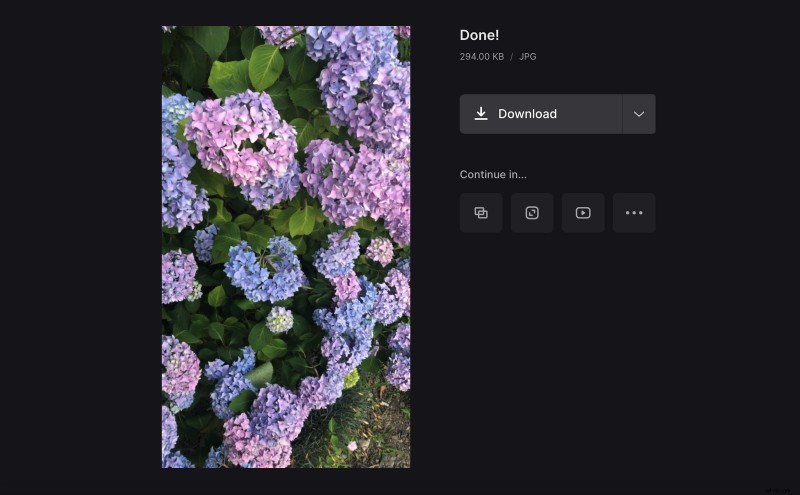
- Wait for the processing to finish, then save the result to your device or upload it back to your cloud storage. And there you have it!