Learn to rotate a .mov file online
Note that rotating is not the same as flipping. To flip a shooting means to mirror horizontally or vertically, while to rotate a video means to turn it 90 or 180 degrees.
Clideo is compatible with all operating systems, be it Windows, Mac, Android or iOS. Moreover, you can rotate MOV videos as well as AVI, MP4, MPEG and other recordings.
With our online tool you don’t have to download and install anything, exhausting your phone’s memory.
It is free – you can upload and edit a recording up to 500 MB without any subscriptions and registrations. In contrast with other services, we don’t make you bear with endless ads and don’t limit the tool’s functionality.
Keep reading and get to know how to rotate a MOV file in several clicks online.
Upload a recording to rotate
Open Clideo’s MOV Rotator in any browser and hit the big blue button at the centre of the screen to upload a recording from your camera roll.
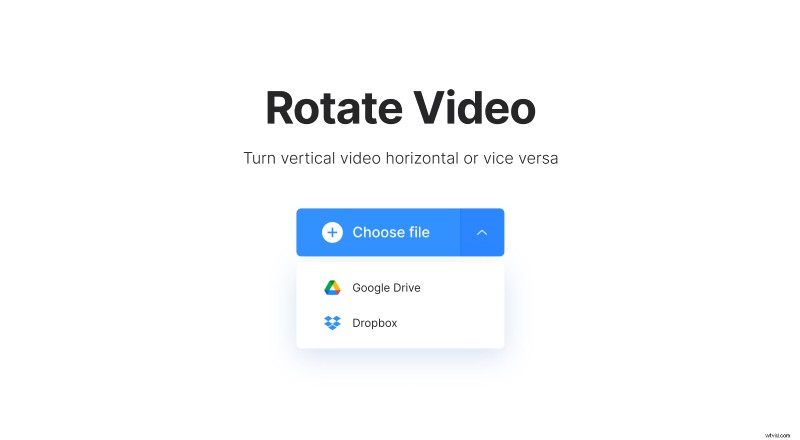
Otherwise, call the drop-down menu on the right and either import content from Google Drive or Dropbox.
Rotate MOV files 90 degrees or more
Use buttons with round arrows on the right of the player to rotate the image clockwise or counterclockwise. Each click turns the video by 90˚, so to rotate the recording by 180 degrees, you can just hit any button twice.
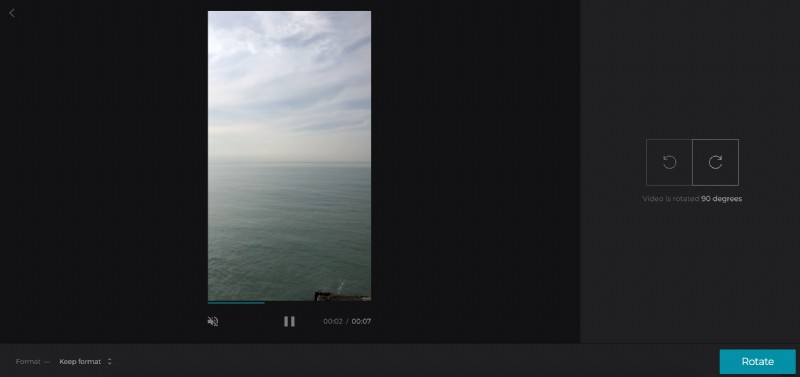
Don’t forget to select an output format. MOV and MP4 are widely acceptable by different social media, but you can choose something more exotic, such as ASF or VOB if it better suits your needs.
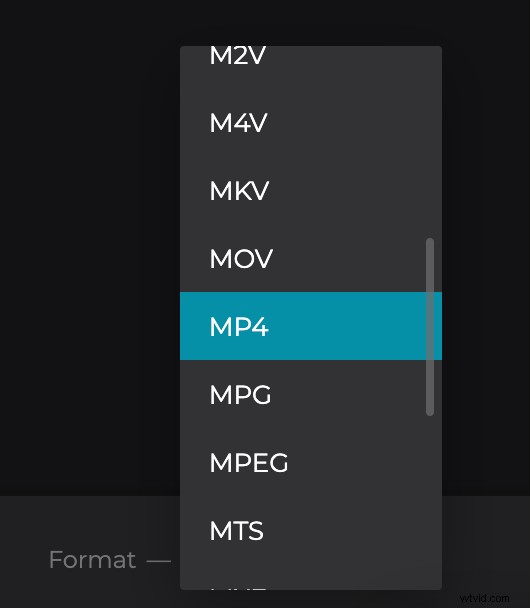
When you are done, hit “Rotate” and get ready to download your new video.
Save the rotated clip
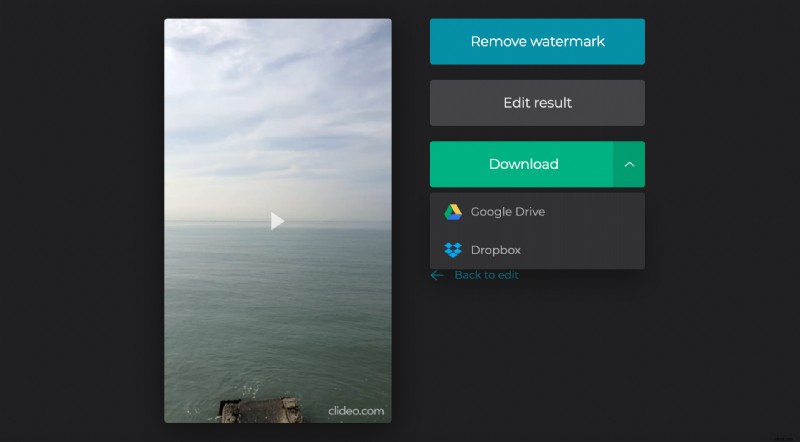
Download the result to your personal device or cloud storage account. If you changed your mind and want to rotate it in another way or select another format, you don’t have to start over from the very first step – just hit the arrow “Back to edit” and keep working!