
As a gamer, the right soundtrack can elevate your videos, but finding music that won’t trigger copyright strikes is a challenge. Below is a vetted list of the best free‑to‑use music sites and a recommended video editor that lets you add royalty‑free tracks directly to your footage.
Why You Need Copyright‑Free Music
Using non‑copyrighted music protects you from takedowns, demonetisation, and community policy violations on platforms like YouTube and Twitch. The sites listed here provide clear licensing information and are safe for commercial use in gaming content.
Our Top Pick: Wondershare Filmora
Filmora is a comprehensive video editor that includes a built‑in library of royalty‑free tracks. With features such as speed‑ramping, motion tracking, and screen recording, it’s ideal for stream highlights, tutorials, and gameplay compilations.
Download Filmora from Wondershare’s website and explore the Filmstock library to find tracks that match your game’s atmosphere.
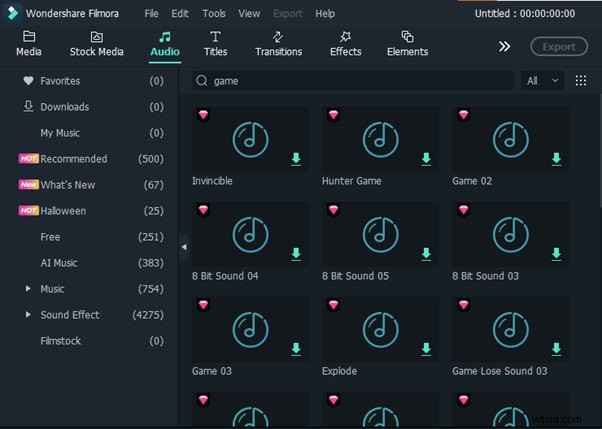
Watch our step‑by‑step tutorial to learn how to import and mix music in Filmora.
10 Best Websites for Copyright‑Free Gaming Music
Below you’ll find a concise guide to the ten most reliable sites for sourcing royalty‑free tracks, including how to download them and what licenses to look for.
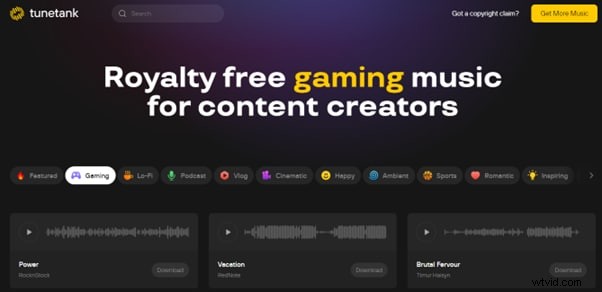
- Tunetank
- Free platform with a dedicated "Gaming" category.
- Listen via the "Play" button, then click "Download" to save an MP3.
- Optional YouTube subscription to avoid future claims.
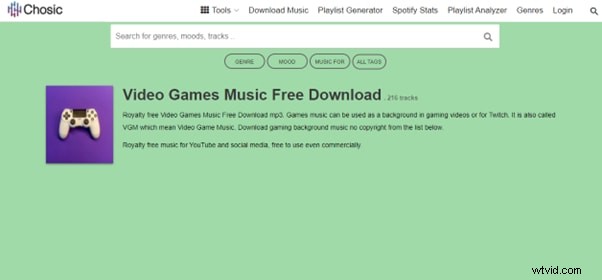
- Chosic
- Robust search filters: relevance, license, duration.
- Pre‑view with the "Play" icon, then download for free or purchase a license.
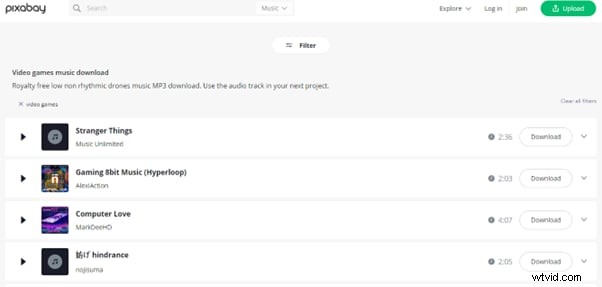
- Pixabay
- Popular for both visual assets and music.
- Filter by genre, then click "Download" for an MP3.
- eProve
- Wide format support: MP3, M4A, FLAC, WAV, WEBM, OGG.
- Use the "Gaming Music" tag, then download after email confirmation.

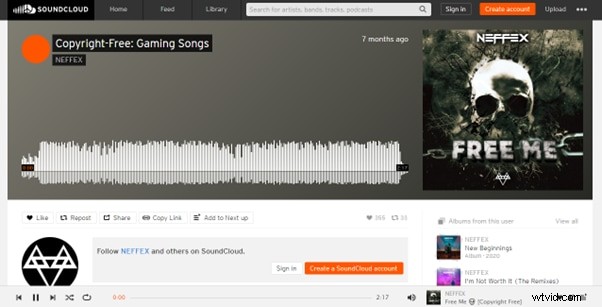
- SoundCloud
- Search by tags or keywords; filter to "Creative Commons".
- Download the track once the license is verified.
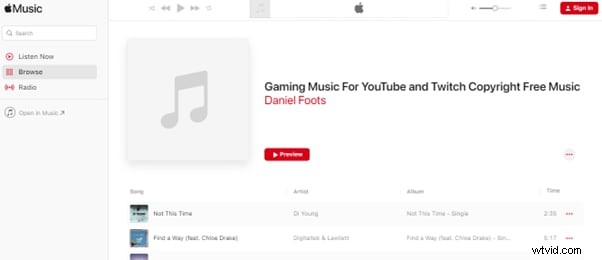
- Apple Music
- Over 100 million tracks; use the "Download" button for playlists or songs that allow offline use.
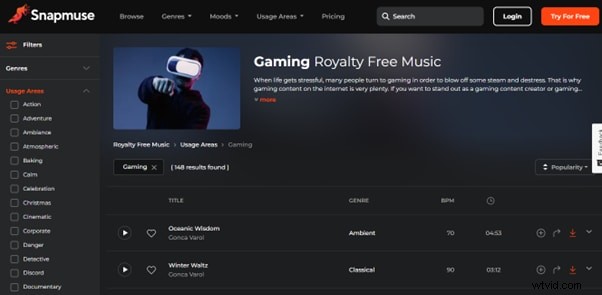
- Snapmuse
- Filter by genre, mood, duration, and usage area.
- Download in MP3 or WAV after signing in.
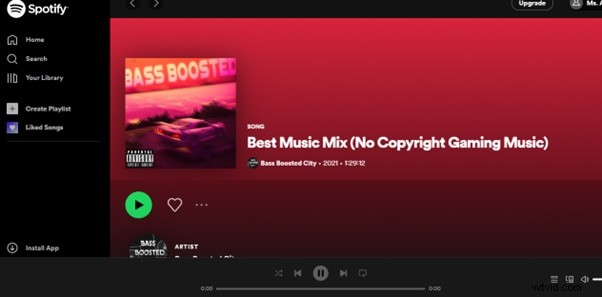
- Spotify
- Premium members can download playlists for offline use.
- Use the "Download" icon above the playlist to save locally.
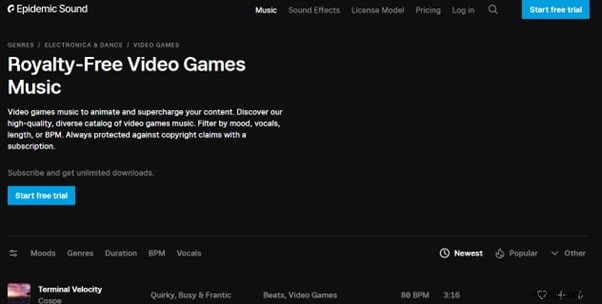
- Epidemic Sound
- Premium plan starts at $9/month; offers genre‑specific libraries.
- Download tracks after a free trial or subscription.
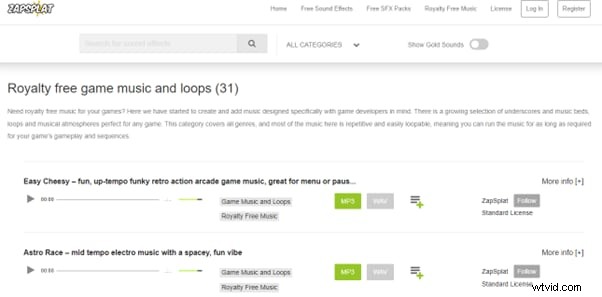
- ZapSplat
- Free and premium tiers; free MP3s available immediately.
- WAV files require a Gold membership.
Conclusion
By leveraging these trusted resources, you can confidently add high‑quality, copyright‑free music to your gaming videos and streams. Remember to always double‑check the license terms—especially for commercial use—and keep your credits clear in the video description.
Happy streaming, and may your soundtracks be as epic as your gameplay!