
Quick Summary: Pinterest Audio Download
- Step‑by‑step guide to extracting audio from Pinterest videos using web tools, mobile browsers, and desktop software.
- For premium quality, use Filmora to clean and export a polished MP3 after downloading the video file.
- Always download or reuse audio that you own or have explicit permission to use.
Pinterest hosts a wealth of short videos and tutorials where the background music or narration is the main attraction. If you need a reliable Pinterest audio‑to‑MP3 workflow, this article covers practical options—from quick online converters to a high‑quality desktop method—and the essential rules before converting any video.
Table of Contents
- Method 1: Online Pinterest to MP3 Converter (Pinterest Audio Downloader)
- Method 2: Convert Pinterest Video to MP3 with Filmora (Best Quality Control)
- Method 3: Pinterest Video to MP3 on iPhone/Android (Mobile)
- Method 4: Legal Considerations – Can You Download Pinterest Audio as MP3?
- Where Your Pinterest MP3 Downloads Are Saved
Method 1: Online Pinterest to MP3 Converter (Pinterest Audio Downloader)
Process: Convert a Pinterest video to MP3 online by following these simple steps:
- Copy the video URL from your browser’s address bar.
- Paste the link into a trusted tool such as TubeRipper or ExpertsPHP.
- Select "MP3" or "Audio" as the output format.
- Click "Extract" or "Download" to save the audio file.
Several free web services claim to convert Pinterest videos to MP3. The key is to choose a stable site that doesn’t force suspicious downloads and delivers consistent audio quality. Below are three popular options, followed by a quick comparison table.
1. TubeRipper
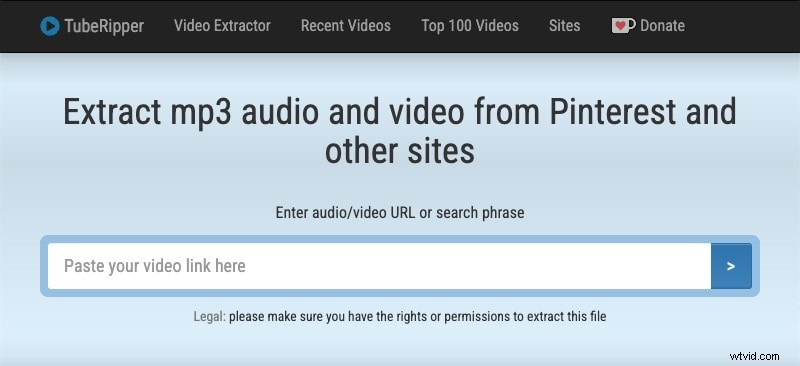
TubeRipper allows you to paste a Pinterest link and export the audio in multiple formats. It’s ideal for a fast, no‑frills download. Avoid any pop‑ups that prompt additional software installations.
Main Features
- Two extraction modes: Audio and Video
- Six audio file types (MP3, MP4, FLAC, OGG, Opus, WAV)
- Up to 48 kHz, 256 kbps for MP3 output
Pros
- No ads in the main workspace
- Wide range of audio file types and quality levels
Cons
- Web‑only access
- Preview of the converted file may appear distorted on‑site
How to Use
- Locate the Pinterest video and copy its URL.
- Open TubeRipper’s Pinterest converter page.
- Paste the URL into the input box.
- Select your desired audio format and quality.
- Click Extract Audio to download the file.
2. noTube
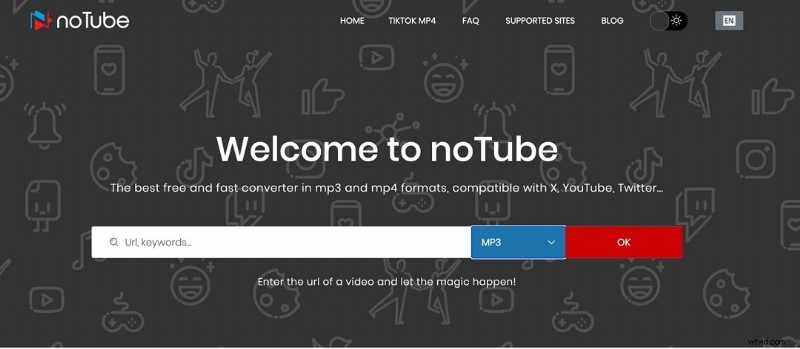
NoTube supports multiple platforms and offers high‑bitrate options such as "MP3 HD". It’s a good choice when you need a clearer audio result.
Main Features
- Three audio formats: MP3, MP3 HD, WAV
- Playlist support for downloading multiple videos
- No‑limit downloads (sign‑up required for large files)
Pros
- Ad‑free download experience
- Supports 1,400+ video hosting sites
Cons
- Sign‑up required for larger downloads
How to Use
- Copy the Pinterest video URL.
- Navigate to the noTube website.
- Paste the URL into the download bar.
- Select MP3, then click OK.
- Click Download to start the process.
3. ExpertsPHP
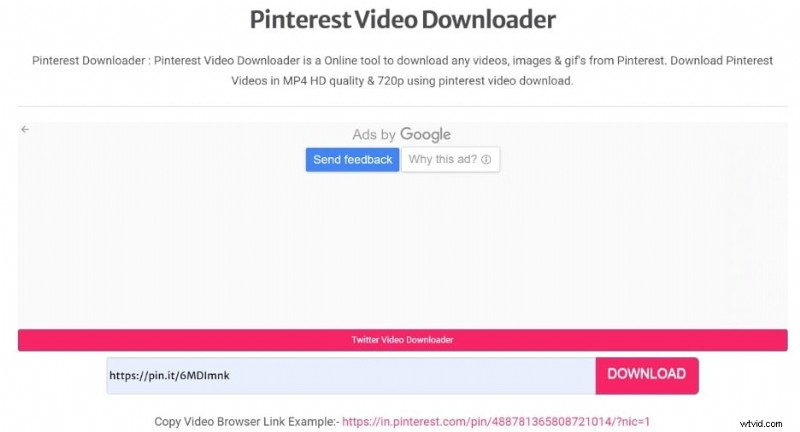
ExpertsPHP is a lightweight browser‑based option that works on both desktop and mobile browsers. It’s best suited for quick conversions with minimal features.
Main Features
- Supports MP4 and MP3 formats.
- Compatible with various browsers.
- Can download videos, images, and GIFs.
- Employs high‑scale security protocols.
Pros
- Handles files up to 720p.
- Fast conversion speeds.
- Zero cost.
Cons
- Limited feature set.
- No dedicated software download.
How to Use
- Open Pinterest and locate the video.
- Copy its URL.
- Paste the URL into the ExpertsPHP search box.
- Click the download icon.
- Select MP3 as the format and tap the download link.
- Choose "Save as" to store the file.
4. Comparison Table for the Top 3 Online Pinterest Video Downloaders
Below is a quick reference to help you decide which tool best fits your needs.
| TubeRipper | noTube | ExpertsPHP | |
| Conversion Speed | Fast (5‑6 s for 10‑s video) | Fast (4‑5 s for 10‑s video) | Fast (5‑6 s for 10‑s video) |
| User Experience | Flexible audio downloads | Flexible MP3 conversion platform | Best‑quality MP3 download |
| Ratings | — | 4.4/5 (TrustPilot) | 5.5 (FixThePhoto.com) |
| Supported Content Types | Video, GIF, Images | Video, GIF, Images | Video, GIF, Images |
| Compatible Platforms | YouTube, Facebook, X, Instagram, Dailymotion, YandexVideo, etc. | Pinterest, YouTube, Facebook, X, Dailymotion, Instagram, etc. (1000+ sites) | Pinterest, TikTok |
| Supported Output Formats | MP3, MP4, WAV, Opus, FLAC, OGG | MP4, MP3, MP3 HD, 3GP | MP3, MP4 |
| Audio Quality | Up to 256 kbps (MP3) | Standard quality | High quality |
Method 2: Convert Pinterest Video to MP3 with Filmora (Best Quality Control)
Why Filmora? A desktop editor gives you fine control over noise reduction, volume balancing, and export settings. After downloading the video file, you can clean the audio and export a high‑fidelity MP3.
- Import the downloaded Pinterest video into Filmora’s timeline.
- Apply "Denoise" or "AI Audio Enhancement" to polish the background sound.
- Export as MP3 and adjust bitrate for maximum fidelity.
Compatible with Windows 7+ (64‑bit) and macOS 10.14+.
Key features:
- Supports common video formats (MOV, AVI, MP4, etc.)
- Trim, merge, and adjust playback speed and volume.
- Remove unwanted background clips and auto‑sync beats.
Pros
- Audio output in MP3 and WEBM.
- Option to add voice‑overs.
- Instant mode for automated editing.
Cons
- Requires an MP4 video file first (download from another tool).
- Advanced features (Audio Ducking) are paid.


Step‑by‑Step in Filmora
- Launch Wondershare Filmora.
- Create a new project.
- Import the Pinterest video and drag it onto the timeline.
- Use the Audio panel to apply Adjustments, AI Voice Enhancer, or Denoise.
- Click Export and set the format to MP3.
- Export and save the file.
Download Pinterest Video as an MP3 on iPhone or Android
Mobile apps claiming to be Pinterest audio downloaders are often blocked or unreliable. The most consistent approach is to use a mobile browser to access a trusted online converter and then save the MP3 to your device.
Using TubeRipper on Mobile
- In the Pinterest app, tap Share > Copy link on the video you want.
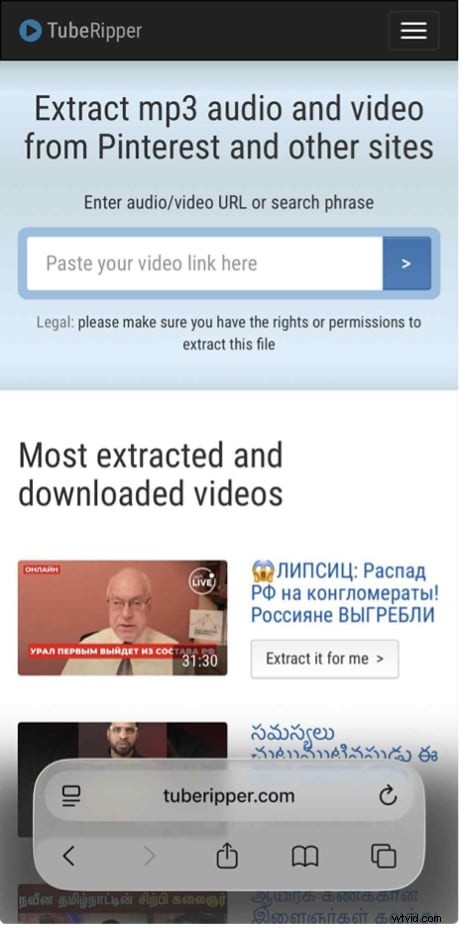
- Open the TubeRipper converter in your mobile browser.
- Paste the link and press the arrow button.
- Select MP3 and click Extract Audio.
- Locate the downloaded file in Files > Downloads (iOS) or your file manager (Android).
Legal Considerations – Can You Download Pinterest Audio as MP3?
While third‑party tools can convert a Pinterest video to MP3, they are not official Pinterest features. Always confirm you have the right to download and reuse the audio—such as your own content, licensed music, or public‑domain audio.
Disclaimer: This guide is educational and applies only to audio you own or have permission to use. Unauthorized downloading or reuse of copyrighted material may violate Pinterest’s policies and copyright law.
Where Are Your Pinterest MP3 Downloads Saved?
After conversion, the MP3 file is typically stored automatically in your device’s Downloads folder. On desktop, check the browser’s Downloads directory; on iPhone, open Files > Downloads; on Android, open the Downloads folder in your file manager.
Conclusion
Choosing a trustworthy Pinterest‑to‑MP3 solution can be challenging due to the abundance of similar sites. For a quick conversion, an online downloader is sufficient. For higher‑quality audio—free from background noise and with precise volume control—Filmora offers the best control. Once you have the MP3, you can trim, normalize, or repurpose it in your own projects while respecting copyright and platform rules.