
Tamil music’s rhythmic charm makes it a favorite for phone ringtones worldwide. This guide shows you the best free sites to download ready‑made Tamil ringtones and walks you through a simple method to craft your own personalized ringtones using Wondershare Filmora.
Table of Contents
- ProKerala
- Musik Ringtone
- Mobis Ringtone
- Ringtonestar
- Set as Ringtones
- MoboCup
- How to Cut a Downloaded Song into a Ringtone
Top 6 Websites to Download Tamil Ringtones
These sites offer high‑quality, ready‑made Tamil ringtones for free, without the need to create an account.
1. ProKerala
ProKerala provides a vast library of Tamil ringtones that you can preview before downloading. The site updates daily with new releases, including SMS alerts, alarm tones, and notification sounds.
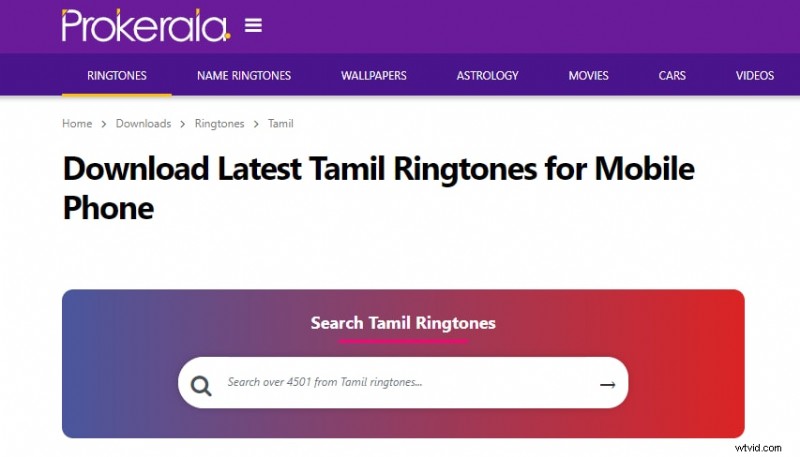
Key benefits: Daily updates, no registration required, and straightforward downloads.
2. Musik Ringtone
Musik Ringtone hosts a wide variety of Tamil tones—romantic, battle, BGM, classical, remix, and instrumental. While ads are present, the download process remains simple.

Key benefits: Extensive categories, single‑click downloads, and free access.
3. Mobis Ringtone
Mobis Ringtone offers a clean UI and ad‑free experience, compatible with iPhone, Samsung, and other modern phones. The library focuses on movie‑based and trend‑based categories.
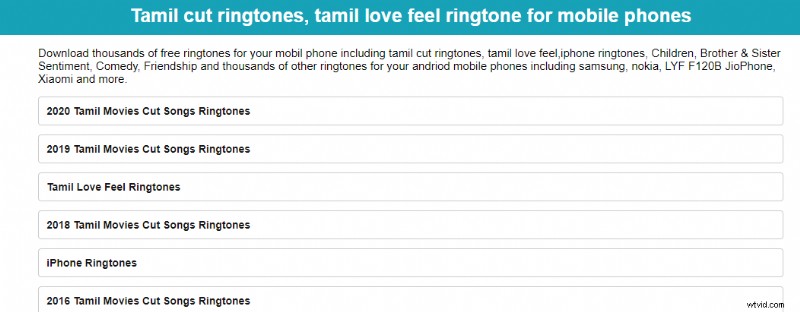
Key benefits: User‑friendly, no account needed, and free downloads.
4. Ringtonestar
Ringtonestar delivers inspirational, fun, and comedic Tamil MP3 ringtones for iOS and Android. The site’s rating system helps you choose authentic sounds.
Key benefits: Free downloads, download statistics, and creator details.
5. Set as Ringtones
This site hosts a nostalgic collection of Tamil ringtones from the 80s and 90s. You can share or send ringtones via WhatsApp and other social media platforms.
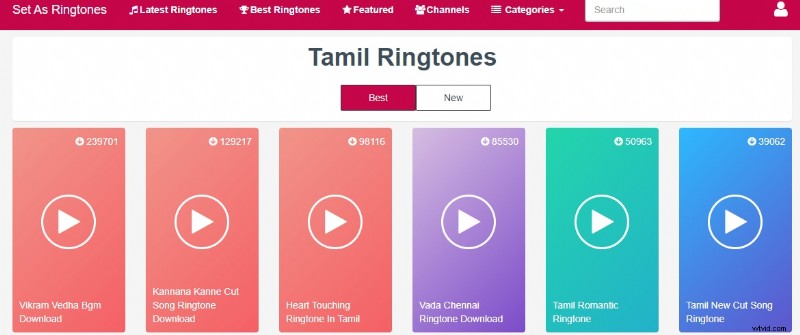
Key benefits: Extensive categories, social sharing, and free access.
6. MoboCup
MoboCup offers a rich selection of Tamil ringtones—from chimes to rock beats. Its filter feature simplifies finding your favorite tracks, and you can mark them as favorites without paying.
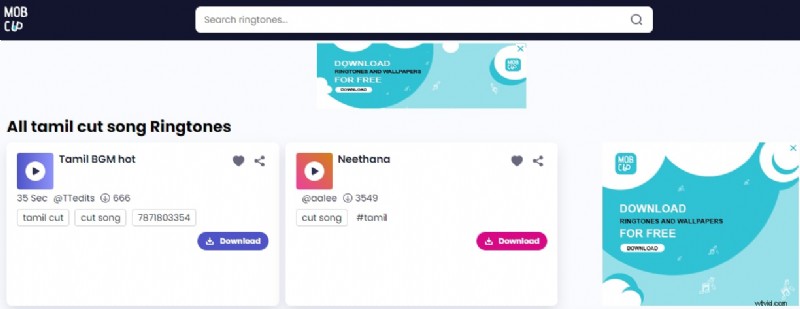
Key benefits: Deep library, favorite functionality, and free uploads after registration.
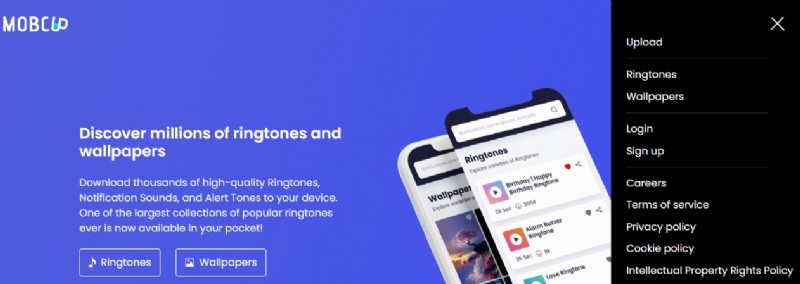
To upload your own ringtones to MoboCup:
- Visit the MoboCup site on your phone.
- Tap Sign Up to create a free account, then log in.
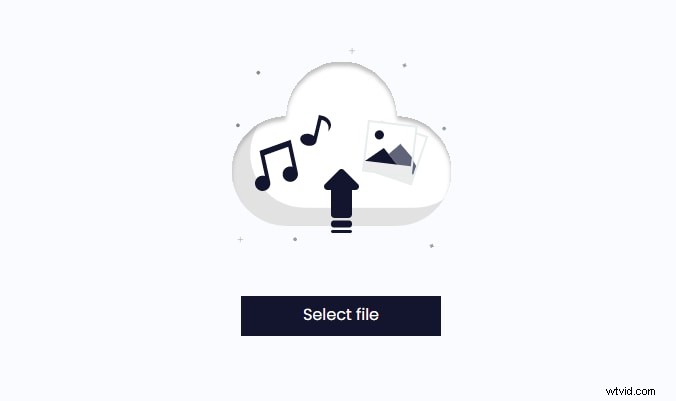
- Choose Select File, add your ringtone, and provide a title and tags.
- Tap Upload and your track will be available for others.

How to Cut a Downloaded Song into a Ringtone
When the available ringtones don’t suit your taste, you can craft a custom Tamil ringtone using Wondershare Filmora—a powerful yet affordable video editor with robust audio tools.
- Open your browser, navigate to Filmora’s website, and download the latest version for your PC.
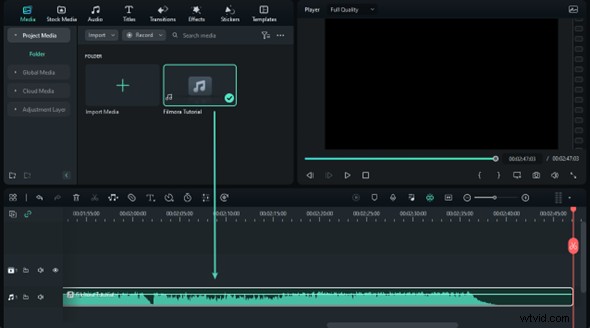
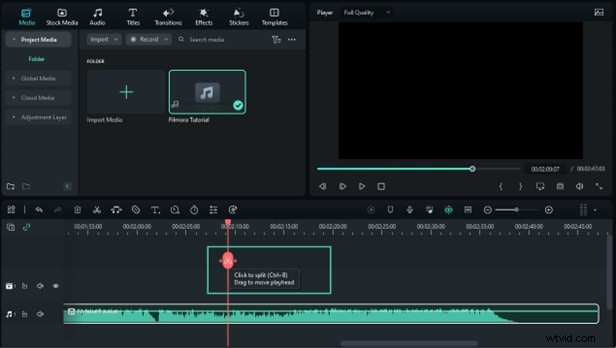
- Launch Filmora, click Import, and add your Tamil MP3 file. Drag the file to the Timeline.
- To trim the track, click on the clip to reveal the double‑arrow handles. Drag the handles to select your desired segment, then click Split or press Ctrl+B to remove unwanted parts.
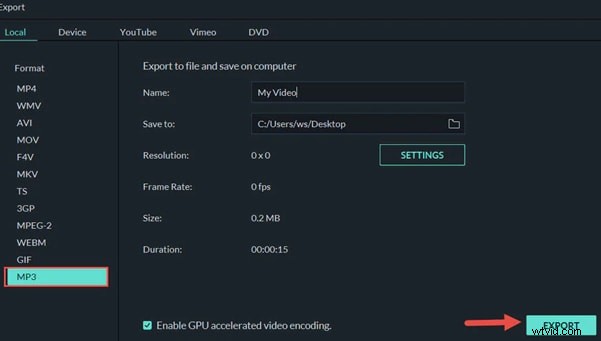
- Click Create, then Export to save the edited MP3 on your PC. Transfer the file to your phone via USB or a cloud service like Google Drive.
Once transferred, set the file as your ringtone through your phone’s sound settings. For more detailed tips on Filmora’s features, watch the instructional video linked below.
Conclusion
We’ve highlighted six reliable, free-to-use websites for downloading Tamil ringtones and shown you how to create personalized ones using Filmora. Whether you prefer ready‑made sounds or custom edits, these resources empower you to personalize your phone’s audio experience with authentic Tamil music.