
Good video editing is all about managing your time. And that begins with keyboard shortcuts. Here are three that every editor needs to know.
Video editors need efficient shortcuts. Always. There are plenty to learn, but let’s start with these three.
If you’re not using J, K, or L as editing shortcut keys, you’re missing out on the party. They’re efficient tools for both fine-tuning and broad strokes in a timeline.
Here’s how to use them.
J = Back
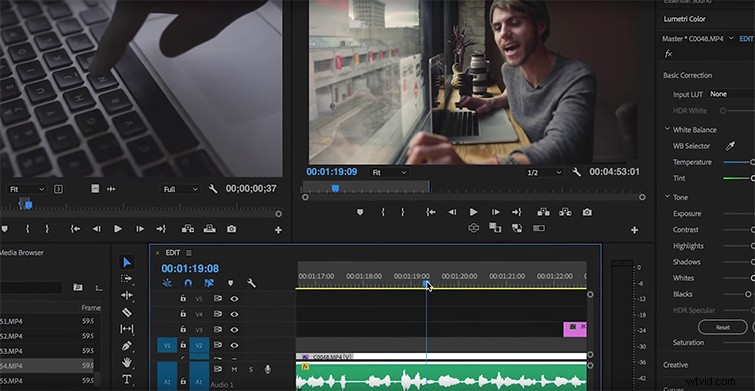
Pressing the J key once will track your play backward at regular speed. The speed will increase by the number of times you press the key. Two taps will speed your playhead twice as fast in reverse; three taps = 3x and so on and so forth.
L = Forward

You guessed it: pressing the L key will track your play forward the same way the J key moves it backward. A singletap starts regular speed, double-tap does it faster, triple-tap makes it even faster, etc.
K = Stop
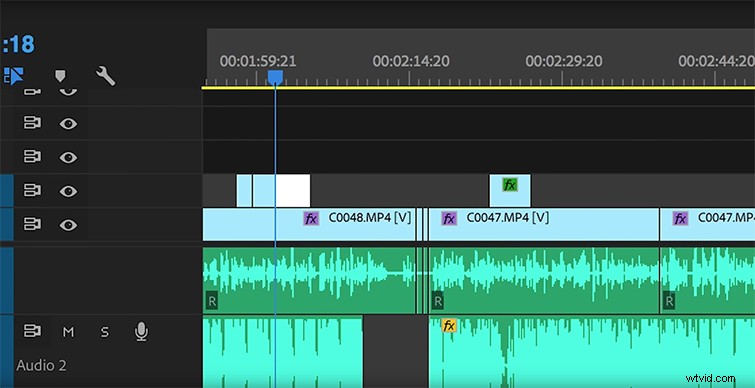
K is the key in between J and L. Its function is to pause the playhead when skimming through the timeline. Unfortunately, K does basically the same thing as the space bar — without being able to also resume playback. Personally, I prefer the space bar over the K key.
These are all subtle keys that will continually speed up your workflow the more you use them. I believe that to become a better editor, you need to focus more on workflow than transitions and plugins. The greater an editor understands their tools, the greater their projects become.