
Game of Thrones has become a cultural touchstone, thanks to its gripping narrative, stunning visuals, and iconic score. As a result, fans worldwide seek high‑quality Game of Thrones ringtones to keep the spirit alive on their devices.
In this guide we’ll examine six of the most reliable websites for downloading GoT ringtones, and we’ll walk you through a professional method for creating custom ringtones using Wondershare Filmora.
In this article
-
- Zedge
- MoboCup
- ProKerala
- Download Mobile Ringtones
- Ringtone SRkh
- YouTube
- How To Create Custom Game of Thrones Ringtones Using Filmora?
Websites to Find Game of Thrones Ringtones
Below are the six most reputable resources for sourcing Game of Thrones ringtones, each offering a mix of free and premium options, crystal‑clear audio, and a user‑friendly interface.
Zedge
Zedge is a long‑standing hub for high‑quality ringtones. The majority of its collection is free, with optional premium tracks unlocked via a brief ad. The platform’s design eliminates intrusive pop‑ups, ensuring a smooth download experience.

Richness & Access
The library covers everything from atmospheric background scores to the rousing “dragon” theme. A dedicated Android and iOS app allows you to install tones directly to your phone.
Categories
- John Snow
- Vikings
- Stark
- Dragon
- GoT Theme
- Peter Dinklage
- Violin
MoboCup
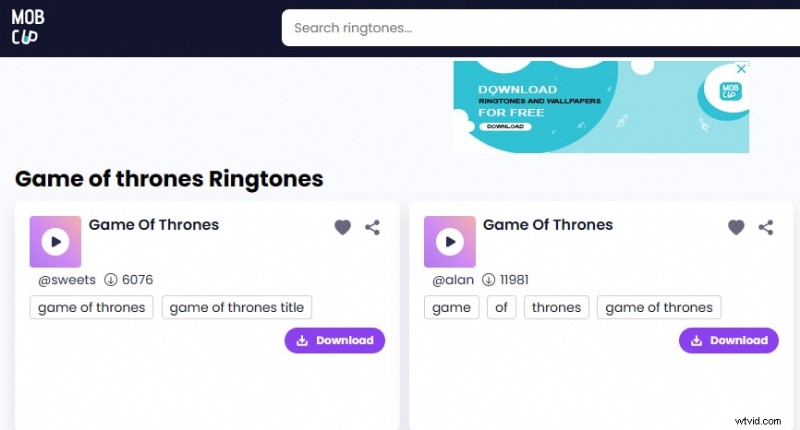
MoboCup offers a wide array of Game of Thrones ringtones for free, with sharing options via Facebook, WhatsApp, Twitter, email, or direct link. Users can curate favorites for quick access.
Richness & Access
From SMS alerts to full sound effects, MoboCup’s catalog is expansive and requires no registration.
Categories
- Dubstep
- Blues
- Techno
- Ending Theme
- Violin Cover
- Indian GoT
ProKerala
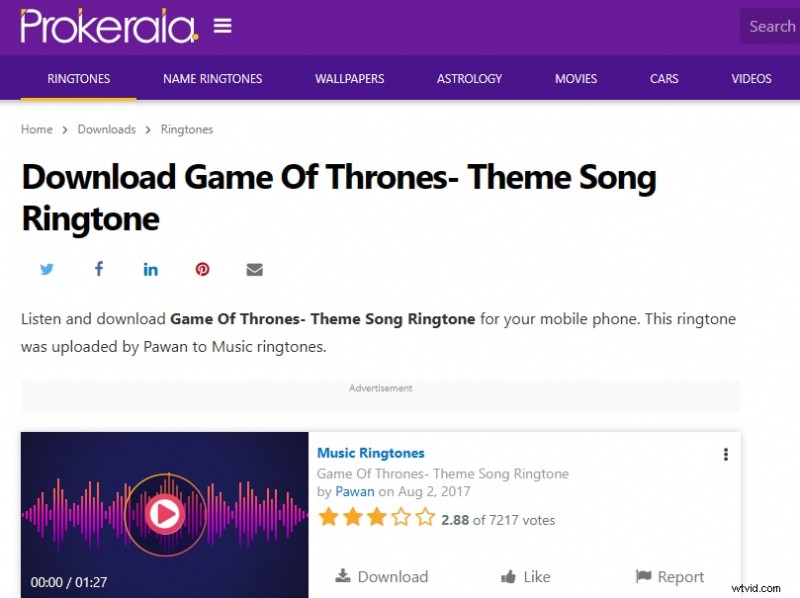
ProKerala serves as a comprehensive entertainment portal, offering Game of Thrones ringtones across multiple genres. The site is free, features a clean UI, and contains minimal ads.
Richness & Access
Regular updates keep the library fresh, featuring a variety of instruments and arrangements.
Categories
- Rock Tone
- Main Theme
- Guitar GoT
- Pop
- Hip Hop
Download Mobile Ringtones
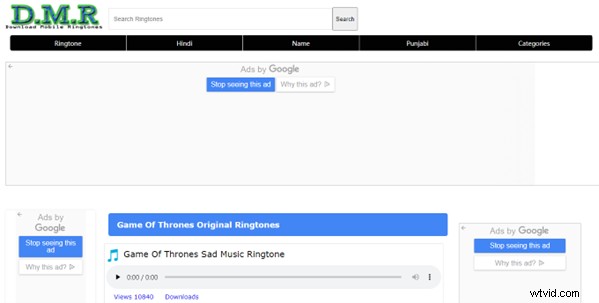
Another solid choice for free Game of Thrones ringtones, this site offers playback speed adjustments for previewing tracks. However, frequent ad pop‑ups may interrupt the experience.
Richness & Access
The collection stays current and does not require account creation.
Categories
- GoT Sad Music
- Instrumental
- Season 8
- Season 7
Ringtone SRkh
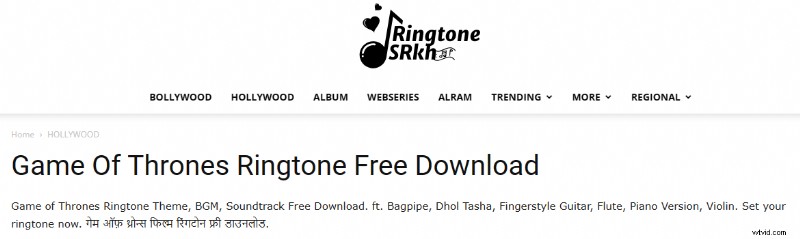
Ringtone SRkh offers a selection of free, high‑quality Game of Thrones ringtones compatible with all devices. Sharing is straightforward via link, though the site’s UI could benefit from a refresh.
Richness & Access
The catalog is moderate in size and occasionally slowed by ads.
Categories
- GoT Main Theme
- Remix
- Guitar
- Indian Cover
- Fingerstyle
YouTube
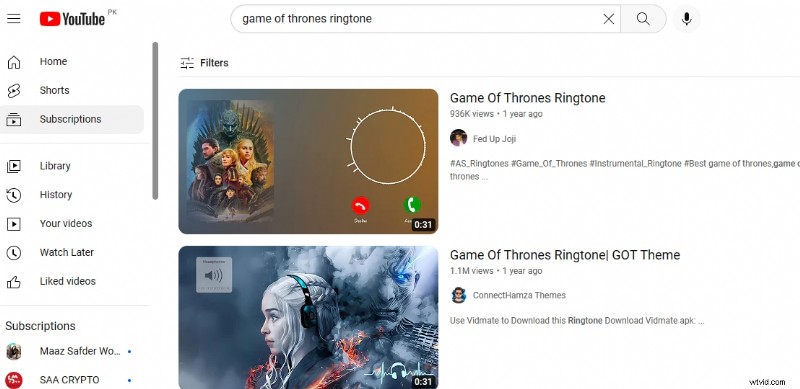
As a go‑to platform for audio, YouTube hosts an extensive library of Game of Thrones ringtones. Downloading directly requires a YouTube Premium subscription (~$11.99/month), but the convenience and breadth of options make it worthwhile.
Richness & Access
Search for “Game of Thrones ringtone” and you’ll find countless uploads, including official releases and fan‑made edits. Subscribing to dedicated channels keeps you updated with new releases.
Categories
- Main Title
- North of the Wall
- Lannister
- Instrumental
- Flute
- Non‑diegetic
How To Create Custom Game of Thrones Ringtones Using Filmora?
When ready‑made ringtones don’t meet your needs, you can craft a personalized track by converting a YouTube video into an MP3 file with Wondershare Filmora. Filmora’s intuitive interface and powerful audio tools make this process straightforward and affordable.
Step 1 – Install Filmora
Download the latest version from Filmora’s official website, or install the app from the Play Store (Android) or App Store (iOS).
Step 2 – Record Audio
Open Filmora and click the “Screen Recorder” icon. Navigate to YouTube, search for the desired Game of Thrones clip, and hit the red button to start recording. Press F9 (or tap the stop button) when finished. The captured clip appears in your Project folder.
Step 3 – Extract the Audio
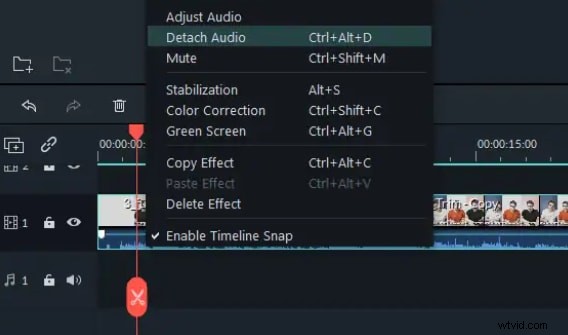
Drag the recorded file into the Timeline Panel, right‑click it, and choose “Detach Audio” to isolate the soundtrack.
Step 4 – Remove Silence
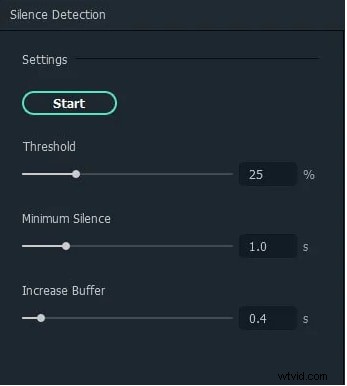
Right‑click the audio file, select “Silence Detection”, and adjust the threshold, minimum silence, and buffer sliders. Click Start to automatically excise silent segments.
Step 5 – Enhance the Track
Right‑click the file again, choose “Adjust Audio”, enable “Audio Ducking”, and click OK to balance volume levels across the track.

Step 6 – Trim & Export
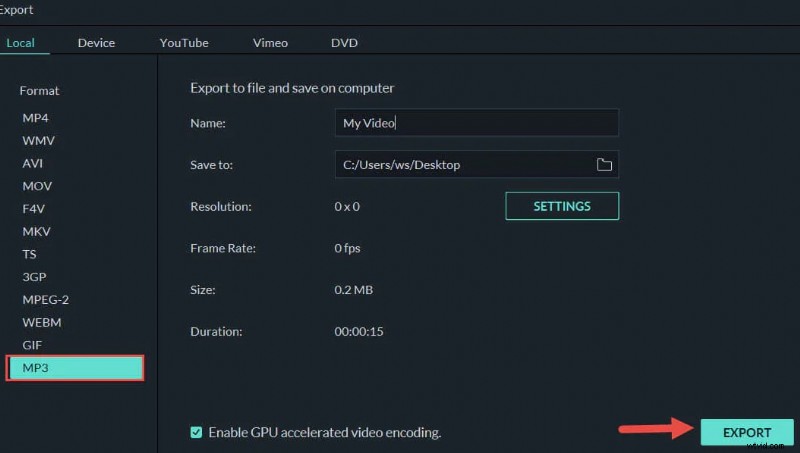
Drag the double arrow on the timeline to select the portion you want as your ringtone. Click Split to delete unwanted sections. Finally, click Export to save the finished track. Transfer the file to your phone if you’re working from a desktop.
With these steps, you can produce a unique Game of Thrones ringtone that perfectly captures your favorite moments.
Conclusion
We’ve highlighted six dependable sites for downloading Game of Thrones ringtones and provided a detailed, step‑by‑step guide to crafting your own using Filmora. Armed with this knowledge, you can now enjoy the show’s iconic audio wherever you go.