
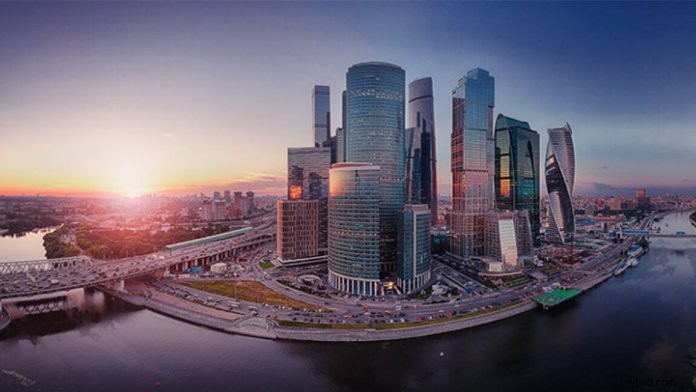
Sometimes in aerial photography, you want to capture more and go beyond the frame size. But how do you reach a crystal clear, wide-angle image with the Spark’s 25mm equivalent lens?
Spark’s panorama mode can help you achieve that. Now, let’s take a look at how to use Spark’s Panorama mode to get breathtaking landscape photos with low distortion.
 Spark Panorama Modes
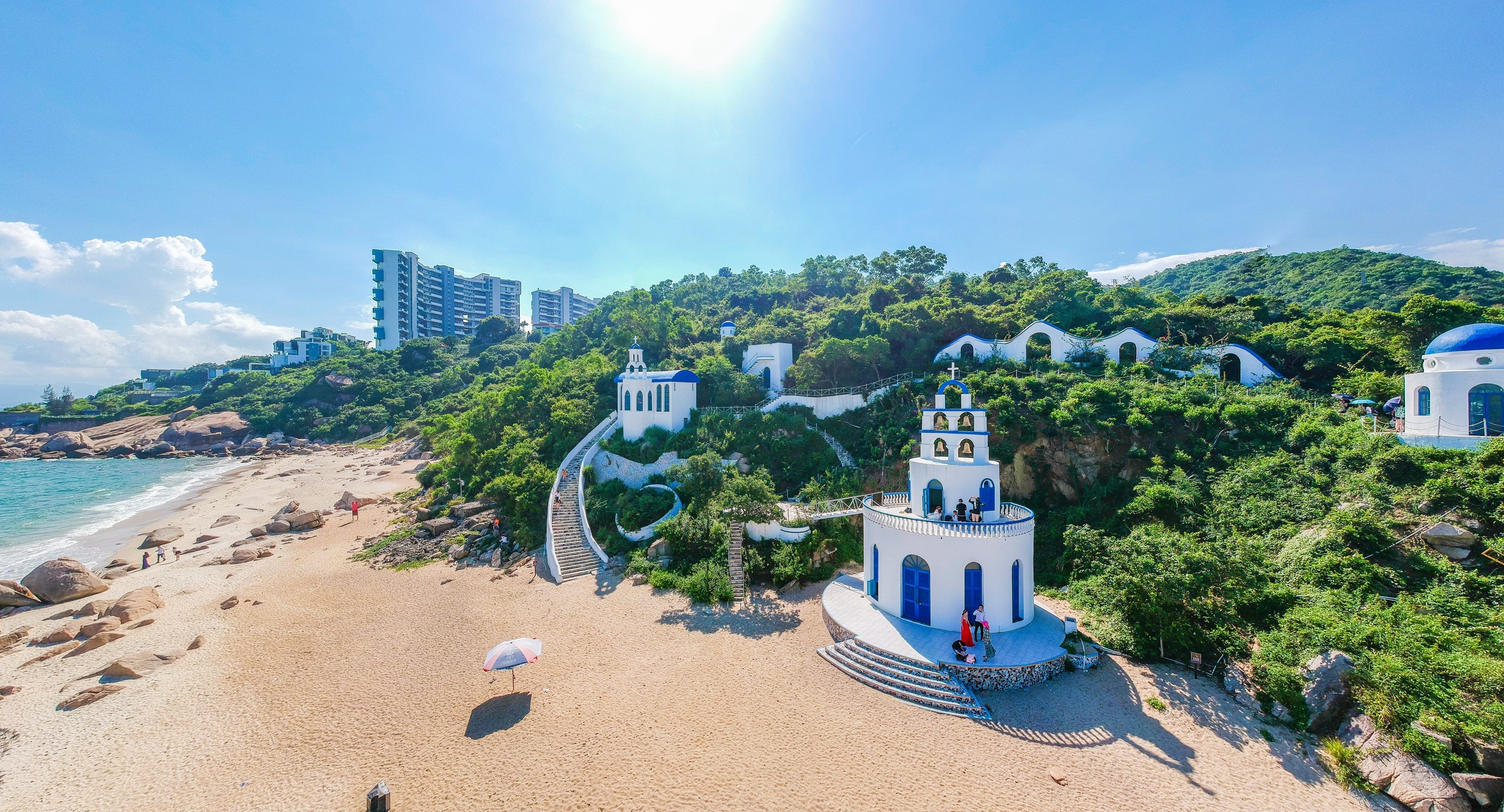
Spark supports Horizontal, Vertical ,180° and Sphere Panorama Modes.
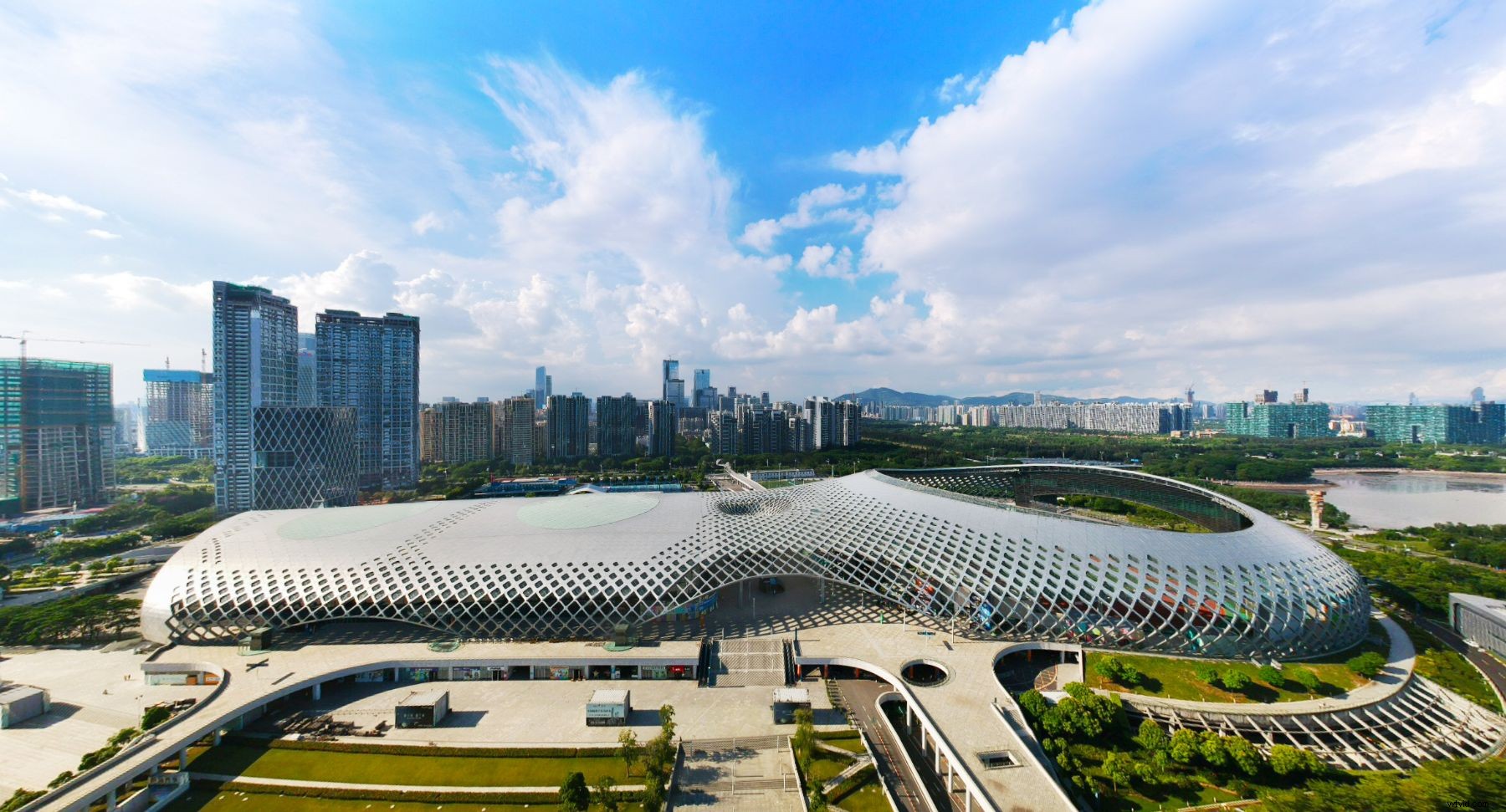
In horizontal mode, Spark will automatically take nine photos and stitch them together for a dynamic wide-angle panorama shot. While the vertical Panorama mode will take three photos and stitch them together vertically to produce a 16:9 aspect ratio image.
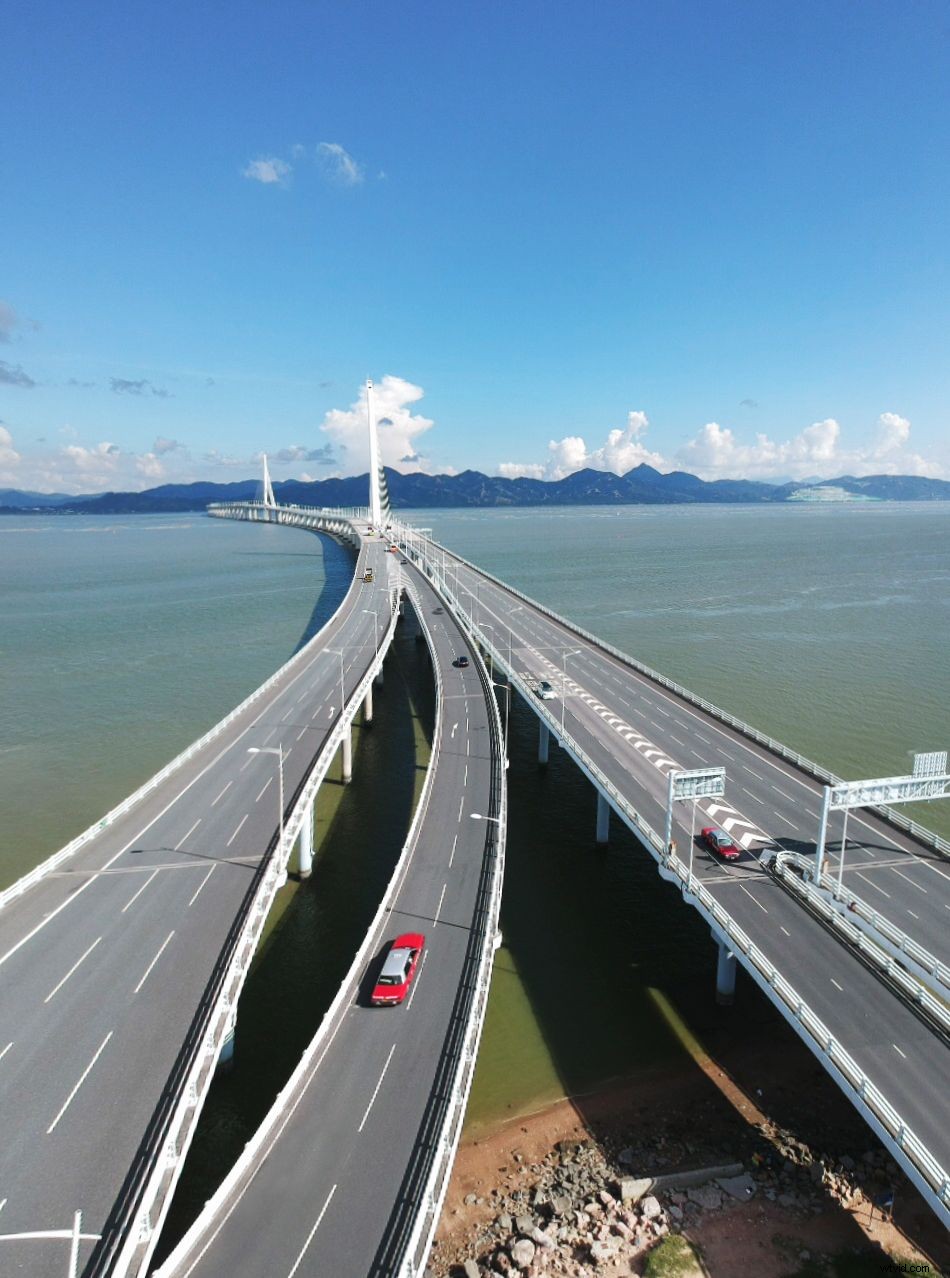
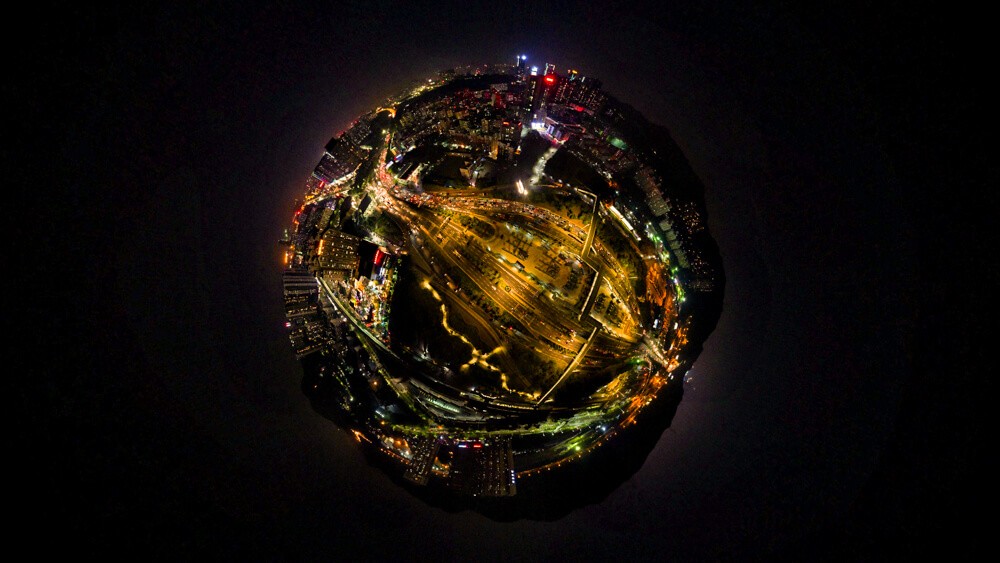
180° Panorama mode can stitch 21 photos together to create a 180° panoramic photo. And the newly introduced Sphere mode can capture tiny planet shaped photos with a fisheye lens effect.
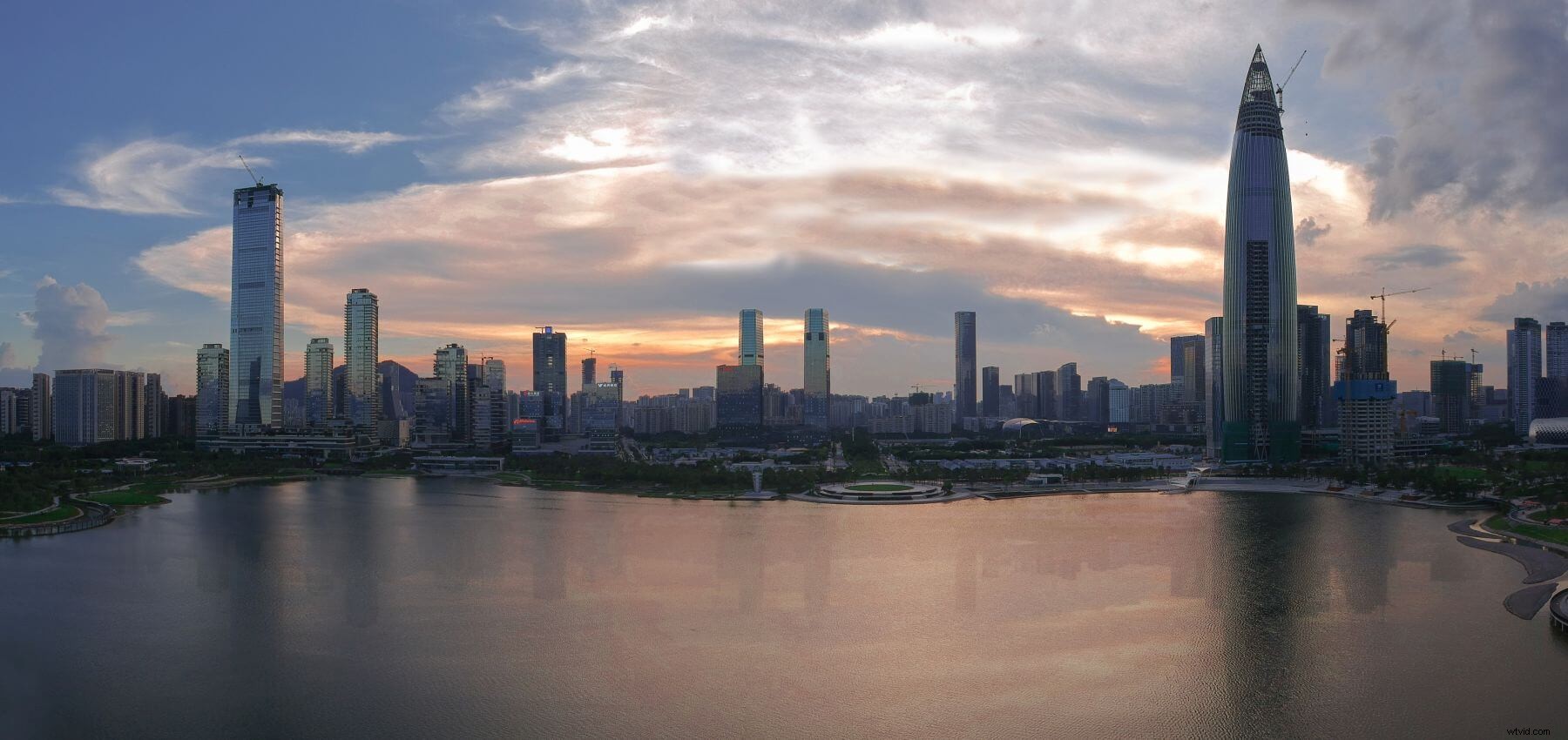
Horizontal Spark Panorama Shooting
First, tap camera settings and select the horizontal mode under the Panorama mode, then adjust the gimbal tilt, tap the shooting button to start shooting. (Read the Drone Camera Settings: All you Need to Know)
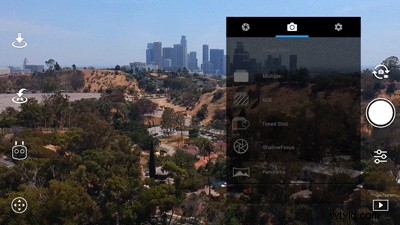
During the shooting process, the aircraft will use the current location as the initial position and auto pan. Spark will automatically tilt the camera to take 9 photos. When it’s done, the aircraft will return to the initial position.
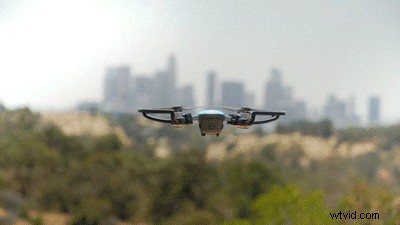
Vertical Spark Panorama Shooting
Similarly, by tapping on the camera settings, you will be able to select the vertical mode under the Panorama mode and start shooting.
During the shooting process, the aircraft will remain hovering, the camera will automatically capture three photos from the chosen composition. It will start from the middle frame, followed by upper frame and completed with the low angle frame.
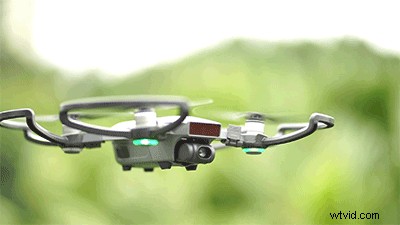
In horizontal and vertical mode, if you tilt the camera down, Spark will automatically rotate around the current position to capture photos. However, in 180° Panorama mode, the gimbal will keep a fixed central position.
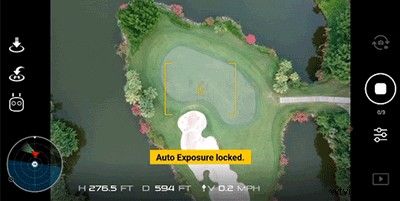 180° Spark Panorama Shooting
Make sure that you have installed the latest firmware on your drone and remote controller and the latest DJI GO 4 mobile app in order to use the 180° Pano mode. Once you have updated the firmware and the DJI GO 4 app, you will be able to select the 180° mode under the Pano mode and start shooting.
Sphere Panorama Shooting
This new feature allows you to take 360° panoramic shoot, which gives your picture a tiny planet look. Just select sphere mode under the Pano mode and your Spark will take 46 pictures for you to stitch into 360° panos. All can be done in DJI GO 4 app, no third-party software needed.
Stitch Photos into Panoramas
After you finish your panoramic photo shooting, you can tap the playback button to check photos. By tapping the photo you’ve captured, DJI GO 4 will automatically stitch them into a panoramic photo. Don’t disconnect the aircraft while stitching because your phone needs to download photos from the aircraft. After it’s done, click the download button, the panoramic photo will automatically be saved to your phone.
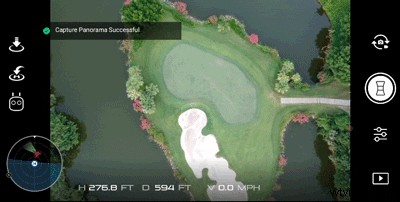
If you want a high-resolution photo, you can use DJI Media Maker or other stitching software to easily stitch RAW images into a panorama.
It should be noted that when the aircraft’s GPS signal is weak, the surface texture is not clear or when it’s in strong wind, the aircraft may not perform precision hovering. This might affect the stitching quality.
Now you know how to take panos with your Spark, so feel free to share them with us in our Official Owners Facebook group and SkyPixel.
Related:
Spark Sphere Mode Review: Take 360 Immersive Photos with the DJI Go 4 App
Traveling with Spark: Cinematic Shooting Tips and Tricks
How to Fly a Drone: Beginner’s Guide
Comprehensive Guide: Essential Drone Travel Tips
DJI GO 4 Manual
For more DJI tips and tutorials, find us on:
DJI Facebook Support
DJI Twitter Support