
Dropping your phone may feel like a minor mishap, especially if the screen stays intact. Yet, a fall can quietly damage internal components, leading to costly failures if left unchecked.
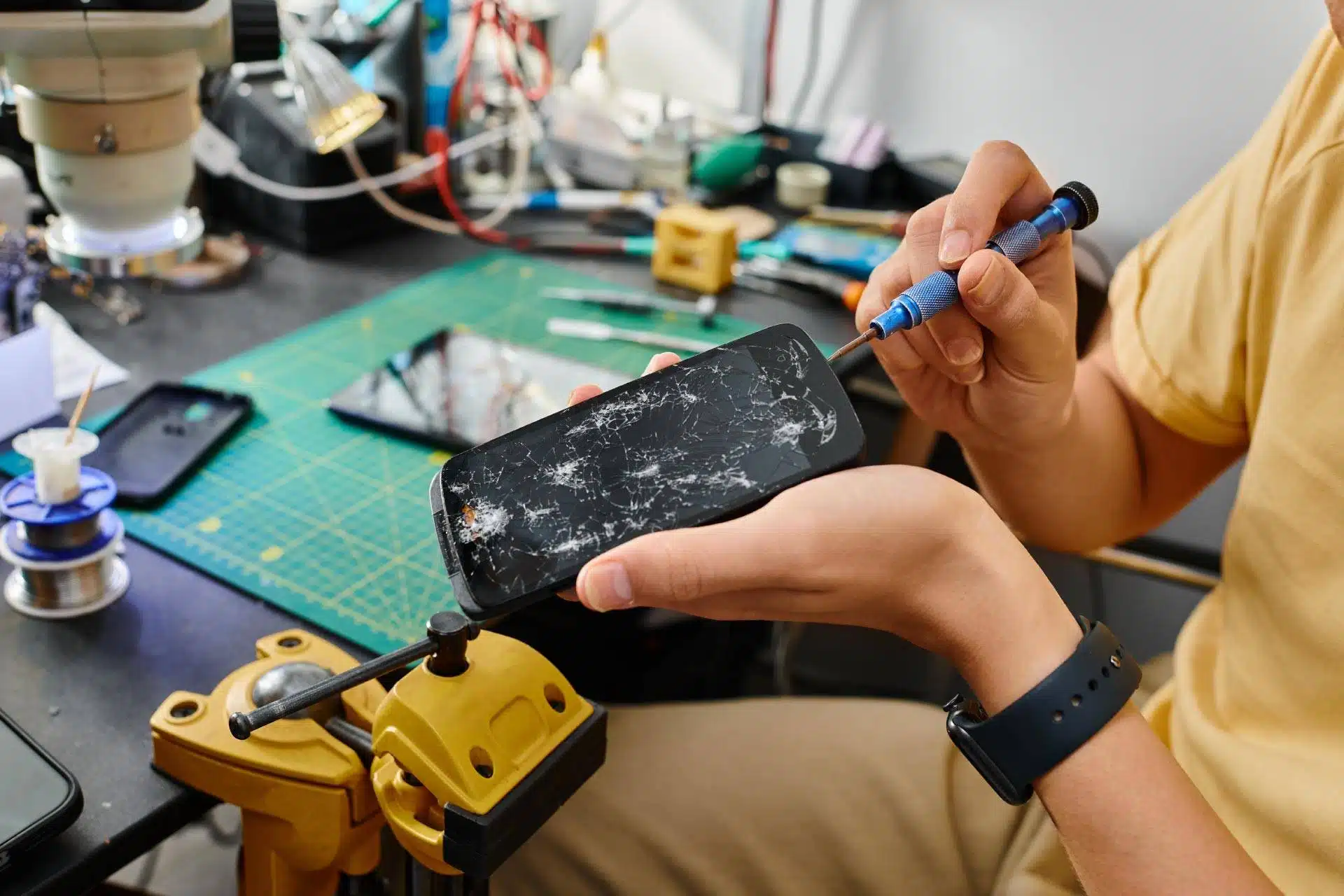
At The Lab, we specialize in detecting and repairing hidden phone damage before it escalates. If your device recently fell, watch for these warning signs to safeguard your data and prolong its lifespan.
Why Internal Damage Can Occur Without Visible Cracks
Modern smartphones cram delicate circuitry, connectors, batteries, and sensors into a compact frame. Even a short drop can loosen internal links, crack components, or disturb the battery system.
Internal failures often surface gradually, making early detection essential. A phone might look fine externally while its battery, charging port, cameras, speakers, microphones, or internal circuitry malfunction.
Identifying symptoms early can prevent expensive repairs later.
Screen Flickering or Touch Issues
One of the most common post‑drop problems involves the display. A flawless glass panel can hide damage to the screen connector or display layers.
If your screen behaves erratically after a fall, schedule an inspection.
- Flickering or flashing
- Lines across the screen
- Delayed touch response
- Random tapping or ghost touches
Battery Drains Faster Than Normal
A fall can harm the battery or its connection to the power system. Battery issues often appear within days of impact.
- Rapid battery drain
- Sudden shutdowns at higher charge levels
- Phone overheating during use
- Swelling around the back of the device
Ignoring battery damage can be hazardous. The Lab offers safe battery replacement and testing.
Charging Problems After Impact
If your phone struggles to charge post‑fall, internal damage may have loosened the charging port or circuitry. Symptoms include:
- Charger works only at specific angles
- Slow charging
- Phone fails to recognize the charger
Charging issues rarely resolve on their own—prompt repair prevents full power failure.
Audio or Speaker Malfunctions
Dropping can shift or crack the tiny speaker components, affecting calls, media playback, or mic input.
- Muffled or distorted sound
- Microphone cutting out
- Speakerphone malfunction
- Volume changes without adjustment
Camera or Sensor Failures
Impact can misalign the camera module or internal sensors. Even with a clear lens, you may notice blurry photos, focus issues, or camera app crashes. Sensors like Face ID or fingerprint recognition may also fail.
Random Freezing or Performance Glitches
Internal damage can disrupt circuit connections, leading to unstable performance. Signs include:
- Apps crashing more often
- Unexpected screen freezes
- Phone restarting on its own
- Slower overall performance
The Lab runs comprehensive diagnostics to confirm hardware damage and recommend repairs.
When to Visit The Lab for Phone Repair
Don’t wait for a complete failure. Early repair preserves your photos, contacts, and files.
The Lab provides professional inspections and repairs for major brands, identifying hidden damage and suggesting the best solutions.
Schedule a Repair Appointment at The Lab
A phone drop doesn’t always cause immediate failure, but internal damage can worsen. If your device shows odd behavior after a fall, trust The Lab to diagnose and fix the issue quickly.
Contact The Lab today to schedule a repair evaluation and keep your device running reliably.
Frequently Asked Questions
Can my phone have internal damage without a cracked screen?
Yes. Drops can damage internal parts even when the outside looks fine.
How soon do internal phone damage symptoms appear?
Some signs show up immediately; others develop over several days.
Is battery swelling after a drop dangerous?
Yes. Swelling can lead to overheating, battery failure, and damage to other components. Stop using the phone immediately and have it repaired.
Should I keep using my phone if it works after a drop?
If you notice glitches, poor charging, or overheating, schedule an inspection to prevent further damage.