REC

Recommended: Video Production, Editing & Gear Maintenance Guide

 WTVID >> WTVID >  >> Filming equipment >> Cell phones

Download iOS 16 Default Wallpaper: No Beta Install Needed

Download iOS 16 Default Wallpaper: No Beta Install Needed

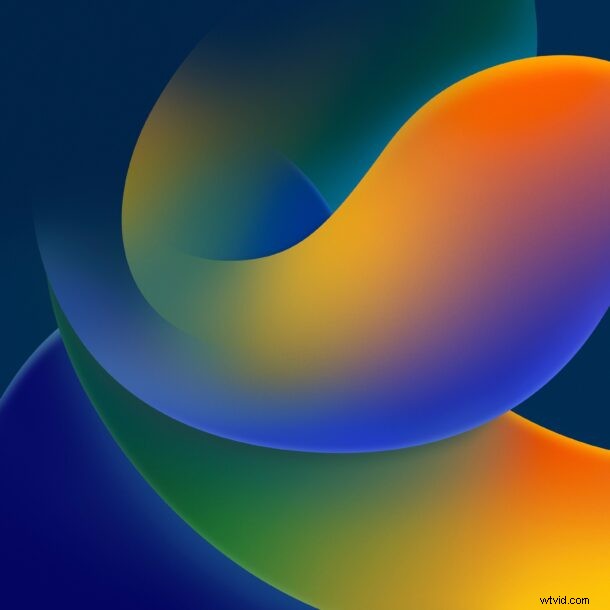
Want the iOS 16 default wallpaper on your iPhone or iPad, but don’t want to bother with installing the iOS 16 beta onto your device? That’s understandable.

Fortunately, you don’t need to install any beta software just to get a new wallpaper.


Apple always uses new wallpapers to highlight a new operating system version, and iOS 16 and iPadOS 16 are no exception. They’re continuing the theme of gradients and abstract shapes as seen in many other Apple device default wallpapers recently, so if you’re into the abstract wallpaper look you’ll probably like what’s available with iOS 16 beta as well.

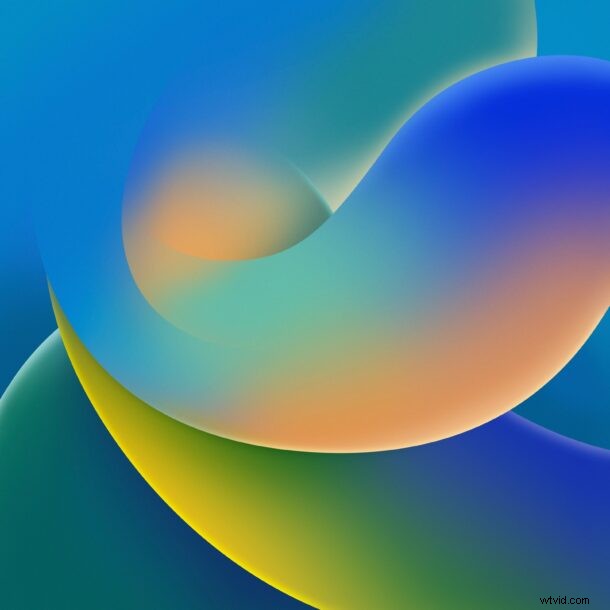
Below, we’ve posted the full size default wallpapers for iOS 16, available in light mode and dark mode versions.

Click on either thumbnail version below to launch the full size version into a new window, where you can save it to your device – whatever it is – and use it as your wallpaper or desktop background.

iOS 16 default wallpaper – light:
Download iOS 16 Default Wallpaper: No Beta Install Needed

iOS 16 default wallpaper – dark:
Download iOS 16 Default Wallpaper: No Beta Install Needed

You can always check out more wallpapers if these aren’t suiting your fancy.


  1. iOS 10 Compatibility List: Supported iPhone, iPad & iPod Models

  2. Top 11 Must-Know Features in iOS 11 for iPhone and iPad

  3. Terminal for iOS: Unlock Native Command Line on iPhone and iPad – Free App

  4. Screen Time Passcode Explained: What It Is and How to Use It on iOS 14, 13, 12

  5. Top 8 Essential iOS 13 Tips and Tricks for iPhone Users

Cell phones
  1. Discover the Lavalier Microphone: The Hidden Hero of Film, Video, and Live Productions

  2. Riverside.fm iOS App Launched: Studio-Quality Podcast Recording from Your iPhone

  3. How to Safely Downgrade iOS 9.1 Beta to Stable iOS 9: Step-by-Step Guide

  4. Ultimate iPhone 'Disabled' Wallpaper Prank: Hilarious April Fools Trick

  5. 7 Essential iOS 10 Features You Should Use Right Now

  6. How to Delete Default Apps on iPhone & iPad: iOS Step-by-Step Guide

  7. How to Change Default Camera Mode on iPhone: Video, Portrait & More (iOS Guide)

  8. iOS 16 & iPadOS 16 Official Release Date: Key Features and Launch Details