
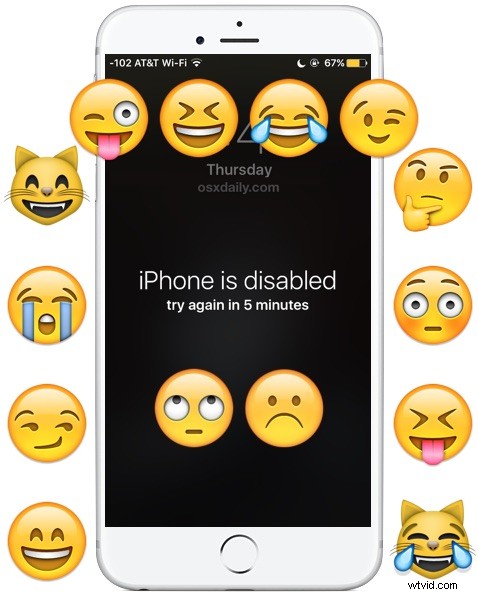
April Fools is a great time to play innocent pranks on fellow iPhone users, and one which nearly never fails to stump someone in a harmless manner is the infamous “iPhone is disabled” wallpaper prank. Of course this isn’t limited to the official prank holiday of April first, and you can use it to fool someone any day.
The idea is simple enough and relies on the legitimately annoying “iPhone is disabled, try again” error message which pops up when a user incorrectly enters a passcode a few times in a row, and then locks them out for a period of time.
Of course, rather than actually locking down the iPhone, all you’re doing here is saving a wallpaper file that looks exactly like the official iPhone is disabled screen to the targets iPhone, then setting the fake “iPhone is disabled” picture as their lock screen wallpaper.
On the targets iPhone, simply tap and hold on the “iPhone is disabled” wallpaper picture file below and choose to save. Once the picture is saved to the targets iPhone, go into the Photos app, tap on the picture, choose the “Sharing” button, and select “Set As Wallpaper”, and choose “Lock Screen” as the option. That’s it, the prank is set and ready to go.
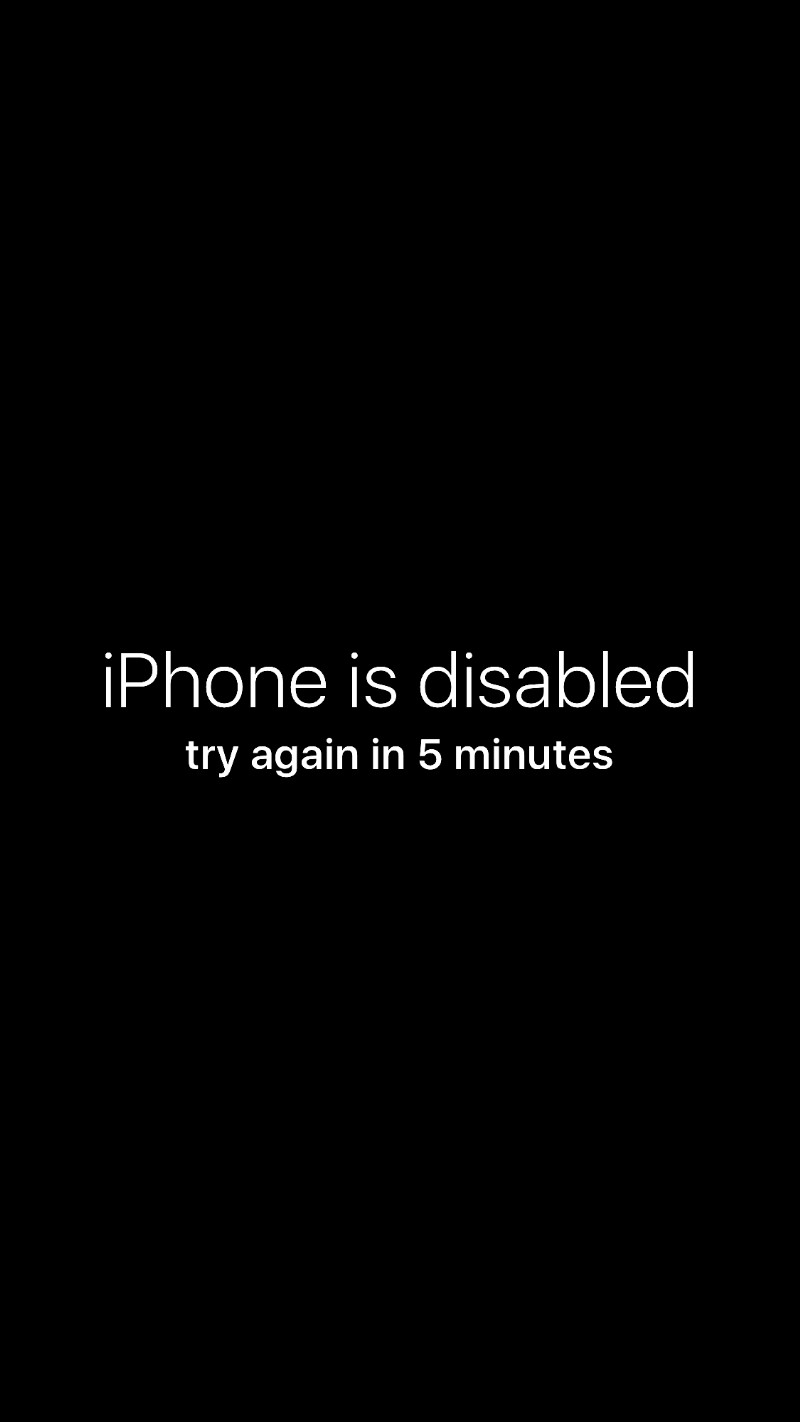
Now you just need to let the iPhone sit and wait for the victim to pick it up, it will look like it’s disabled. Of course, it’s not actually disabled, it’s just the wallpaper, but 9 out of 10 times the person believes the message, curses the iPhone, and leaves it sit for another 5 minutes. And they pick the iPhone up a few minutes later, and the message is still there. And so they may let it sit for another few minutes, before picking it up and the disabled message is still there. At this point the prank victim usually tries to unlock the iPhone anyway, which works just fine since it’s only the lock screen wallpaper, or they start cursing and getting frustrated, the reaction largely depends on their tech savviness and gullibility, and perhaps how much or how little coffee they had that morning.
This is a completely harmless prank that is quite funny, of course teh iPhone isn’t actually disabled since it’s only a wallpaper, just be sure to not let the target sweat it out for too long! And if you see someone starting the restore process to fix the “iPhone is disabled” message, as in, the real one, please, intervene and tell them it’s just a joke…
Want some more silly April fools jokes and pranks for iPhones, Macs, and iPad? We’ve got some great goofy pranks for Macs and iPhone jokes too. We’ve been doing this dorky stuff for years, so check out our past April fools pranks for Apple users here and have a little fun.