
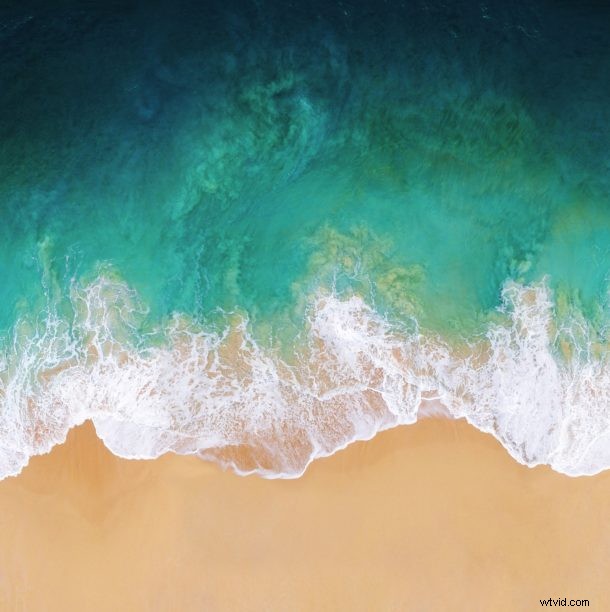
Every new Apple operating system release brings with it a lovely new wallpaper, and iOS 11 is no exception. The new default wallpaper in iOS 11 (beta anyway) arrives as a beautiful overhead beach scene with a crashing wave hitting the sand.
As expected, the new default iOS 11 wallpaper looks fantastic on the iPhone and iPad that it is intended for, but it also looks great on desktops too.
But you don’t need to install iOS 11 beta to get that great looking wallpaper, instead you can set it as your background picture right now on whatever OS you’re running.
Just click the picture below to launch the full sized 2700 x 2700 version in a new window, hosted courtesy of iClarified:
Get the full sized image in high resolution by clicking here
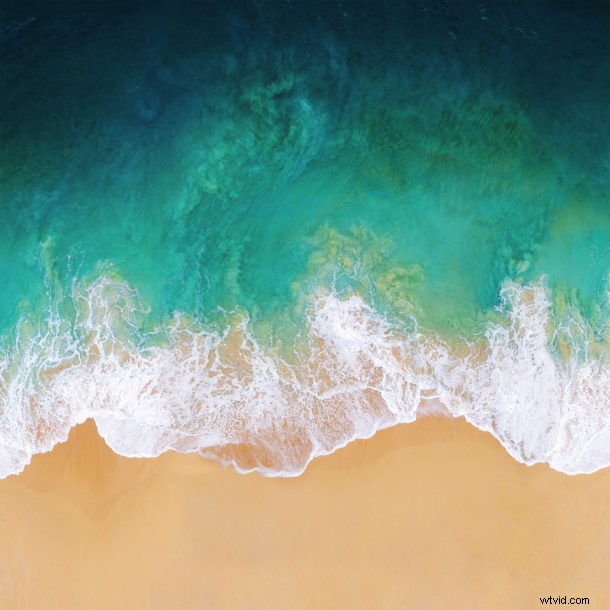
Save the picture to your iPhone, iPad, Mac, Windows PC, Android, or whatever else you’re rocking and then you can set it as your background immediately. If you’re not sure how to do that, set a picture as the wallpaper on iPhone or iPad and it’s just as easy to change the desktop background in Mac OS too.
You might notice the default iOS 11 wallpaper beach scene is similar to the overhead water wallpapers found in iOS 10.3.3 too, but they are indeed different images even if they are thematically similar.
Whether or not this particular beach scene image will arrive as the final iOS 11 default wallpaper remains to be seen, and it could be accompanied by others by the time the final release is out in the fall. Anyway, if you enjoy this sort of thing then you’d likely want to check out more great wallpapers too!