
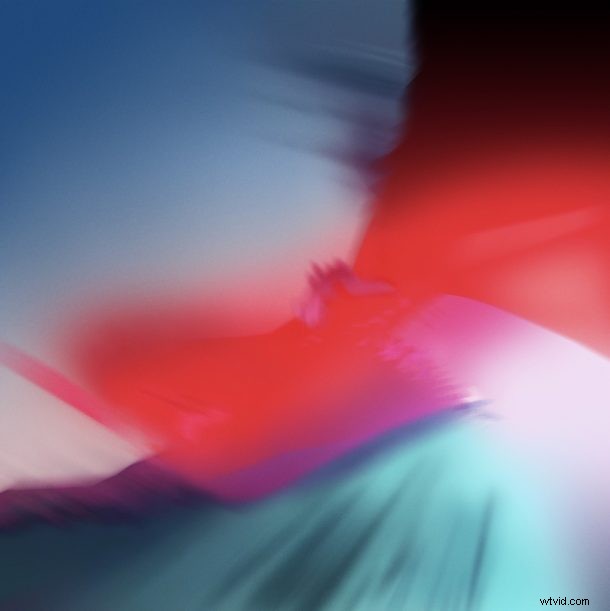
Now that iOS 12 has been announced and the beta is out in the wild, many iPhone and iPad users are likely yearning for the gorgeous colorful abstract iOS 12 default wallpaper that is prominently splashed across the demo and preview images of devices running the latest iOS beta preview.
But there’s no need to install iOS 12 developer beta just to get the wallpaper, instead you can just download the image to your device or computer and get the great look without the bugginess of running beta system software.
If you’re looking for the iOS 12 default wallpaper showing off an abstraction of blues, purples, and reds, then scroll below to download the full resolution image to your device.
The full quality image is a whopping 3200 × 3200 resolution.
Click here or click on the thumbnail below to get the full sized version
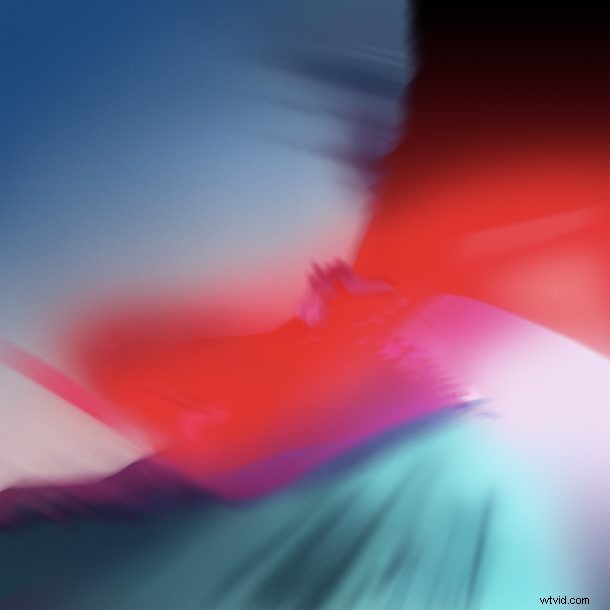
Once you open it into a new web browser tab, you can save the image to your iPhone or iPad, Mac, or even Windows PC or Android, and set it as your wallpaper.
If you’re unfamiliar with the process, you can learn how to set an image as wallpaper on iPhone or iPad or how to set an image as desktop wallpaper on a Mac. It’s pretty straight forward, you basically just need to save the picture locally and then go through a few simple steps to turn it into the wallpaper.
One thing to keep in mind is that while this image debuted as the default wallpaper for iOS 12 at WWDC and in the developer beta, it’s possible the final default wallpaper in iOS 12 will be something else. Sometimes Apple will change the default picture to another image for the final release of system software, and that could certainly happen with this one too. But for now, enjoy the gorgeous picture on your iPhone, iPad, Mac, PC, Android, or whatever else you’re using!