
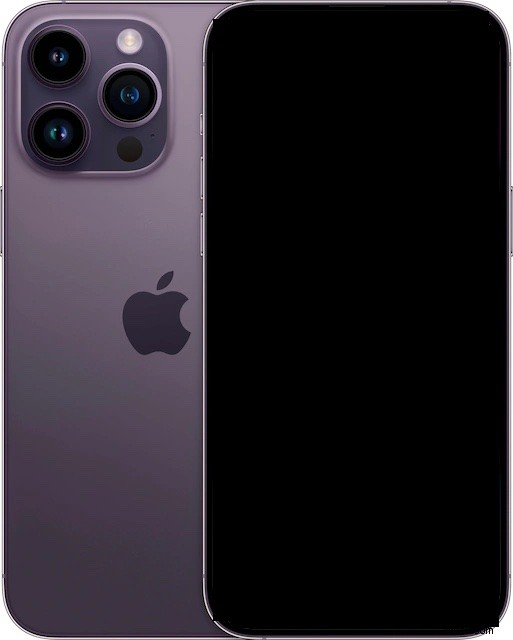
Some users who are new to the iPhone 14 and iPhone 14 Pro series are finding they can’t turn on their device, or that iPhone 14 won’t turn on when they press the Power button on the side of the device.
This is usually a super simple fix, so if you’re having issues with the iPhone 14 powering on, read along and you’ll have it resolved in no time. And yes these tips apply to all iPhone 14 models, including iPhone 14 Pro, iPhone 14 Pro Max, iPhone 14 Plus, and iPhone 14.
Fixing iPhone 14 Pro Black Screen or When Won’t Turn On
First, realize that sometimes if iPhone 14 is powered off, you have to hold the Power button down for a few seconds to get the iPhone to power on. If you’ve tried that and it’s not turning on, then read along for the other troubleshooting steps.
1: Charge the iPhone 14 for a While
The most likely reason an iPhone 14 or iPhone 14 Pro won’t turn on is that there is simply not enough battery power.
Thus, simply connect the iPhone 14 Pro or iPhone 14 to a power source and let it charge for 15-20 minutes, and then while it is still connected to power, press and hold the Power/Lock button to power the iPhone 14 on.
2: Force Restart iPhone 14 to Power On
You can force restart iPhone 14 and iPhone 14 Pro by performing the following set of actions:
- Press and release Volume Up button
- Press and release Volume Down button
- Press and hold Power/Lock button until you see the Apple logo on screen
Sometimes, if the iPhone is not responding to the typical procedure for starting up or powering on, trying the force restart sequence will resolve the issue.
3: Contact Apple Support
If you’ve charged and force rebooted the iPhone 14 Pro, iPhone 14 Pro Max, iPhone 14 Plus, or iPhone 14 and it’s still not powering on, your next best bet is to contact Apple. Rarely, hardware issues can cause device problems, but since the iPhone 14 is new it will be under full warranty and you’ll be able to get the problem worked out quickly thanks to Apple’s well known great support.
You can find your local Apple Support phone number here to reach out to.
–
Did you get your iPhone 14 Pro, iPhone 14 Pro Max, iPhone 14 Plus, or iPhone 14 to turn on as expected? Let us know what worked for you in the comments.