
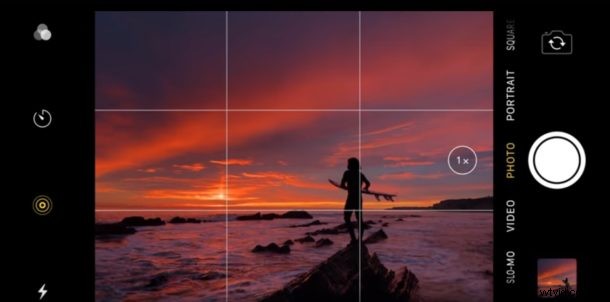
Apple has posted a series of quick videos covering some helpful iPhone photography tips. If you’re one of the many people who use their iPhone as their primary camera, you’ll likely find some of them to be informative.
You’ll find a variety of photography topics covered in the short videos, ranging from how to take pictures with depth control settings, stage light, time-lapse videos, trimming videos, taking portrait selfies, using the rule of thirds, choosing key photos for Live Photos, and more. Many of these tips may be familiar to you already if you’re a regular reader of sites like osxdaily.com where we cover camera tips, photography tips, and Photos tips, but even so the quick videos offer a nice refresher on some of those photography tricks too.
The short tip videos have been embedded below via the Apple YouTube page for easy viewing, most are somewhere between 30 seconds and 45 seconds long.
How to Shoot with Depth Control
How to Shoot with Stage Light Mono
How to Shoot a Time Lapse Video
How to Choose a Key Photo for Live Photos
How to Search for Photos
How to Shoot using the Rule of Thirds
How to Shoot with Light and Shadow
How to Trim a Video
How to Edit a Portrait Selfie
How to Edit with Depth Control
Some of the tips are specific to particular iPhone models with the higher-end camera features, but other tips are broadly applicable to photography and all iPhone models.
If you’re a regular reader of this site then you may already be familiar with some of these tips, but