
 Most iPhone users know that the Phone app keeps track of their outbound and inbound phone calls, and while you can use the Recents list in the Phone app to redial a recently called number, there’s another way to quickly fill in the last dialed number that is better suited for many circumstances.
This trick will re-dial the digits of the last called phone number on iPhone, but won’t actually start the call. This allows you to see the last number that was called, and also allows the user to make changes to the number dialed if need be.
The redial last made call trick is fast and simple, here’s how it works on iPhone:
- Open the Phone app and go to the “Keypad” tab
- Press the green call button
- The last dialed number will fill in instantly, you can make changes if need be or simply press the green button again to dial the number
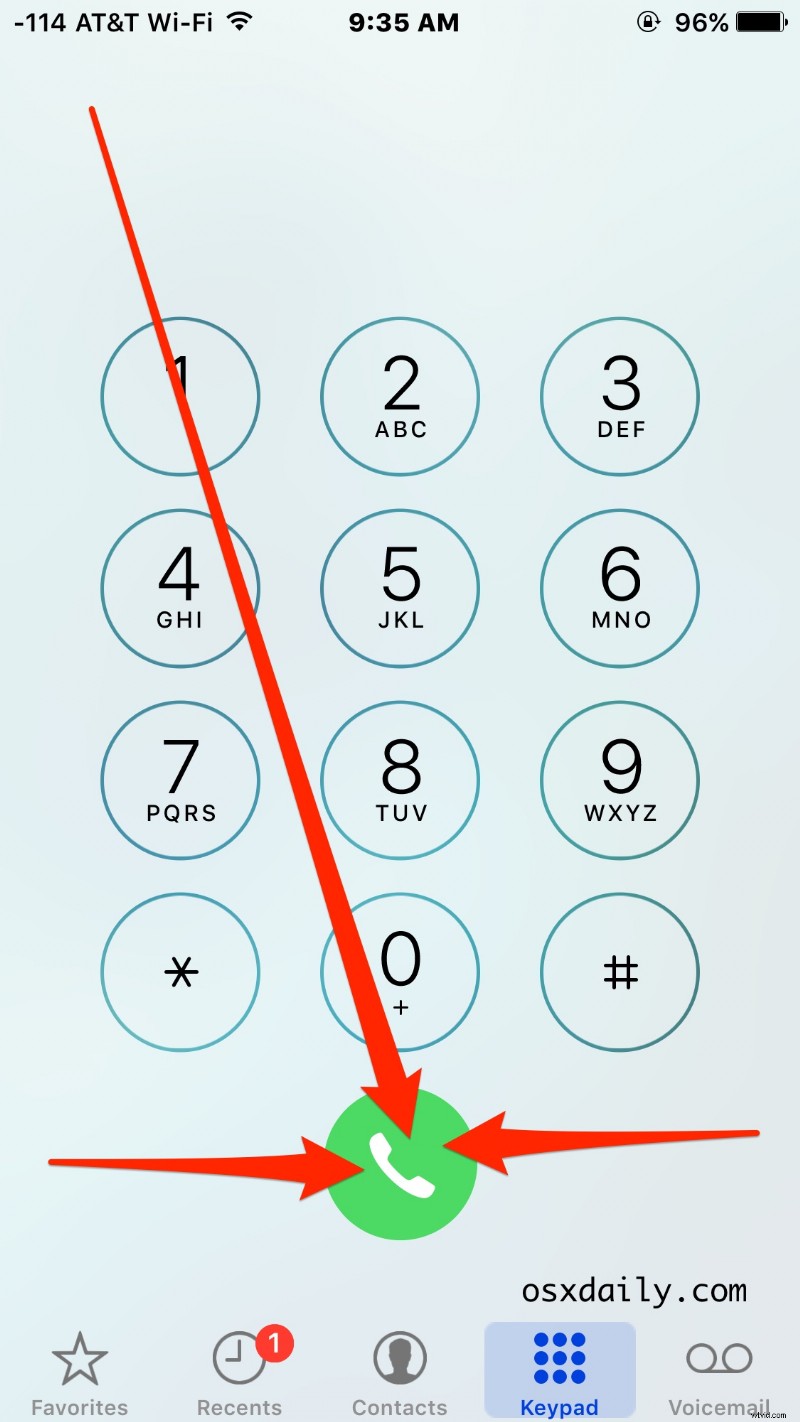
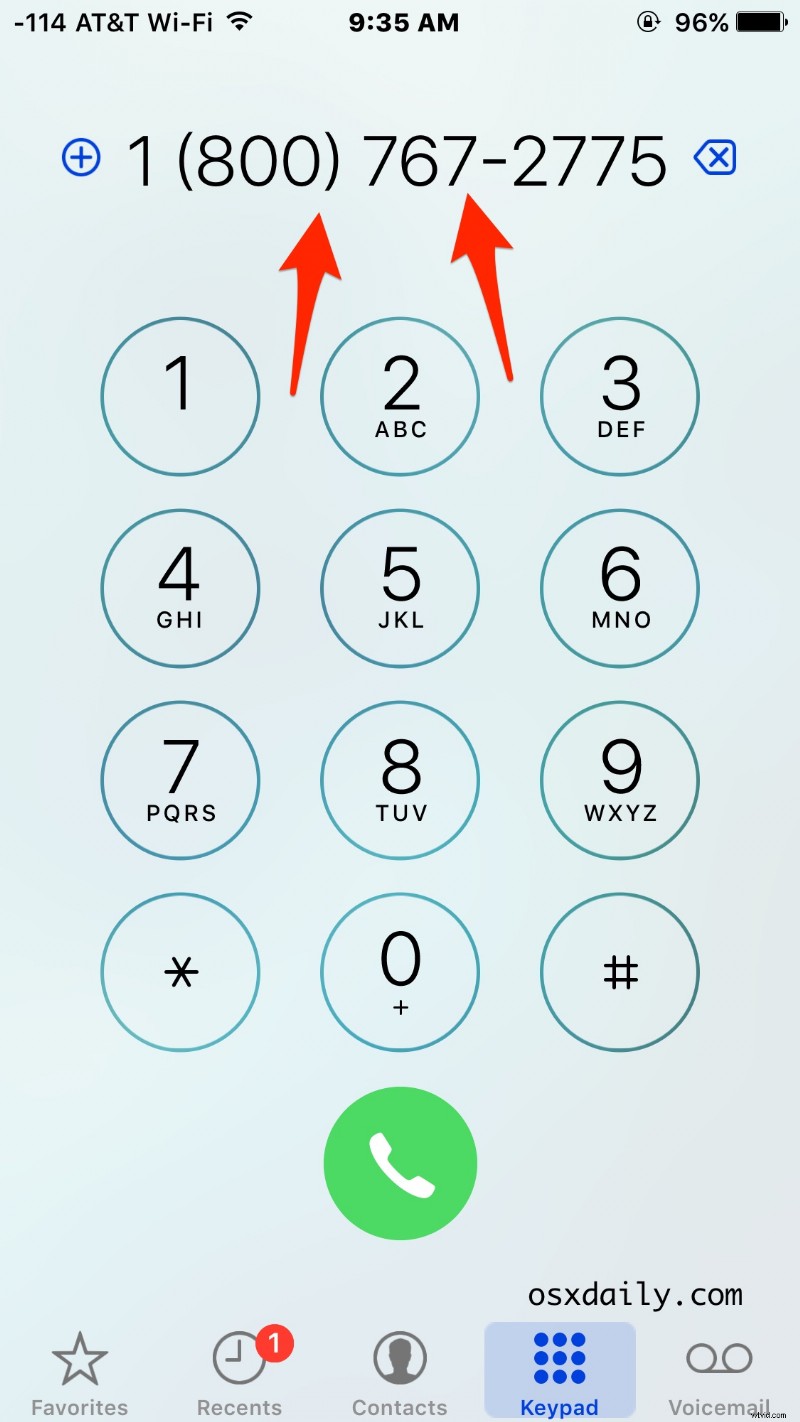
This is particularly handy because it immediately types out the last called number on the numerical keypad, but without dialing it. This allows you to see the digits of the last number called, make corrections to the last number called, perhaps add an extension to the number, or make an anonymous call on the redial if need be. Another perk to this approach is this trick works to reveal the number even if the call history has been cleared on the iPhone.
You can also use this trick to see what the number is and who it is associated with by tapping and holding on the digits to copy the number and search for it.
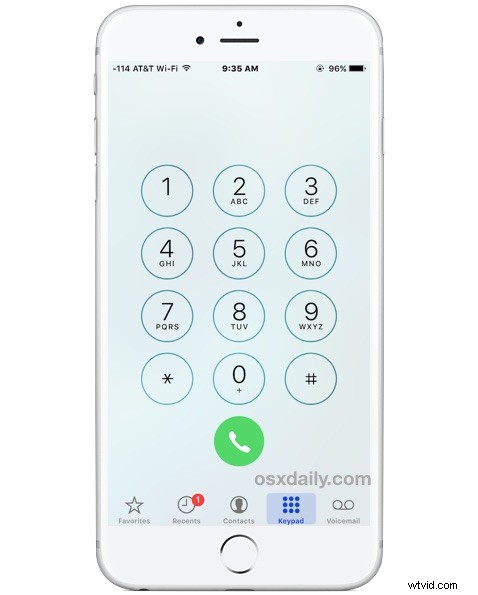
Contrast this to the other approach, which is to just tap on the last dialed number in the Recents tab, which immediately calls the last dialed number, without allowing changes and without seeing the actual number dialed until it starts to ring.
Know of any other useful iPhone dialing and number tricks? Let us know in the comments.