
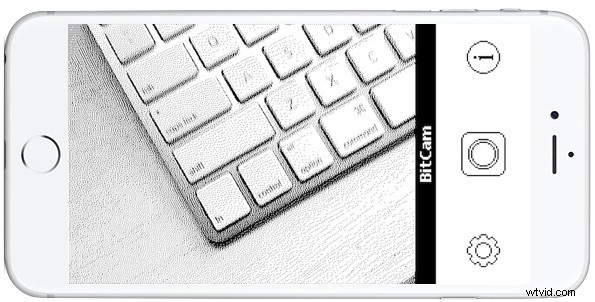
Longtime Mac users pining to recall the nostalgia of one-bit dithered graphics and Macintosh System 6 will certainly enjoy the astonishingly accurate retro goodness offered by BitCam for iPhone.
With BitCam, you can relieve the good old days of spending an afternoon on a Macintosh SE/30 in a computer lab somewhere in the early 90s, right from your iPhone (or Pocket Computer, as they call it). Just point the dithered bit camera at an object of your choice, and back in time you go, with three optional shooting modes of bit sizes. Even the user interface is like System 6 (or System Software 7.0.1 if you upgraded your Macintosh Plus).
- Get BitCam from the App Store here
BitCam is free in the super-fun black and white mode, with an optional $1.99 in-app purchase to “Install Color Graphics” to gain support for a mind bending 8 colors (and no 3.25″ floppies are needed, they download from a BBS via your 9600kbps serial modem! Ok not really…)
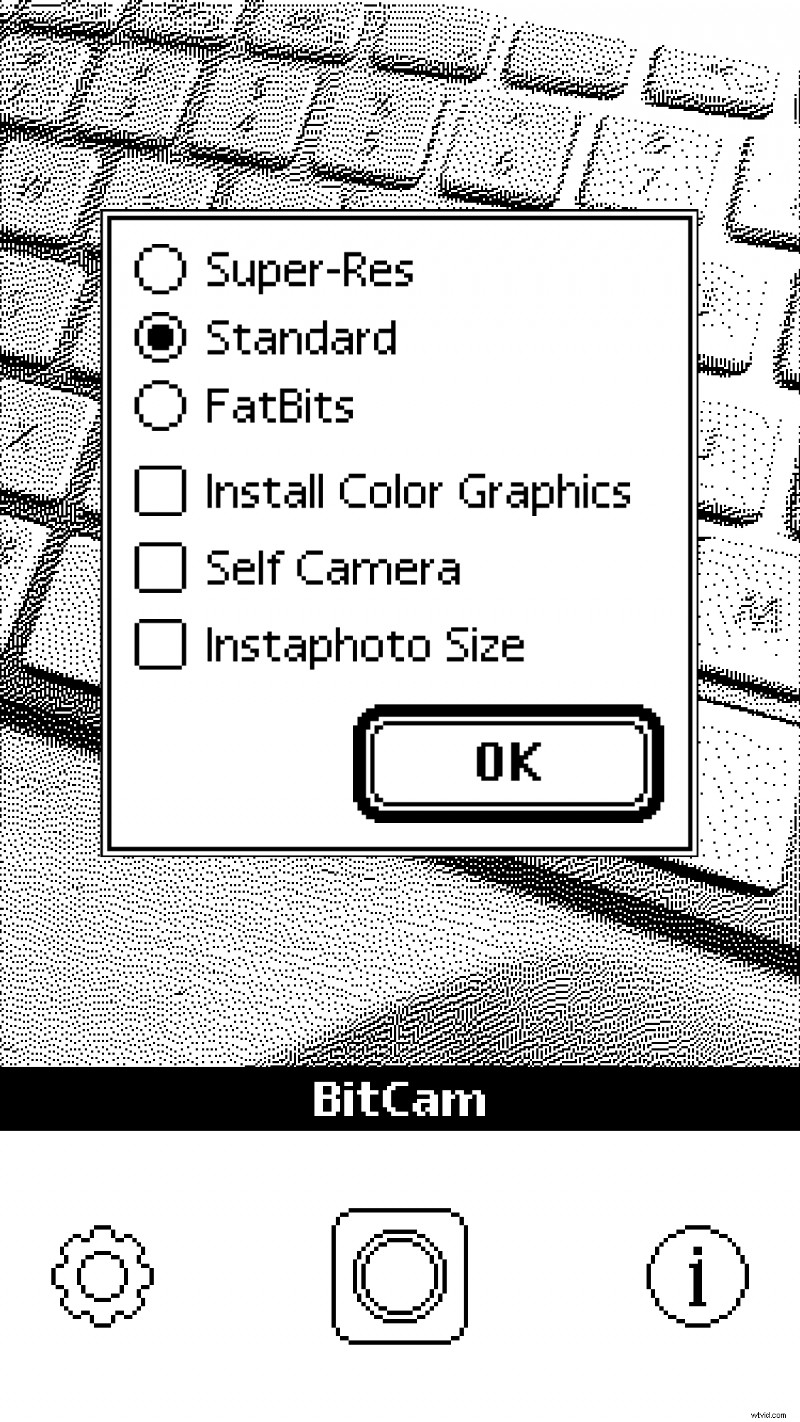
Obviously this isn’t the most productive utility in the world, and the BitCam photos aren’t likely to be featured in a “Shot on iPhone” commercial anytime soon, but it is loads of fun if you’re entertained by the world of retro Macintosh and old-school computing.
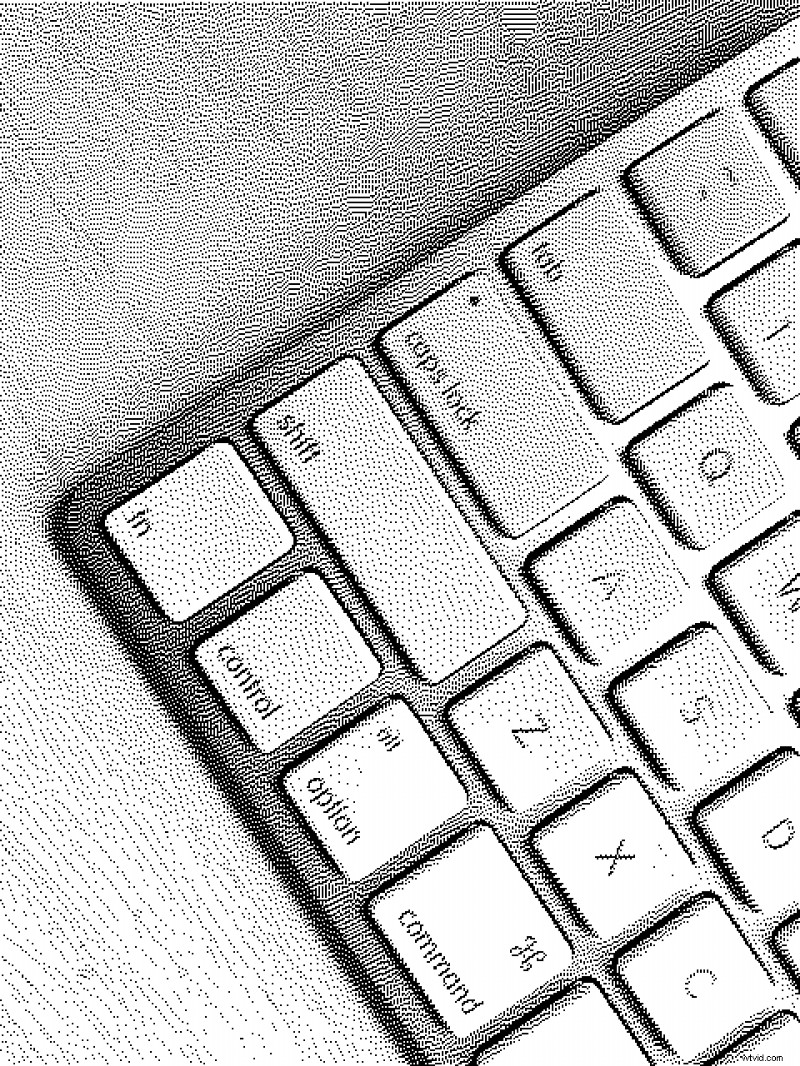
Do check it out, and if you decide you need to dive deeper into the retro world don’t forget that you can run Classic Mac OS in a web browser too.