
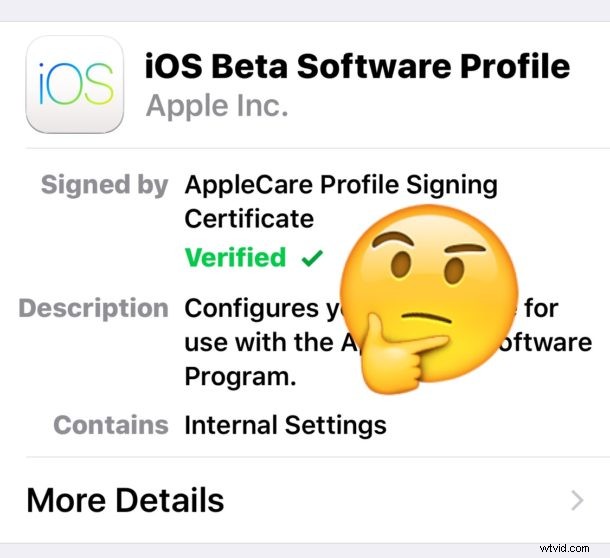
With iOS 10 beta in the wild, literally anyone can install the iOS 10 beta on their iPhone, iPad, or iPod touch right now with little effort. All you need to do is download the iOS 10 beta IPSW file or get the beta profile to download it through an OTA update, there are no checks or requirements beyond that. Essentially this means if you’re an Apple dev or not, or have a friend in the developer program, or just have some access to the appropriate files, it’s that easy to install the beta right away on any device that supports iOS 10.
But just because anyone can technically install iOS 10 beta right now, that doesn’t mean they should.
We’ll just go ahead and state the obvious; the vast majority of people should not run an iOS 10 beta build. The current iOS 10 beta is intended for developers only, it is an early beta, and it is buggy, some third party apps crash, system behavior can be weird, and battery life is suboptimal. For the average user, running developer beta system software is not appropriate, it’s quite literally intended for developers to build and test their apps with.
For more advanced users who are antsy to test out all of the interesting new features of iOS 10, a much better option is to wait until the iOS 10 Public Beta program opens to the general public in July. The public beta build will still have quirks, but it will be further along in development. Anyone can sign up to be in the Apple Public Beta here.
If you decide to ignore this advice, keep in mind you can downgrade iOS 10 beta back to a stable iOS 9.3.2 release, though you won’t be able to use backups from iOS 10 on an iOS 9 device, meaning you’d likely lose data in the process.
So, just because you can install iOS 10 beta right now as a registered Apple Developer, or with firmware files from a friend, or with a developer beta configuration profile, it doesn’t mean you should. This needs reminding every time a new developer release of system software becomes available, it’s better to have some patience and either wait for the official public beta release, or if you can hold on tight, wait until the fall for the public release of iOS 10.