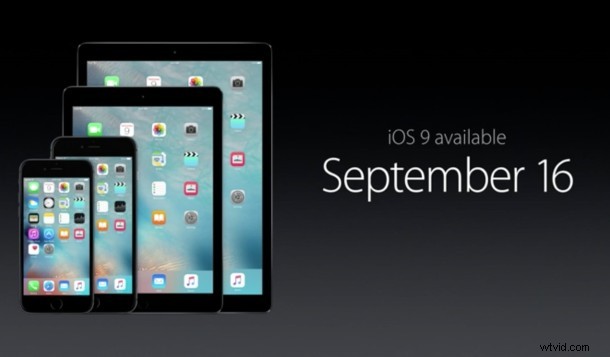
Update: iOS 9 has been released, you can download it here or install from the Settings app. This applies to all users, no need to wait anymore!
Now that iOS 9 has reached the GM build, it can technically be installed on any compatible iPhone, iPad, or iPod touch right now, assuming you have the proper iOS 9 IPSW file. Because it’s the final version of iOS 9, installation no longer requires a Public Beta profile or Developer UDID registration, but even so, you shouldn’t update right now.
While updating to iOS 9 before the official release date may be tempting for some users that are outside of the beta programs, it’s really a good idea to be patient and wait for September 16 to roll around instead.
The three primary reasons to wait are fairly straight forward:
- iOS 9 won’t be officially supported by Apple until it’s public release
- Downloading IPSW from random untrusted sources is a bad idea, just like downloading any other software from any other untrusted source is a bad idea
- Installing iOS 9 right now is more technically challenging than when it arrives through the OTA updates and iTunes
The second reason is arguably the most important, as downloading and using an untrusted IPSW file from an untrusted source could lead to a myriad of issues ranging from a failure to update, a bricked iPhone, iPad, or iPod touch, to malicious software arriving with the download. These are not worthwhile risks just to get a few days head start on running iOS 9, so just wait.
Are there exceptions? Sure maybe with adequate discretion. For example, if you have a trusted friend in the iOS Developer program who can provide with an iOS 9 IPSW file for your specific device that you can also verify the md5 or shasum for, and you’re comfortable with the other risk associated, go for it, just backup first. Installing iOS 9 this way is just a matter of using any other IPSW file with iTunes, by Option+Clicking on the “Update” button and selecting the IPSW file for the device. That whole process is easy enough for advanced users, but not appropriate for the average iPhone, iPad, or iPod touch owner.
For the average user? Don’t bother with any of this, just wait until iOS 9 arrives in it’s final easy to install form on September 16.