
How to get rid of background noise? What is the best app to reduce background noise in audio files? In this post, you will learn the 7 best audio noise reduction software and how to remove background noise from video.
Recording clean audio can be hard, especially in noisy environments. So how to get rid of noise from audio? Try the following noise reduction software! (To remove background noise from a video, you can use MiniTool MovieMaker to mute the video.)
7 Best Audio Noise Reduction Software
- Audacity
- Wavosaur
- WavePad
- Ocenaudio
- SoundSoap 5
- Krisp
- Audition CC
#1. Audacity
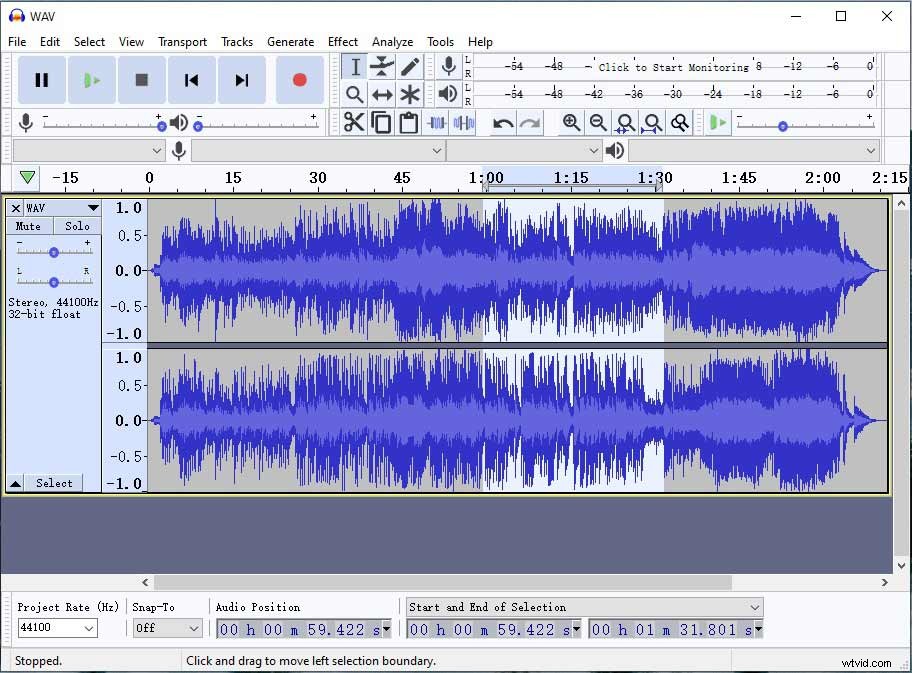
Audacity is a free noise reduction software for Windows, macOS, Linux, and other operating systems, which can remove static, hiss, hum, or other background noises. Also, this software can be used to remove vocals from a song, record sound from a computer, generate tones, change the tempo, reverse audio, etc.
#2. Wavosaur
Wavosaur is a free audio editor designed to edit, process, and record audio files. It can cut, paste and copy audio track, batch convert audio files, and apply VST effects. Wavosaur doesn’t have the noise reduction feature, but it’s able to reduce background noise by using the ReaFIR VST plugin.
You might be interested in this post: 7 Best Free VST Plugins for Music Producers
#3. Wavepad
WavePad is a full-featured audio editor available for Windows, macOS, iOS, and Android. Features include noise reduction, auto-trim, spectral analysis, VST plugin support, vocal remover, text to speech, voice changer, and more. The built-in sound effect library offers you hundreds of sound effects and free music clips.
#4. Ocenaudio
Another free noise reduction software is Ocenaudio. It’s also an audio editing software with a set of audio editing tools. It supports real-time preview of effects, spectrogram view, multi-selection for editing, etc.
#5. SoundSoap 5
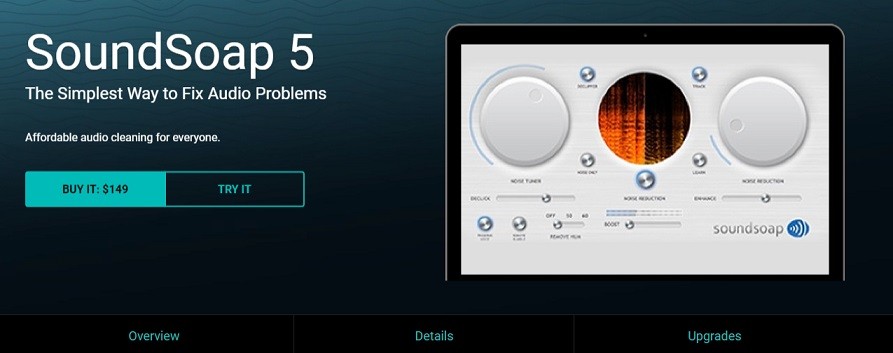
SoundSoap 5 is a professional noise reduction software aimed to fix audio problems. It can reduce noises like air conditioners, traffic, hum, his, fan, and crackles from audio recordings. When you import an audio file, SoundSoap will automatically find background noises and clean your file. This software costs $149 and works on both Windows and macOS.
#6. Krisp
Krisp, an AI-based noise canceling software, can remove unwanted background noises from conference calls. It supports any headset, microphone, and speaker and delivers the best audio quality. Besides that, it can be used to record your online meetings.
#7. Audition CC
For professionals, they can use Audition CC to clean up audio recordings. Audition CC is a digital audio workstation with a noise reduction feature. It can clean up your recordings by reducing background noise. How to remove noises from audio with Audition CC? Go to YouTube and you will find many related video tutorials.
Tip: How to Remove Background Noise from Video
Now, let’s see how to remove background noise from video with VEED.IO. (To entirely remove noisy audio from a video, you can use MiniTool MovieMaker to mute the unwanted audio in the video)
Step 1. Visit the VEED.IO website.
Step 2. Click on Features > Tools (view all) > Remove Background Noise from Video.
Step 3. Click on Get Started Now and upload the video with noisy audio.
Step 4. Choose the video file on the timeline and click on Clean Audio under the Audio tab.
Step 5. Once done, export and download the video.
Conclusion
Try the above-mentioned noise reduction software to reduce background noise from your audio recordings!