
As a content creator, if you want your video to attract more audiences, it is essential to understand and master video dubbing. How to dub a video? In this article, we will familiarize you with the 5 best video dubbing software and apps. If you need a free video editor, try MiniTool MovieMaker.
What Is Dubbing?
Dubbing is a post-production process used in film production and video production, in which additional or supplementary recordings are lip-synced and mixed with the original production sound to create the final audio track.
Best Video Dubbers
WavePad Audio Editor
WavePad Audio Editor is a full-featured professional audio editor for Windows and Mac. You can import audio files in various formats, cut, copy and paste according to your needs, and then add effects such as echo, amplification, and noise reduction. In addition, it can be used for video dubbing.
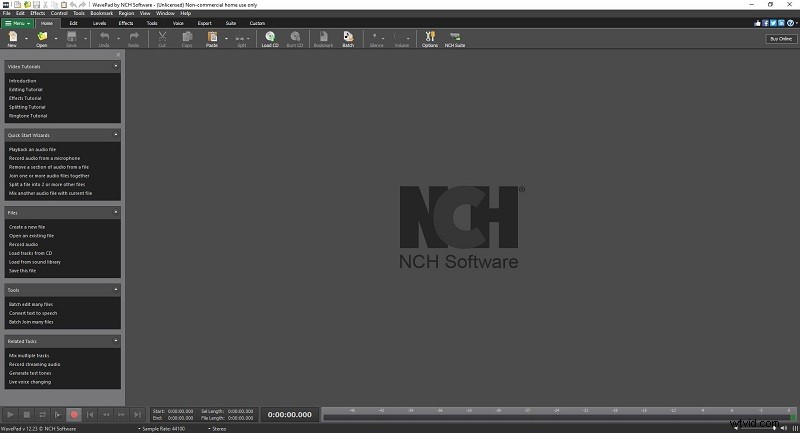
Features:
- Numerous audio editing tools
- Various audio effects
- Support almost all audio formats
- Spectral analysis (FFT), speech synthesis (text to speech), and voice changer
- Noise reduction and click pop removal
- Export audio files to videos with waveform, FFT, or image visualization
MAGIX Movie Edit Pro Plus
MAGIX Movie Edit Pro Plus is another excellent video dubber. It comes with efficient cutting tools, extensive optimization options, and hundreds of effects, transitions, and titles. With this software, in addition to many professional video editing functions, you can also perform video dubbing.
Features:
- Import all common audio and video formats
- One-click audio effect templates, compressor, noise cancelation
- 1,500 effects, titles, and transitions
- Audio mixer for multiple audio tracks
- Multicam editing for up to 4 cameras
- Professional video stabilization
- Dynamic slo-mo and time-lapse effects
Audacity
Audacity is a free, easy-to-use multitrack audio editor and recording program that can run smoothly on Windows, macOS, GNU/Linux, and other operating systems. It is also one of the best video dubbing software, highly praised by amateurs and professionals.
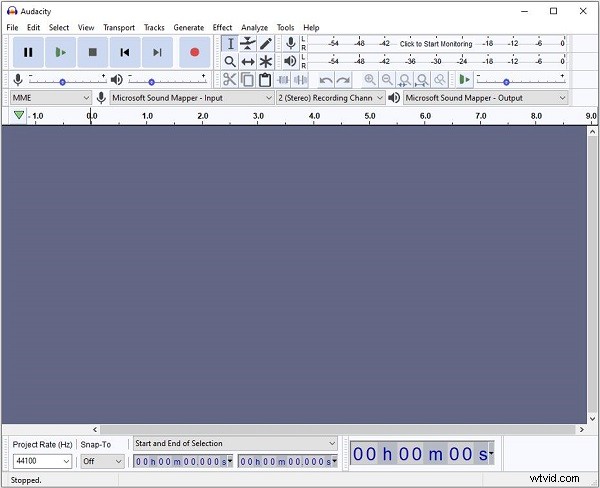
Features:
- Support 16-bit, 24-bit, and 32-bit
- Quick to cut, copy, paste and delete
- Preview LADSPA, LV2, VST, and Audio Unit (macOS) effects
- Record live audio via a microphone or mixer
- Digitize recordings from other media
- Import, edit and combine sound files
- Export recordings in a variety of different file formats
n-Track Studio
n-Track Studio by n-Track Software is a multitrack audio recording, editing, and mixing program for Windows, OS X, Android, and iOS, and it supports a wide range of audio formats. While n-Track Studio is primarily built for recording, it can also be used for video dubbing.
Features:
- Support many audio formats
- Record and play a virtually unlimited number of audio and MIDI tracks
- Apply VST, VST3, DirectX (Windows), AU (Mac), and ReWire effects
- Interactive work on desktop and mobile versions of n-Track
- Support 16 and 24 bit single and multichannel soundcards at sampling frequencies up to 192 kHz
- Compatible with Asio, WDM, WaveRT, DirectSound, and MME audio drivers
- Built-in multiple audio effects
MadLipz
MadLipz, known for its instant dubbing and subbing features, has already been used by millions of people worldwide. The video dubbing app can run on Android and iOS. Besides, it is available in different languages.
Features:
- Compatible with Android and iOS
- Tons of ready-made clips and recordings
- Record acting and lip-syncing scenes
- Combine with subtitles
- Add captions to your voiceovers
Bottom Line
Here are the top 5 best video dubbers you can try, most of which are paid. If you have any questions when editing videos with MiniTool MovieMaker, please let us know via admin@wtvid.com or share them in the comments section below.