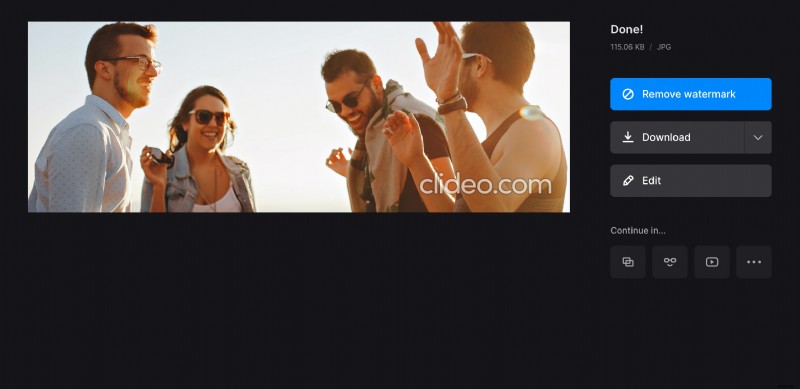
Tumblr banner size
What makes a real difference between Tumblr and other social media is its customizing settings: every user can modify their profile and make it truly unique.
As for the specs, it has a rather complicated system. But no worries, we’ll put you wise to it.
The platform accepts the following image formats: JPG, PNG, GIF, BMP. As for the Tumblr image size limits, they depend on the post type:
- Avatar: 128 x 128 pixels and 64 x 64 for avatar on posts;
- Dashboard posts: from 540 x 750 to 1280 x 1920;
- In feed: at least 540 x 810, recommended 1280 x 1920;
- Large photo set in feed: 245 x 245;
- Small photo set in feed: 177 x 177;
- Size of Tumblr header, also known as banner, must be no less than 640 x 360, ideally – 3000 x 1055.
Don’t forget that all other social media also have their unique specs, so wherever you are going to post your visual content, you’ll have to resize and adjust it first.
Luckily, we have a handy tool for it! Just follow three steps:
Upload an image to resize
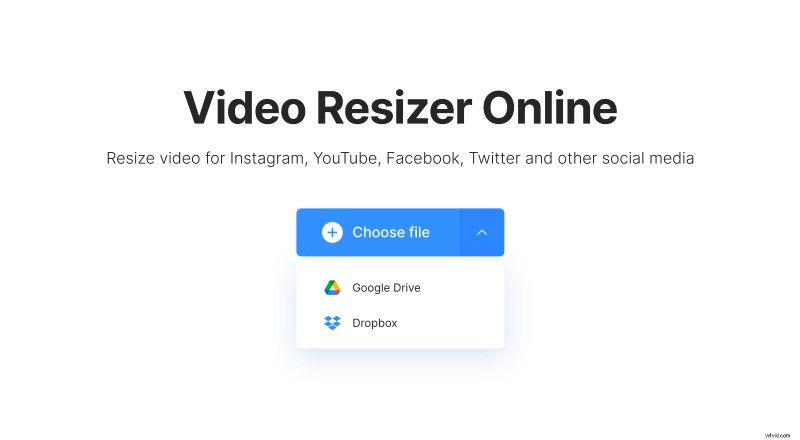
Open Clideo’s online image resizer in any browser. Make sure that your internet connection is fast and stable. Hit the blue button “Choose file” to pick up the photo from your personal device. You can also import it from Google Drive or Dropbox.
Create the banner
To make your visual meet Tumblr specs you have to select the “Custom” option, untick the chain sign between the boxes and set the pic’s width and height manually.
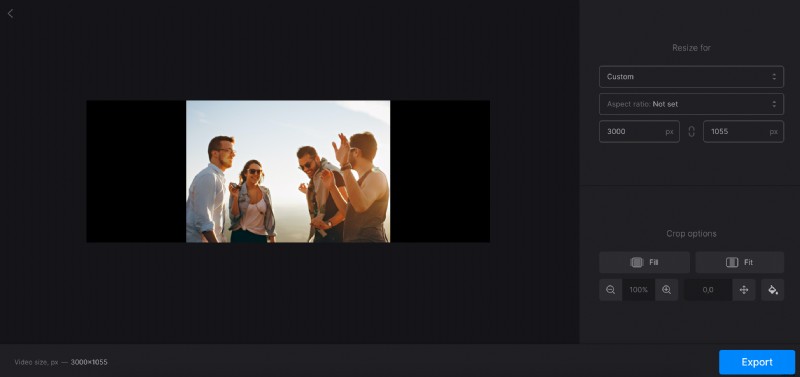
If you want to post your image somewhere else, just choose one of the social media and post type presets. You may also stick to the “Custom” option, set up the aspect ratio and type only one parameter – the second one will be applied automatically.
Decide on the crop option. Pay attention – if you hit “Fill”, the image may be cut off, but if you fit the visual with the frame, black sidebars may appear. Try different combinations, change the background colour or blur it, zoom the image in and out to find the best solution.
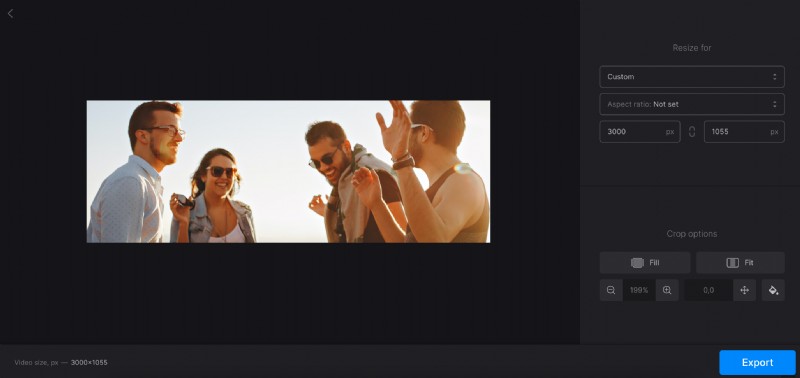
When you are done, click on “Export” and get ready to revise the result.
Save Tumblr banner
Download the ready pic and save it to your personal device or cloud storage account. If you want to remove a tiny discrete watermark or edit your visual in one of our other tools right away without previous downloading, subscribe to Clideo Pro.