
Smoke and fog can elevate the production value of any photo or video shoot. Here are a few ways to use smoke on set and in post.
Cover image by jeremy spang.
Whether you prefer smoke, fog, dust, smog, or haze on set, these elements can add incredible depth to your compositions — or even change the overall mood and atmosphere.
In this video from Cinecom, you can check out some different ways to use real smoke on set. It’s a tried-and-true method that we also used to create free fog overlays to use in post. Using only a cheap fog machine, you can actually create better-looking fog by adding some dry ice and a bucket to the equation. There are some other cool smoke tricks in the video, too.
Let’s dive into the video and examine some additional tricks.
Any Fog Machine Works
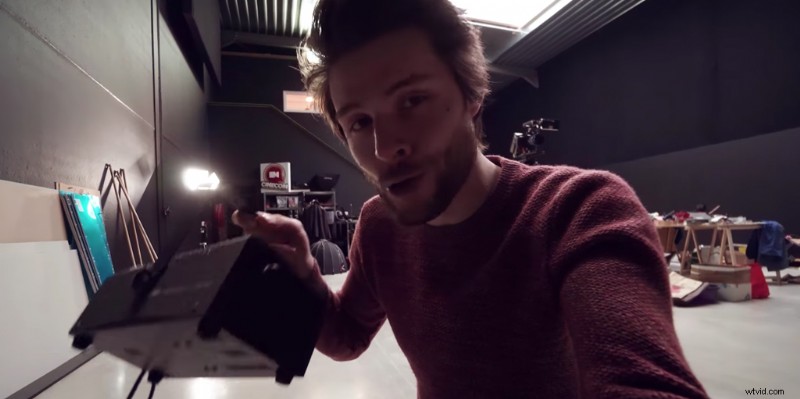
You don’t need an expensive machine to create this look. You can find fog machines online and in most large retail stores for between $25-$65 USD. The trick to better-looking fog and smoke is to cool it down; it’s not about a bigger or better machine.
Pro-tip: Load up on smaller machines after holidays like Halloween. It’s a great time to stock up on discounted machines and fog juice.
Add Ice (or Dry Ice)
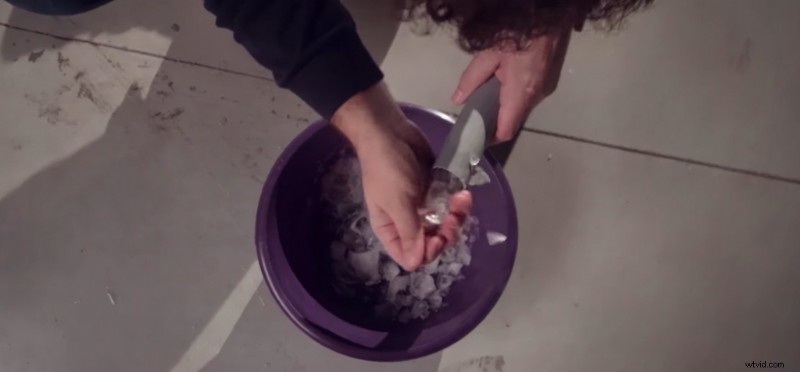
Cool your fog down using some ice. In the first example, you’ll see the team use ice cubes inside of a long tube. This cools the fog, which keeps it low to the ground — perfect for the traditional horror look. Place the tube near the fog machine, but don’t cover the nozzle completely. Most machines need circulation to operate properly and avoid overheating.
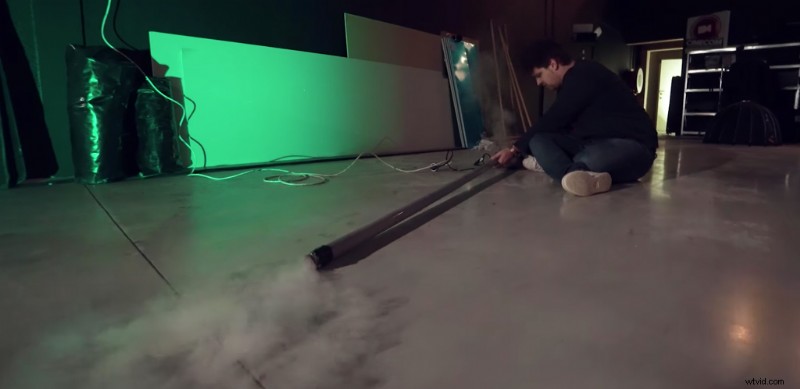
If you have dry ice on hand (often available in grocery stores), you can use that to cool the fog even faster. This keeps it low to the ground for longer periods of time.
Creating a Wall of Smoke
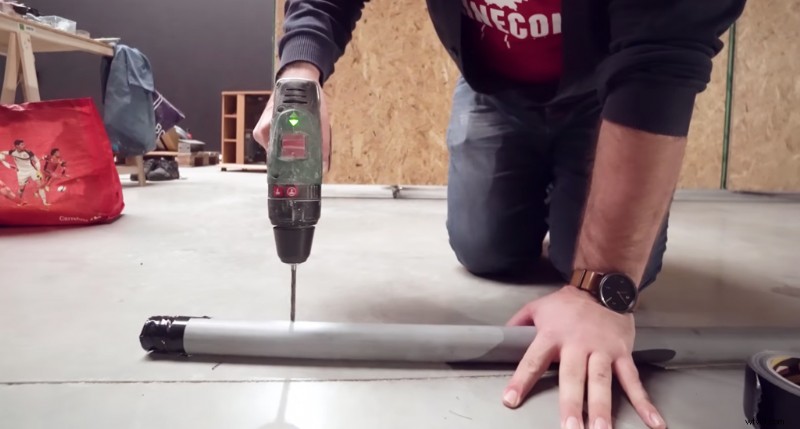
For the classic wall of smoke, or smoke curtain, take a PVC pipe and drill a few holes in it. Space them out a bit for wider coverage. Then seal the pipe on one end. You can use tape or a PVC cap.
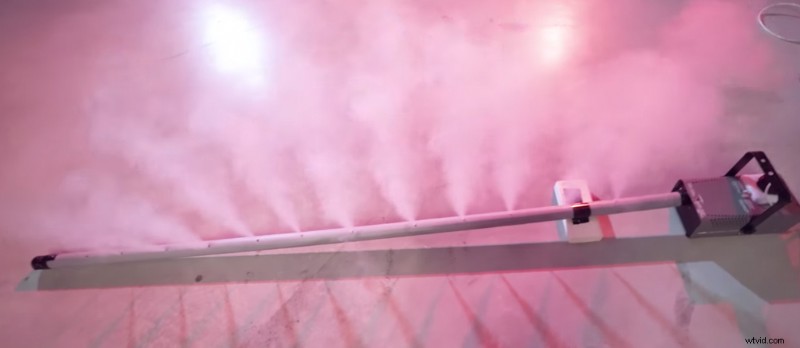
Note: It may take a few attempts for your fog to reach every hole. If it’s not flowing evenly, try taping the holes closer to the fog machine shut. Then remove the tape once the fog has reached the furthest hole in the pipe.
Create Haze with a Fan
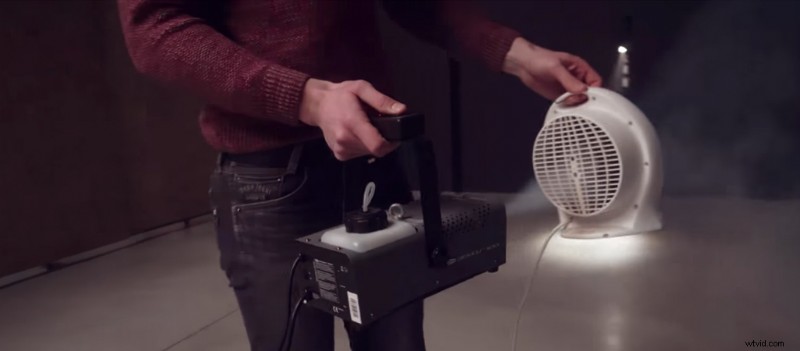
To create haze to capture volumetric light rays, place the fog machine behind a desk fan. This will spread the fog and create more of a haze or mist. If you are in a controlled environment (like a studio), turn off any air conditioning units to keep the air as still as possible. This will help the haze settle evenly.
This is the best way to capture light rays on set. It’s the same approach RocketStock used to create these free volumetric light and dust overlays.
Add Smoke in Post
If your fog machine didn’t fill the entire frame, or if you aren’t able to add fog on set, you can always use smoke elements to add the look in post-production. If you want to try using fog elements, check out this free pack of fog overlays from PremiumBeat.
If you really like using assets like these, I highly recommend checking out the RocketStock packs Fume and Vapor.
Fume — 150+ Smoke Effects
The Fume element pack includes over 150 smoke elements, specifically plumes, pipe bursts, and smoke elements perfect for accenting fire effects.
Vapor — 100+ Smoke and Fog Effects
The Vapor pack from RocketStock includes 143 4K assets. These are ideal for atmospheric effects and creating a cinematic look. Shot on RED cameras, this pack includes rolling mist, fog, and smoke rings.