
Offices are busy places. Everyone has a pile of work to get done and not much time to devote to learning new computer processes. This means that when a co-worker asks how to to do something with their computer, it’s not uncommon that you just end up doing it for them.
How to Capture Video
You’ll be glad to know, there is a better way! Capture a video of the process by recording your computer screen, and then share the video with your co-workers. This makes it easy to explain something to multiple people, and creates a resource that can be referenced in the future.
Sound too good to be true? It’s not! All you need is a screen capture program and your computer! Ok, maybe a couple other things, but those are the essentials to start with.
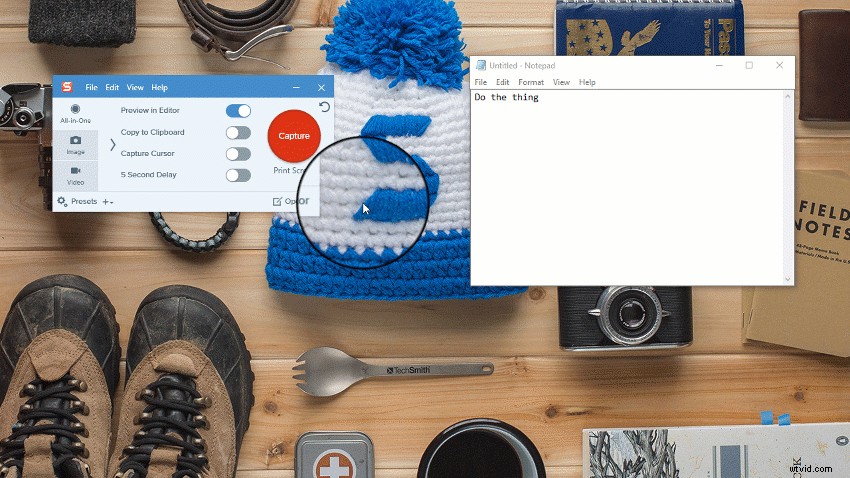
- Download the free trial of Snagit
- Open what you want to record on your screen
- Click the red capture button (watch the Intro to Video tutorial)
- Select the area you want to include in your recording
- Click record
- Do the thing
- Click stop
- Share your video!
- Stop repeating yourself
- Tell your friends about Snagit so they can do it too!
Why capture video?
Now that you have the “how” figured out, why on Earth would you want to do this? A few scenarios might include:
- Record yourself on webcam to make a video
- Record a webinar
- Record live streaming video, like a company meeting
- Record skype & google hang out video calls