
In this video tutorial, learn how you can create a digital distortion scene with a glitch effect using these four easy techniques.
One of the most popular effects to use in a video project in After Effects is the glitch effect. To design and animate glitch-based effects, it’s important to understand which techniques are at your disposal. Here are four that every filmmaker needs to know.
1. RGB Splitting
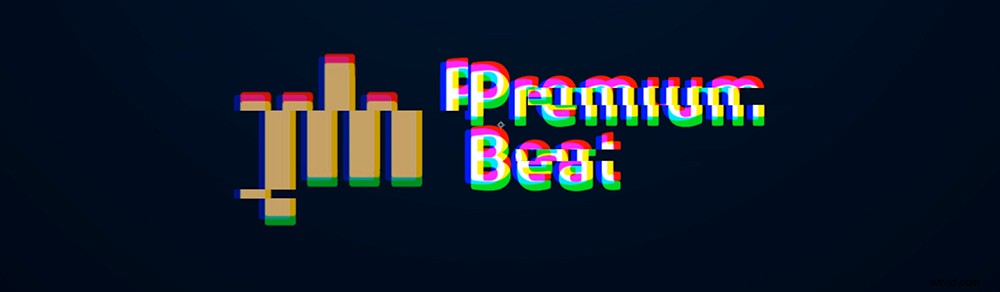
Creating an RGB split is the most common element among all glitch effects. This technique splits colors, so viewers can see the red, green, and blue channels individually. To create the RGB split, duplicate your main composition three times and set each layer to one color. Then apply a wiggle expression to the position to offset compositions and split the colors.
2. Displacement Distortion
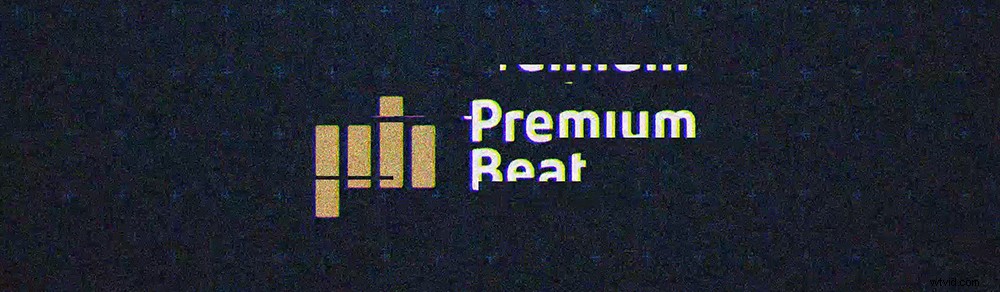
The next common element in a well-rounded glitch effect is visual displacement. By creating custom objects with the shape tools, you can easily split the contents of your composition using a displacement map. A displacement map takes the glitch effect to the next level by juxtaposing any layer below.
3. Noise

Using noise is obvious when it comes to creating a glitch. However, it’s best to vary the amount of noise to appear in segments rather than using digital grain the entire time.
4. Vertical Lines
Lastly, adding vertical lines is a nice way to create extra detail. By using a shape layer, you can quickly add a repeater and space out as many lines as you need.
120 Distortion Glitch Elements
Looking to create amazing distortion effects in only a matter of minutes? Check out Corruption from Rocketstock.com — a 4K distortion pack that contains 120 pre-made effects and 20 sound effects.