
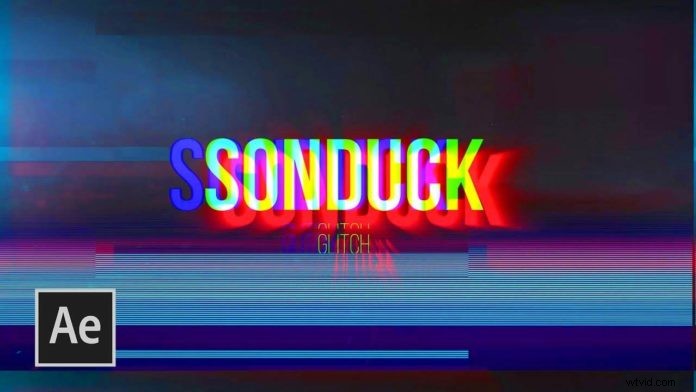
The Glitch Effect is very popular across all editing and motion graphics programs, not just Adobe After Effects. While you can use plug-ins like Twitch from VideocopilotNET for quick turnarounds, glitch effects are actually very easy to create from scratch. SonduckFilm is showing you 5 techniques you can add to your tool belt to come up with some nice Glitch Effects yourself.
First let’s start with the good old RGB split. This is a pretty straightforward technique, as you just have to use the ‘shift channels‘ effect and apply it to multiple copies of your text layer. Now when you set your layer mode to ‘screen‘ and animate the position value of your individual text layers, you should get a pretty neat glitch effect right off the bat.
Now let’s take this further by adding the actual Glitch, which is some sort of blocky/analog video like displacement. For that you can utilize the onboard ‘fractal noise‘. Just set the Fractal Type to ‘Max’ and the Noise Type to ‘Block’. This should give you a good glitch look to start with. This can now be used to displace the underlying footage (Effects > Distort > Displacement Map).
In the Tutorial video below the final video is being spiced up by assets from the sponsor, but at this point, you should already have a really nice looking Glitch Effect. Of course, you can tweak the look and pace of this effect to your liking. It’s a classic effect for Motion Graphics that you can still use for your projects without looking too outdated. You can not only use this for text. This can also be used for video footage. Some of the most popular paid templates on Videohive rely heavily on similar techniques. Now that you know how to create this from scratch, maybe next time you will just create your own, rather than just buying a premade template.