
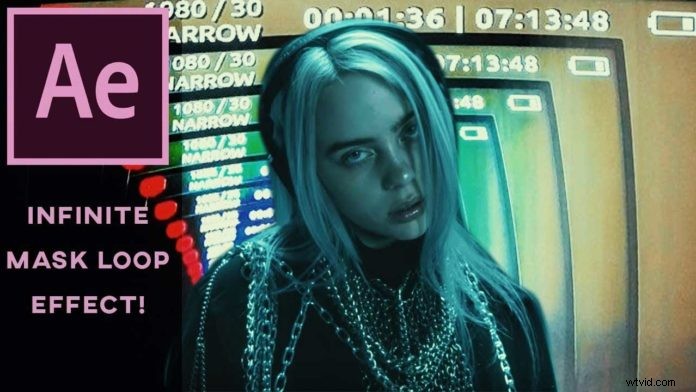
Max Novak is showing us an interesting technique to create a nice looping video effect in Adobe After Effects.
This technique works best if you want to track simple shapes like frames or screens. To track more complex shapes or from more challenging angles, you should use the built in planar tracker Mocha.
Just use the built in After Effects Tracker
Just create a rectangular shape around the area you want to track with the pen tool. Once the mask is created, just right-click and select ‘Track Mask’. In the tracker panel make sure ‘Position, Scale & Rotation’ is selected as the tracking method and hit the track forward button (the little play icon).
In step two duplicate this layer and while the playhead is on the first frame just right-click and select ‘Time > Freeze Frame’. This will freeze the first frame of the clip as we are going to need this to actually create the asset for the loop effect. Now just go ahead and duplicate this freeze frame and reposition so you have a nice wall of tiles you can move around within that tracked frame. Pre-compose this so you can easily move this around for the loop effect.
Now duplicate the original layer one more time and track the actual position of the frame. This can be a detail within that frame. For this just use Track Motion and apply the resulting tracking data to a null object.
Fine Tune With Offset and Motion Blur
As a final step pickwhip that pre-composed tiles composition to the null object with the tracking data so it moves along. Now apply an offset effect so it looks like it cycldes through a bunch of frames, just like an old film projector. When you fine tune this effect with the feather of the mask and some motion blur, you will end up with a pretty neat effect that has been used in multiple music videos as referenced in the video below.