
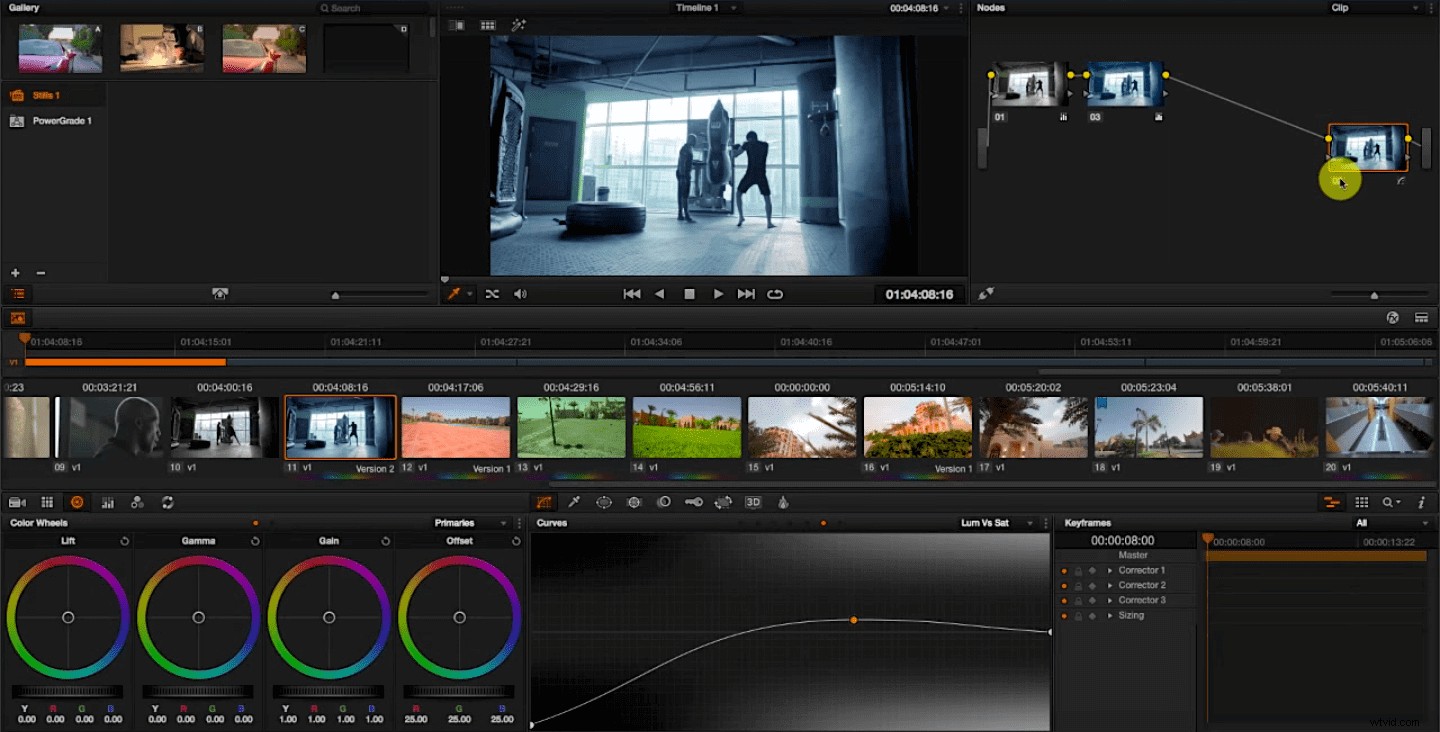
If you’ve spent any time playing around in DaVinci Resolve, you know that getting professional, polished results takes significantly more work than just pushing around some color wheels and calling it a day. It takes a systematic, methodical approach mixed with a healthy dose of knowledge about aesthetics and color theory. However, while developing those skills is incredibly important (and time-consuming), there are some quick ways that you can make incredible cinematic color grading without all of that effort. One of my favorites comes from Alex Jordan over at Learn Color Grading, and it’s a simple trick where he desaturates the shadows of an image before giving it a slight color cast. Check it out.
If you want to try this yourself, it’s incredibly simple, and you can fit it into your existing grading workflow in Resolve. Just create a new serial node and leave it at the very end of the chain. Any other nodes you use to make adjustments to the image will be kept before this one. On that final serial node, you just need to make one adjustment. In the Curves editor, select the Luma vs. Saturation control from the dropdown menu in the upper-righthand corner, drop the left side of the curve (the shadows) down while slightly boosting the saturation of the midtones.
That’s it. Now you can go about your color grading as you normally would. In the Alex Jordan example, he gives the image a slight blue color cast, and it looks so much better with the desaturated shadows. Now go forth and make cinematic color grading!