
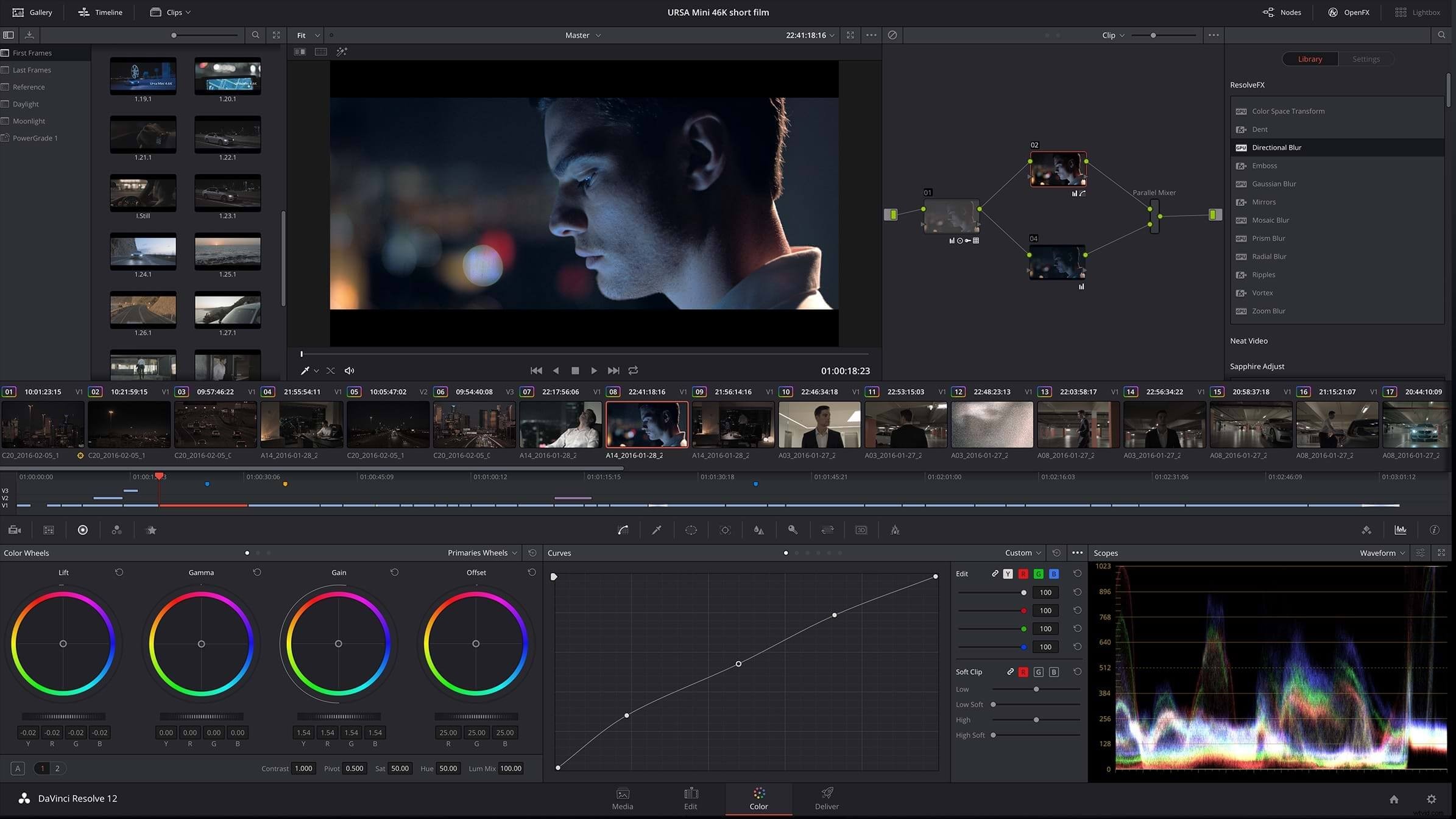
At NAB 2016 today, Blackmagic Design unveiled hundreds of new features and enhancements in DaVinci Resolve, including significant upgrades to the editing experience, new native effects, HDR workflows, and easy round-tripping with Fusion.
For starters, here’s a quick crash course in the features that have been added.
And here’s Blackmagic’s introduction video that showcases all of these new features:
New editing features
In the press release, there are more details as to the new features coming to DaVinci Resolve 12.5 version. Here are a few of the big ones being added to Resolve’s editing, playback, audio, and metadata capabilities.
- New Cinema Viewer option plays video fullscreen
- Swap and shuffle edits
- Seven entirely new trim operations
- Paste inserts
- Expanded edit overlay with ripple overwrites and append edits
- Audio waveform overlay in the source monitor
- Improvements to timeline curve editor
- New metadata keyword dictionary
- Power Bins in the Media Pool for sharing assets between projects
In addition to those features, Resolve 12.5 also has drastically improved speed ramping abilities.
With HDR cementing itself as one of the dominant trends in video in 2016, Resolve has added significant new features that make working with and viewing HDR media a breeze.
New GPU & CPU Accelerated Effects
In addition to the slew of editing and grading features, Resolve 12.5 has an array of brand new effects, which Blackmagic is calling ResolveFX.
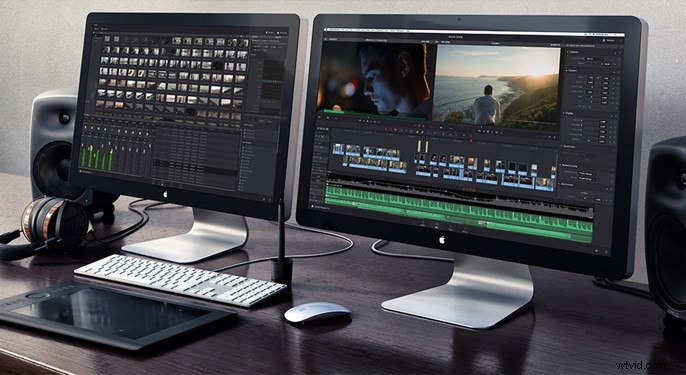
source: blackmagicdesign.com
Round Tripping with Fusion
Also, the ability to round trip projects between Resolve and Fusion seems like an important step for Blackmagic, as it signals they’re serious about building out a seamless end-to-end post-production workflow. Here’s what the press release says about how the Fusion Connect feature works:
It sounds a whole lot like the dynamic linking between Adobe’s software tools, which is a fantastic step forward for people who’d like to stay inside of Blackmagic’s post-production ecosystem.
The Beta of Resolve 12.5 is Available Right Now
The beta version of Resolve 12.5 is immediately available to download on Blackmagic’s site. It is, of course, a beta piece of software, so it is highly inadvisable to upgrade to it if you’re in the middle of a project in Resolve 12 or if you plan on using it for anything more than playing around with the new features. Better safe than sorry. Resolve 12.5 is expected to come out of beta in the summer. Lastly, if you’re in Vegas for NAB 2016, you can visit the Blackmagic booth at #SL217 to see a live demo of the new features.