
Looking to refine your voice recordings? Whether you’re a podcaster, musician, or simply want a polished voicemail, the right editing app can make all the difference.
While desktop audio editors offer robust features, smartphones need specialized tools that bring professional quality to the palm of your hand. Below is a hand‑picked list of five apps that combine powerful editing capabilities with intuitive interfaces, enabling you to cut, trim, add effects, and even convert audio formats with ease.
Best Apps to Edit Voice Recordings
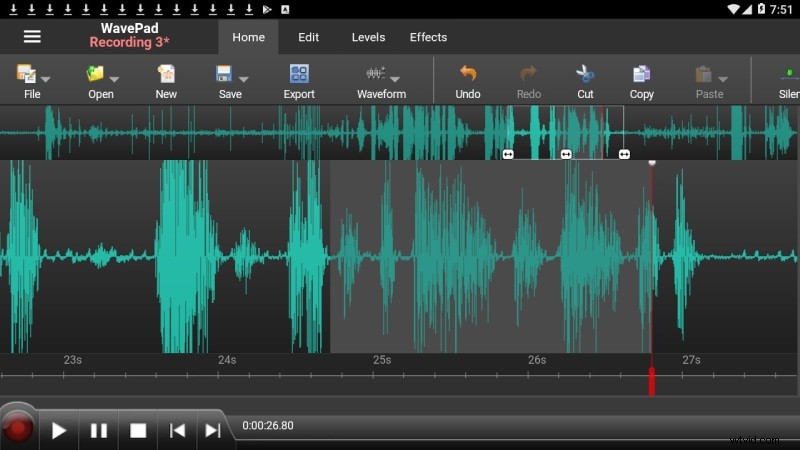
WavePad Audio Editor
WavePad delivers a desktop‑style editing experience on both Android and iOS. Developed by NCH Software, a company with a long history in audio solutions, it supports a wide array of file formats and offers advanced tools such as noise reduction, equalizer, and pitch shifting.
- Cut, trim, delete, silence removal, pitch adjustment, and more.
- Import/export in multiple file formats.
- Built‑in effects: equalizer, echo, reverse, reverb.
- Sound‑effects library for creative enhancements.
- Audio restoration and adjustable sample rates.
Timbre
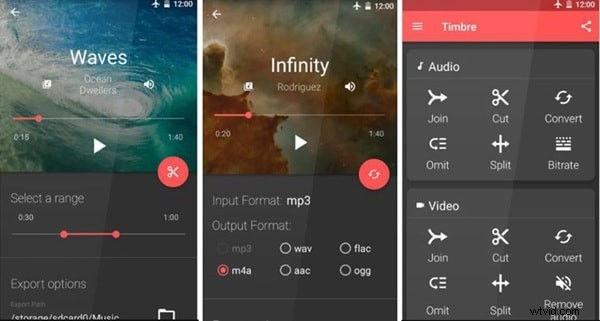
Exclusively for Android, Timbre offers a comprehensive set of editing tools while remaining free. It handles both audio and video files, making it ideal for users who need to extract or convert media on the fly.
- Split, join, and trim audio/video segments.
- High‑quality video‑to‑audio conversion.
- Audio omitter for precise cuts.
- Bitrate adjustment to compress files.
- Supports popular audio formats and speed changes.
AudioLab
AudioLab combines recording, editing, and voice‑changing features in a single app. Its intuitive interface allows you to apply noise removal, normalize audio, and even transform your voice into various characters.
- Noise removal and audio normalization filters.
- Merge files and convert to multiple formats.
- Voice changer with celebrity presets.
- Speech‑to‑text and text‑to‑speech integration.
- Reverse, split, and vocal extraction tools.
- Audio extraction from video files.
- Special mixing effects for creative projects.
Mstudio
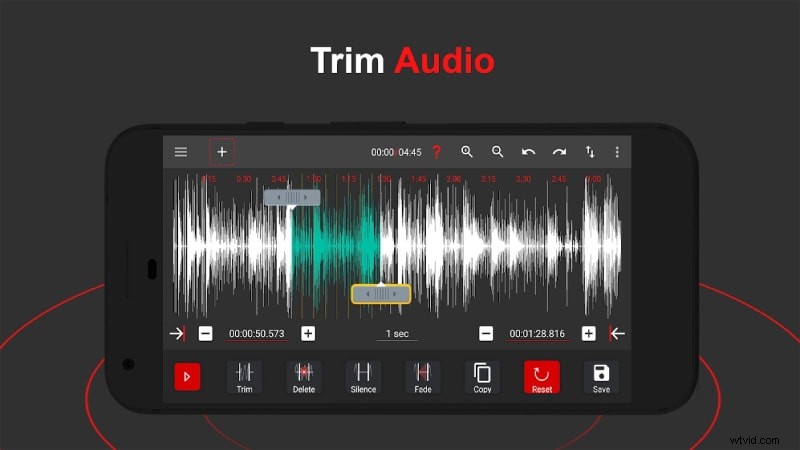
Mstudio is designed for efficient audio manipulation. Its clean UI supports cutting, merging, and remixing MP3s while maintaining high sound quality. Video‑to‑audio conversion is also available.
- Simple, user‑friendly interface.
- MP3 cutter for ringtones and notifications.
- MP3 merger without quality loss.
- Mix and remix features for creative edits.
- Adjust channel settings, sample rate, and bitrate.
- Speed and pitch changer.
- Mute sections and split audio quickly.
- Format conversion across major audio types.

WaveEditor
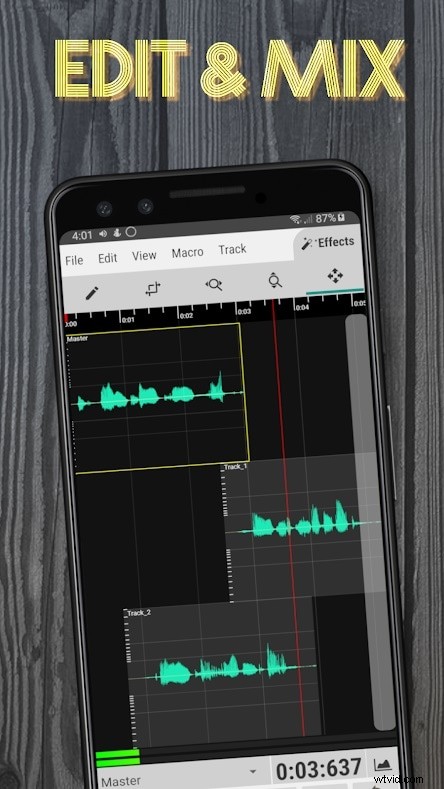
WaveEditor, known for its desktop counterpart, offers powerful recording, editing, and mastering tools on Android. It supports multi‑track mixing and advanced visualizations such as spectrograms and FFT.
- On‑screen recorder widget.
- Import almost any audio format.
- Invert, fade, and reverse filters.
- Automatic pitch tuning.
- Spectrogram, FFT, and oscilloscope views.
- Integrated file browser for easy navigation.
- Zoom, pan, and other editing controls.
- Export in various file formats.
Bonus: Voice Recorder Editor Online
If you prefer not to install an app, Twisted Wave offers a web‑based editor with a desktop‑like interface. It allows on‑the‑go recording, trimming, and a broad range of effects, all accessible from your browser.
- Trim, convert stereo/mono, and add markers.
- Normalization, fade in/out, and a suite of effects.
- Upload from Google Drive or SoundCloud.
- Files stored on the server for download.
- Free accounts allow up to 5 minutes of recording.

Conclusion
Choosing the right voice‑recording editor depends on your workflow and platform. The five apps above combine professional features with mobile convenience, enabling you to edit, enhance, and share audio effortlessly. Whether you need a quick trim or full‑blown post‑production, these tools provide the precision and flexibility you require.