
Audio clarity is the backbone of compelling video. When listeners hear crisp, balanced sound, they stay engaged, and the message resonates. Modern software now makes audio enhancement both accessible and powerful, allowing creators to transform raw recordings into professional-grade soundtracks with just a few clicks.
In this guide we’ll walk through practical steps to improve your video’s audio, showcase the most reliable AI‑powered tools, and provide quick‑reference tips that can be applied during shooting, editing, or exporting.
Optimize Audio with Wondershare Filmora
Filmora’s built‑in AI voice enhancer automatically analyzes speech, reduces background noise, and boosts vocal clarity. Its user‑friendly interface means you can apply these improvements without deep technical knowledge.
Key Features
- AI Voice Enhancer: Improves speech and overall audio quality automatically.
- Comprehensive editing suite: Includes trimming, transitions, and effects.
- Custom templates and creative assets: Stock media, filters, and sound effects.
- AI‑driven tools: Smart cutout, thumbnail creation, and text‑based editing.
- Wide export options: MP4, MOV, AVI, MKV, GIF, MP3, and more.
Step‑by‑Step Guide
- Download and install Filmora from the official site.
- Open the program and create a new project or open an existing one.
- Import your media files via the Media tab and drag them onto the timeline.
- Select an audio or video clip on the timeline; open the right‑hand panel and click Audio.
- Toggle the AI Voice Enhancer switch on the Basic tab.
- Adjust the Voice Clarity and Voice Beautification sliders to your preference.
- Preview the changes; if satisfied, export the project in the highest quality format available.
Quick Tips for Superior Audio Quality
Beyond software, a few on‑set and post‑production practices can significantly raise audio fidelity:
- Individual microphones for each participant ensure isolated, high‑quality voice tracks.
- Use a pop filter to eliminate plosive sounds.
- Wear headphones during editing to catch subtle nuances.
- Insert audio transitions between clips to avoid abrupt changes.
- Export in the highest quality format supported by your editor.
Top AI Tools for Audio Enhancement
For those who prefer web‑based solutions or additional editing features, the following AI tools offer robust audio improvement capabilities.
AI Coustics
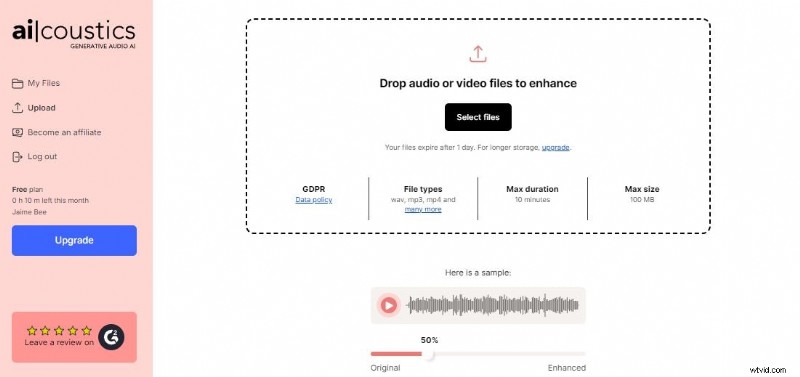
- Maximum file size: 30 MB; duration: 5 minutes.
- Automatic enhancement with no manual tuning required.
- Free for basic use; premium plans available.
Podcastle
- Magic Dust AI cleans background noise and sharpens voice.
- All‑in‑one podcasting platform for recording, editing, and distribution.
- Basic features free; subscription unlocks advanced options.
Auphonic
- Enhance up to two hours of audio per month for free.
- Pre‑configured presets tailored to podcasts, video, and broadcast.
- User‑friendly web interface with intuitive controls.
Audio Studio
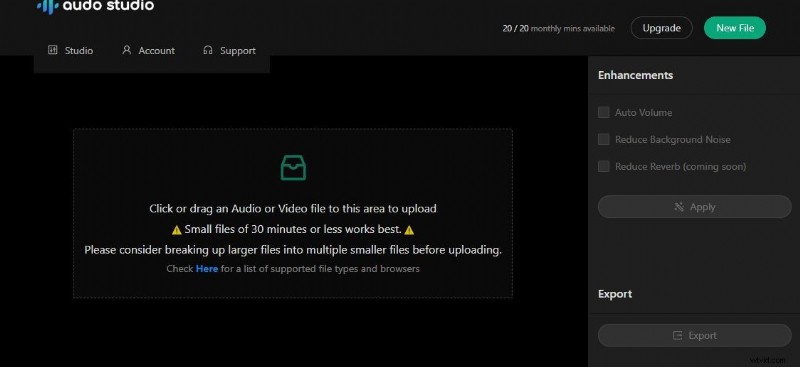
- Automatic background noise removal and loudness normalization.
- Supports diverse media types: podcasts, YouTube videos, and general audio.
- One‑click processing eliminates complex setup steps.
Conclusion
With AI and advanced editing tools, achieving broadcast‑quality audio in your videos has never been easier. Whether you choose a desktop editor like Filmora or a cloud‑based service such as AI Coustics or Podcastle, the key is consistent practice and the right workflow. Elevate your content’s listening experience today and keep your audience fully engaged.