
Are you a creative person and have the zeal to create a masterpiece? The audio must be completely perfect and clear, whether composing an instrumental piece or the next big podcast. Any background noise or low pitch can spoil your audio recording.
The audio editors come as a great help to save you in such situations. But, sometimes, when you are a beginner or your budget is too low to afford the best audio editors, the free audio editor comes as a sigh of relief. Here are the 10 best audio editors for Windows and Mac.
- Part 1: Best Free Audio Editors for Windows
- Part 2: Best Free Audio Editors for Mac
The Most Recommended Audio Editor - FilmoraPro
Before getting into details with the free audio editor, I strongly recommend a video editor whose audio editing features are as powerful as professional audio editors - FilmoraPro. With some of the advanced features in audio editing, FilmoraPro offers the perfection and flawless sound quality that you would require to create a podcast or video. It is one of the finest audio editor free download options you would love to explore.
Why choose Wondershare FilmoraPro?
- Edit audio Windows and edit audio Mac with FilmoraPro.
- Free and best audio editor.
- No time limit for audio editing.
- All advanced edit audio features are completely free to use, with nothing hidden.
- Only audio addition is allowed in a video.
- Audio compressor and auto audio sync.
- Noise reduction and transitions in audio.
- Royalty-free music library.
Part 1: Best Free Audio Editors for Windows
1. Audacity
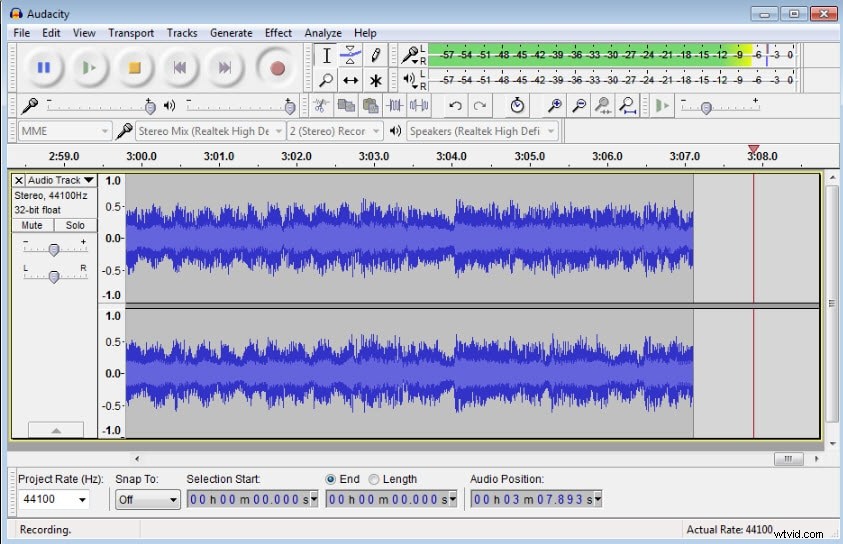
One of the best free audio editors, Audacity is a flexible and powerful tool. Audacity is definitely the first choice for free download for any Windows desktop platform. The extensive suite of built-in tools makes Audacity one of the preferred choices amongst the users. The features of Audacity are:
- Easy to use multitrack audio editor.
- Free open-source audio editing software for all levels.
- Record live audio through mixer or microphone.
- Digitize recording from other media.
- Combine sound files and export recordings in various formats.
- Supports 16-bit, 24-bit, and 32-bit.
- Support for LADSPA, LV2, Nyquist, VST, and Audio Unit effect plug-ins.
2. Media.io
One thing is sure; Audacity isn't perfect for beginners. Therefore, use Media.io to perform basic audio editing on your iPhone, Android, or PC browser. It's a relatively straightforward website where you can edit audio formats like MP3, M4A, M4R, OGG, AU, etc. Here, you can trim and split audio by waveform and add fade effects. Plus, Media.io comes with other tools like an audio compressor, music remixer, audio converter, etc. Below are some features concerning its Audio Cutter:
- It supports all standard audio formats.
- Convert videos to audio with lossless quality.
- Direct YouTube to audio conversion supported.
- Trim and split audio by waveform.
3. Audio Cutter
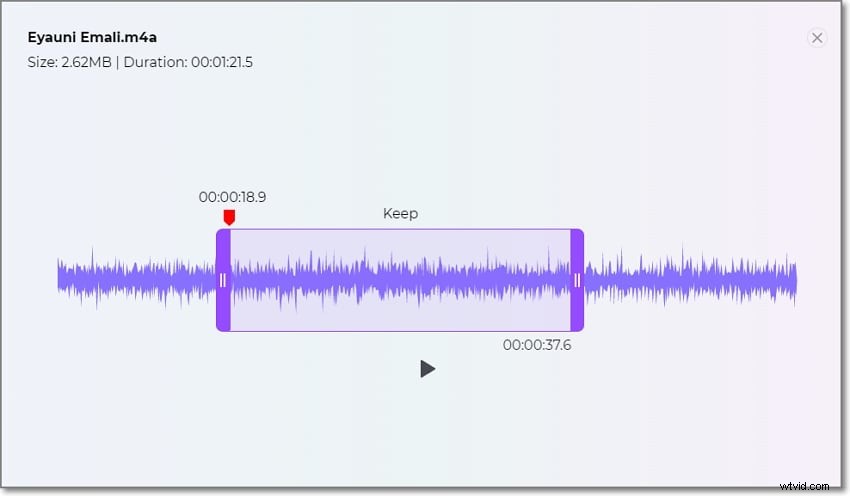
Are you looking for some app that can help you to edit audio right into the browser? Audio Cutter is one such app that allows you to cut and edit the audio Windows browser. It is a completely free app that supports 300 file formats. It comes with ringtone quality presets and fades in and out. The other features of Audio Cutter include:
- Extract an audio track from a video.
- No installation is required just a couple of clicks can let you cut an audio track right in your browser window.
- The process is completely secure, you get access to the file once uploaded, and it automatically gets deleted from the server after you finish.
- Make a ringtone in just one click.
4. DVDVideoSoft Free Audio Editor
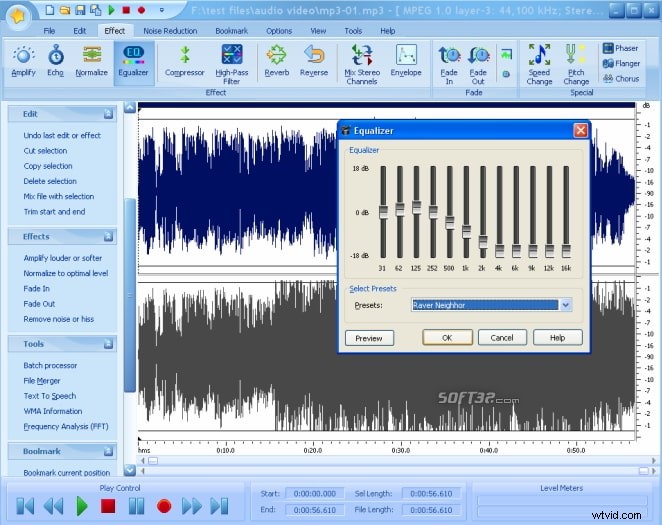
If you are looking for a free audio editor that is easy to use for homemade audio files, try your hand at DVDVideoSoft Free Audio Editor. This app lets you edit audio for Windows easily, split the audio files, and delete unwanted audio parts in just a few clicks. The features of DVDVideoSoft Free Audio Editor are:
- The interface is intuitive and simple.
- The waveform of the audio files are displayed that lets any kind of user edit it visually.
- Convert audio to a wide range of formats.
- Adjust audio volume.
- Use tags or selections to ease the work.
- Supports audio formats like MP3, WAV, AAC, AC3, M4A, MP2, OGG, WMA, FLAC.
5. Free Audio Editor
For the last 10 years, Free Audio Editor is a preferred choice for many due to its simplicity. The pared-back tool feature in this app makes the process of audio editing simple and easy. The other features of Free Audio Editor are:
- Trimming and converting sound files is completely straightforward.
- Well-designed interface, but does not have any creative filters.
- Supports a range of export formats.
- Digitize sound recordings of your rare music cassette tapes, vinyl LPs, and videos, creating standard digital sound files.
- Edit audio using the traditional Waveform View or the frequency-based Spectral Display.
- Easy to isolate and remove unwanted noise.
- More than 30 native signal and effects processing engines.
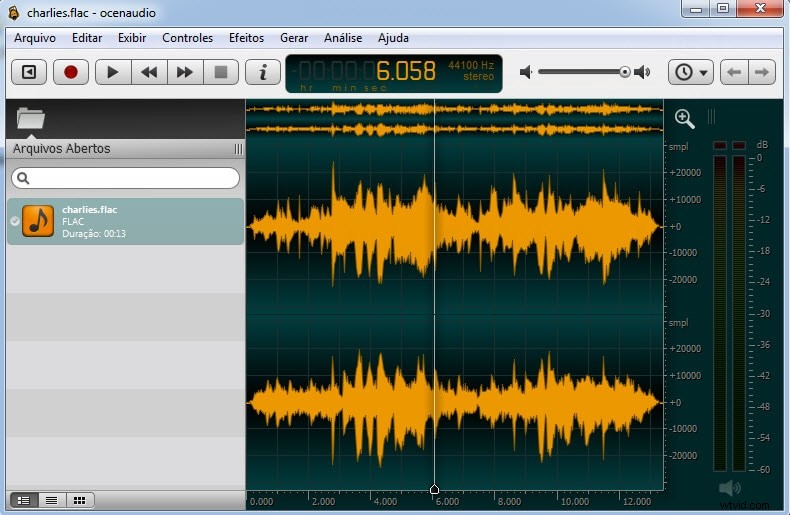
6. Ocenaudio
One of the powerful and best audio editors, Ocenaudio is easy to use and master than its counterparts. The features of Ocenaudio include:
- Great filter selections.
- Clean and simple interface.
- Easy for everyday audio editing.
- Real-time effect previewing to speed up your work.
- Highly precise selection tool.
- Select different portions of an audio file and listen, edit or apply an effect to them simultaneously.
- Allows spectrogram view to analyze the spectral content of your audio signal with maximum clarity.
| Audio Editor | Features | Support Files |
| Audacity |
|
|
| Audio Cutter |
|
|
| DVDVideoSoft |
|
|
| Free Audio Editor |
|
|
| Ocenaudio |
|
|
Part 2: Best Free Audio Editors for Mac
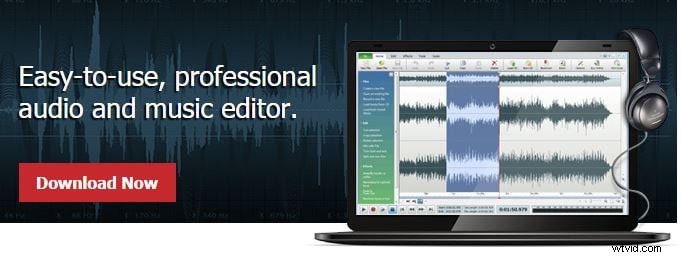
6. WavePad
WavePad is comprehensive edit audio Mac software that allows you to record and edit audio recordings, music, and voice. WavePad audio editor's free download feature makes it more endearing amongst the users. The other features of this free audio editor are-
- Easy to use interface.
- Supports sample rates from 6 to 192kHz, stereo or mono, 8, 16, 24, or 32 bits.
- Allows noise reduction and click pop removal features.
- Convert thousands of files as a single function with the help of batch processing.
- Supports all popular audio and music file formats.
- Amplify, normalize, equalizer, envelope, reverb, echo, reverse, and many more audio effects.
7. Apple Garageband
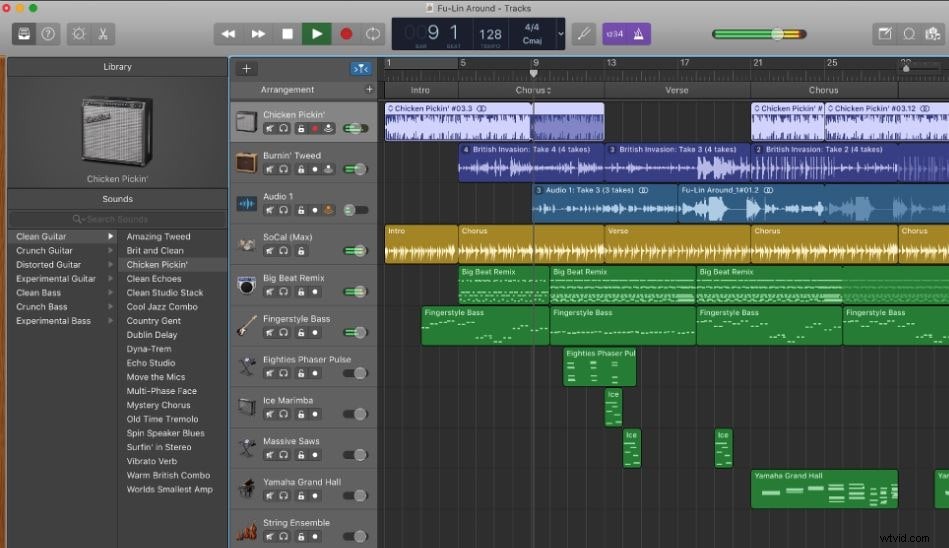
The built-in audio creation studio inside your Mac device, Apple Garageband offers a fully-equipped sound library including an amazing selection of drums and guitar and voice presets. The features of Apple Garageband are:
- Intuitive and modern design that is easy to learn.
- Free audio editor for Mac.
- Easy to learn, play, record, create and share.
- Choose from a jaw‑dropping array of realistic amps and effects.
- Every synth with shape‑shifting controls.
- Compression and visual equalizer.
8. TwistedWave
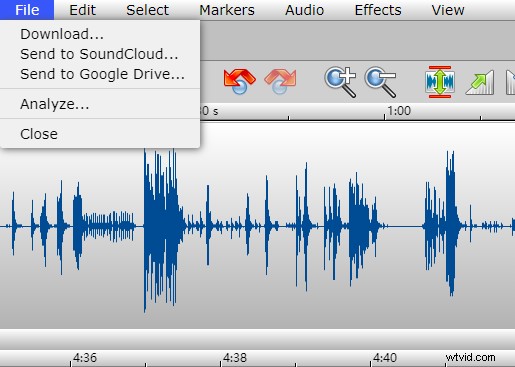
An audio editor for Mac, the TwistedWave is the perfect tool for batch processing files, recording, mastering, and converting files. The features of TwistedWave are:
- Equalize, compress and limit.
- Convert a whole lot of files at one go easily.
- Automatic silence detector.
- Change the pitch or the speed of a piece of audio independently.
- Offers ZTX Time Stretch/Pitch Shift technology.
9. Zortam Mp3 Media Studio
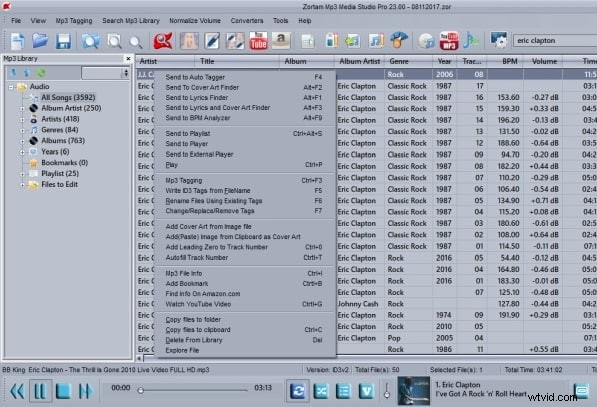
Do you wish to keep your music collection well-organized? The Zortam Mp3 Media Studio is a comprehensive music tool for organizing your ripped CD, Mp3/Karaoke collection to edit Mp3 ID3 tags, normalizing Mp3, and more. The features of this free audio editor are:
- Directly from your iPod, you can play, normalize and burn Mp3's.
- Mp3 Tagger and MP3 Manager and iPod Manager.
- Auto-tagging your mp3 music collection is allowed.
- Load 50000 Mp3's and more with the speed of light.
- Audio library with a powerful interface.
10. CDex
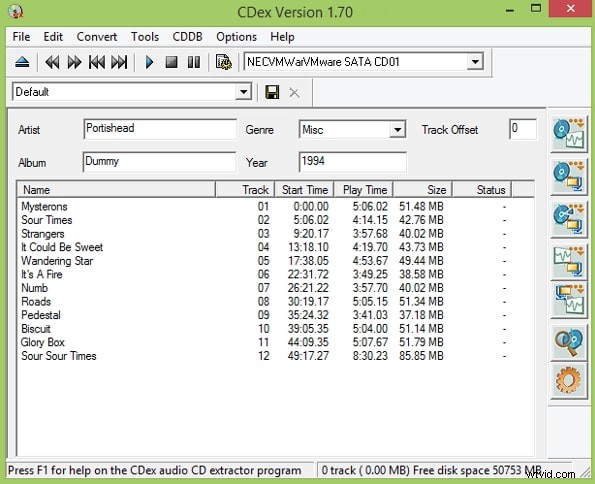
From ripping data from CD to compressing ripped audio data with the help of an audio encoder, CDex is a free audio editor to edit audio on Mac devices. The features of CDex are:
- Directly record multiple tracks.
- Conversion of external WAV files.
- Normalization of the audio signal.
| Free Audio Editor | Features | Support Files |
| WavePad |
|
|
| Apple Garageband |
|
|
| TwistedWave |
|
|
| Zortam Mp3 Media Studio |
|
|
| CDex |
|
|
Conclusion
Now you have known about the 10 best audio editors for Windows and Mac. You can choose one of them to explore and bring sound effects to your audio files. Watch the below video to learn how to make Hollywood sound effects too.
FAQs about Free Audio Editors
1. What is the best software to edit audio?
It depends on your needs. If you are looking for the best freeware to edit audio, Audacity is a great choice. However, if you work in the music industry, Adobe Audition is very popular among musicians due to its irreplaceable functionalities.
2. Is GarageBand better than Audacity?
Both GarageBand and Audacity are the most commonly used free audio editing tools. However, they differ in several aspects. Firstly, GarageBand can only work on macOS and iOS products, but Audacity can work on Windows, Mac, and Linux. Then, one of the biggest differences between them is GarageBand is remarkable for making music, but Audacity is more like an audio editing tool. That's why we can't simply say GarageBand is better than Audacity because everyone has different purposes when choosing tools.