
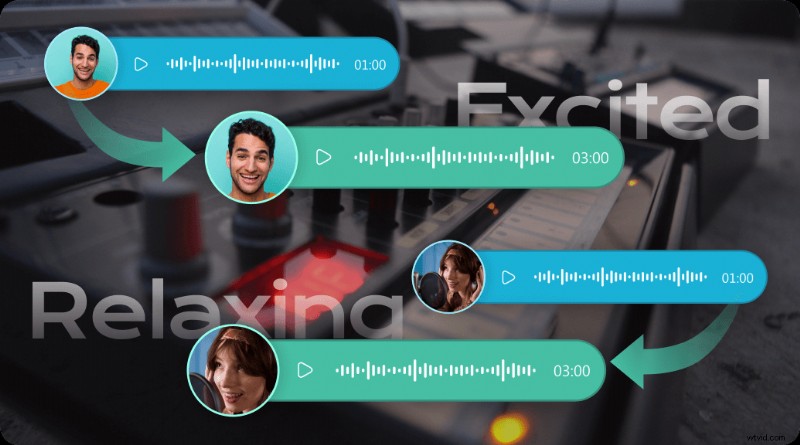
Finding a reliable, no‑cost text‑to‑speech (TTS) solution can be challenging. The list below highlights seven of the best free online English TTS tools, each powered by advanced AI and designed to help you convert any written content into natural‑sounding audio.
Before diving into the individual tools, let’s explore what TTS is and why it matters for accessibility, content creation, and global reach.
What Is Text‑to‑Speech?
TTS, also known as speech synthesis, uses AI and machine‑learning algorithms to transform written text into spoken audio. Modern TTS engines employ deep neural networks to capture nuances of human speech—intonation, rhythm, pronunciation, and emotion—resulting in crystal‑clear, context‑aware voice output. Because TTS can produce multiple languages and accents, it is a powerful tool for breaking language barriers and making digital content accessible to all.
Typical TTS output can be downloaded in MP3, OGG, WAV, or other popular formats, making it easy to embed in websites, podcasts, e‑learning modules, and video productions.
Key Features to Look for in a Free Online TTS Tool
- Intuitive Interface: Quick, one‑click conversion with minimal setup.
- OCR (Optical Character Recognition): Convert scanned documents, images, and PDFs into audio.
- Rich Voice Library: Hundreds of male and female voices across various accents.
- Real‑Time, Expressive Speech: Neural TTS models that mimic human expression.
- Multiple English accents (US, UK, Australian, etc.).
- Audio embedding and voice‑over capabilities for video.
- Customizable speed, pitch, and volume.
- Support for various input formats (text files, images, web pages).
- Voice cloning for brand‑specific narration.
Featured Free Online English TTS Tools
1. NaturalReader
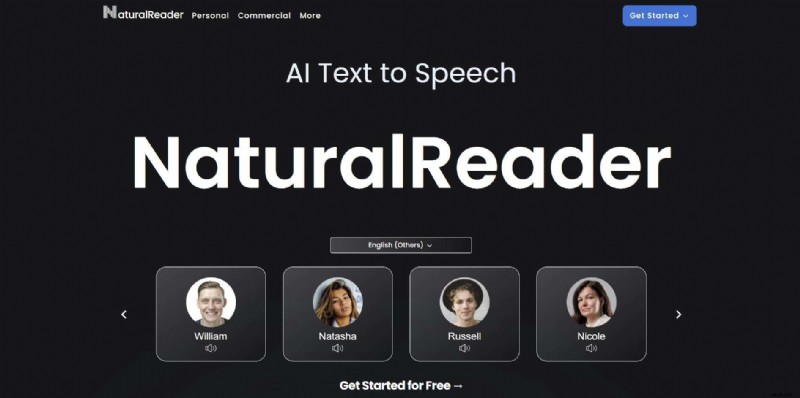
NaturalReader is a popular choice for individuals with dyslexia or visual impairments. It offers a clean web interface, built‑in OCR, and three dedicated English voice models (US, UK, and Other) along with 200+ voices in 90+ languages.
- OCR camera scanner
- AI voice cloning
- Text‑to‑audio export in MP3, OGG, WAV
- Customizable fonts and dyslexia mode
- Chrome extension and mobile apps
Free tier limits: 20‑minute daily premium usage; MP3 downloads only; some LLM voices behind paywall.
2. TTSMaker
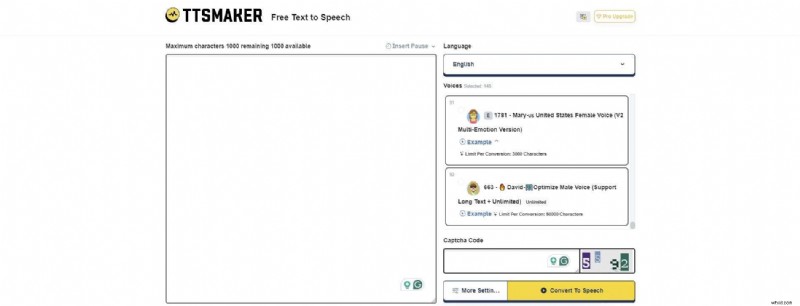
TTSMaker delivers ultra‑fast, neural‑network inference TTS with 140+ voices. The free plan grants 20,000 characters per week, ideal for quick prototypes.
- Background music overlay (up to 3 tracks for free users)
- High‑quality MP3, OGG, AAC, OPUS, WAV exports
- Voice speed, pitch, and volume controls
- Video dubbing for TikTok & YouTube
- Email & API access
Free tier limits: 1,000 characters per single conversion; one English voice model; limited voice‑model usage per conversion.
3. Speechify

Speechify is a cross‑platform solution offering 200+ lifelike voices and advanced note‑taking. It supports PDFs, images, slides, and YouTube URLs.
- AI text summarization
- Voice cloning & dubbing
- Pronunciation editor
- Export to MP3 and download (free tier limited to 10 minutes per month)
- Speech API for developers
Free tier limits: 50 voice models, 10‑minute free monthly quota, no audio download.
4. Google TTS
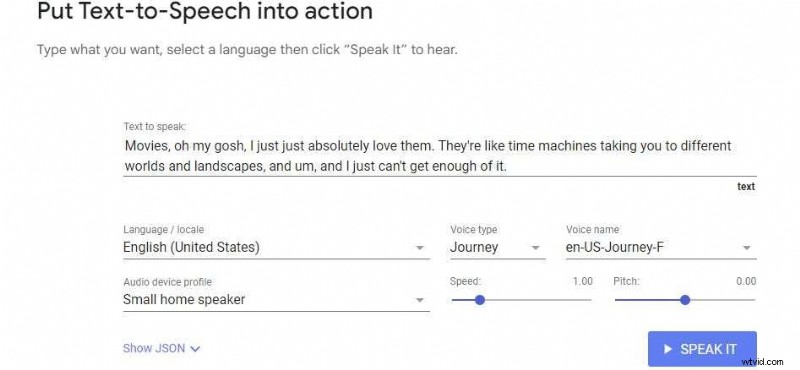
Google’s TTS platform blends AudioLM, WaveNet, and Neural2 technologies to deliver conversational, high‑fidelity voices. It is especially suitable for enterprise brand voice consistency.
- 380+ voices across 50 languages
- Long‑audio synthesis
- Custom voice training (via Speech‑Synthesis‑API)
- Audio volume, pitch, and speaking‑rate controls
Free tier: $300 credit upon sign‑up; usage capped at 1M characters per month before charges apply.
5. Amazon Polly
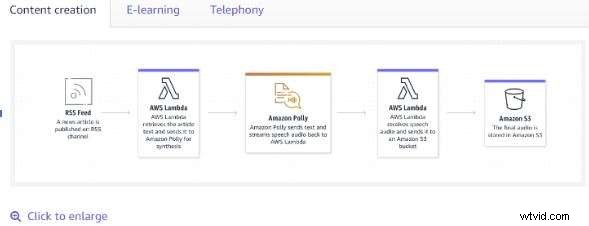
Polly offers 900+ premium neural voices, including regional English accents such as Australian, Indian, Irish, and Nigerian. Its real‑time synthesis is ideal for scalable applications.
- MP3 & WAV download options
- Adjustable speech rate, pitch, and volume
- Custom pronunciation lexicon
- API integration via AWS SDKs
Pricing: $4 per 1M characters; free tier available for 5M characters per month.
6. iSpeech
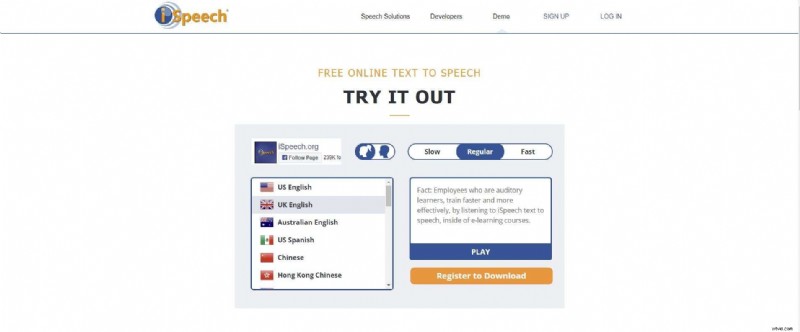
iSpeech provides a straightforward interface with 28 languages and five English variants. Its web‑reader mode reads your site aloud, enhancing accessibility.
- Voice cloning and TTS API
- PDF & e‑book conversion
- Three reading speeds (slow, regular, fast)
- Downloadable audio in AIFF, MP4, MP3, WAV, OGG
Free tier: Basic voice cloning and API access; full downloads require registration.
7. ResponsiveVoice
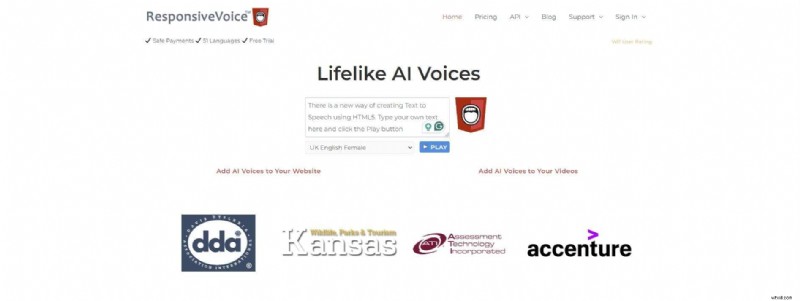
ResponsiveVoice offers 150+ voices in 50+ languages, with an HTML5 API for seamless web integration. It also supports voice‑over creation from MP4 files and YouTube URLs.
- Accessibility compliance checks
- Voice‑message editor and templates (13 languages)
- Online voice‑over generator for videos
- Cross‑platform support (iOS, Android, Chrome, Safari, Windows)
Free tier: Limited downloads; commercial use requires a paid license ($39).
Comparison Table
| Online English TTS Tool | Supported English Voices | Free Version | Pricing |
| NaturalReader | Three English TTS voice models | Yes | $9.99/month |
| TTSMaker | One English TTC voice model | Yes | $9.99/month |
| Speechify | One English TTC voice model | Yes | $11.58/month |
| Google TTS | 30+ English TTS voice models | Yes | $4/one million characters |
| Amazon Polly | 10+ English TTS voice models | Yes | $4/one million characters |
| iSpeech | Five English TTS voice models | Yes | Free |
| ResponsiveVoice | Two English TTS voice models | Yes | $39 |
Bonus: Offline TTS – Wondershare Filmora
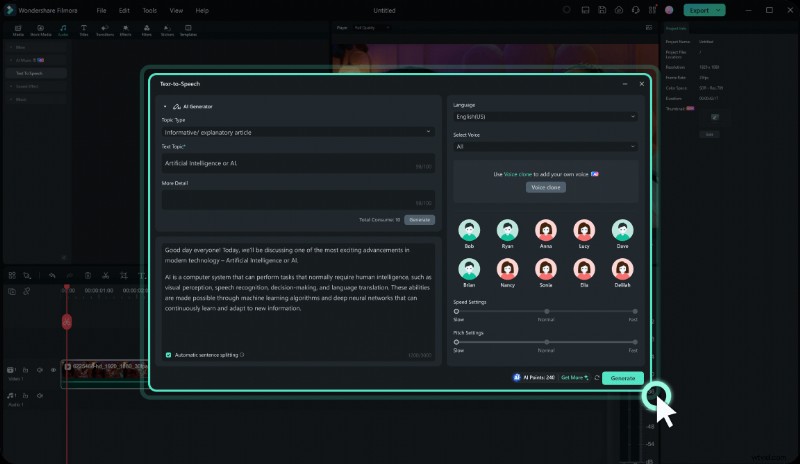
For those who prefer a desktop solution, Filmora’s offline TTS offers 40+ AI voices across 30+ languages. It supports AI voice cloning, real‑time pitch and speed control, and AI‑generated subtitles. Filmora’s free tier provides core TTS features and AI credits, making it a solid alternative when privacy or offline access is paramount.
Conclusion
Whether you’re an educator, content creator, or enterprise looking to enhance accessibility, the tools above deliver robust, AI‑powered TTS capabilities at no cost. Among them, NaturalReader, Amazon Polly, and Google TTS stand out for their breadth of voices, customization options, and scalability.
For users concerned about data privacy, a local solution like Filmora ensures your content stays on your machine while still offering the advanced voice synthesis features you need.