
As YouTube continues to dominate the online video landscape, the need to pull audio from these videos has never been higher. Whether you’re capturing a lecture, podcast, or a favorite track, converting YouTube content to MP3 offers flexibility and convenience. This guide reviews the top online MP3 extraction tools of 2024 and explains why a desktop solution might still be the superior choice for power users.
Top 4 Online MP3 Extractors for YouTube
These services let you paste a YouTube link and download the audio in minutes. Below is a detailed comparison to help you decide which fits your workflow.
Clideo
Clideo’s all‑in‑one platform delivers fast, hassle‑free conversions. Its clean interface and zero‑registration policy make it a favorite for quick tasks.
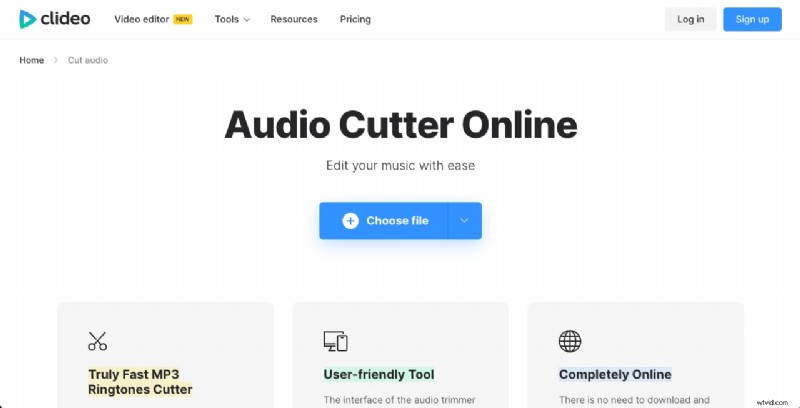
- Intuitive UI – Easy navigation for all skill levels.
- Rapid Processing – Short conversion times, even for larger files.
- No Sign‑up Needed – Immediate use without an account.
Limitations – Basic editing options and a 500 MB upload cap on the free tier.
VEED.IO
VEED.io is a robust video editor that also excels at audio extraction. It offers a variety of export formats and built‑in editing tools.

- Advanced Editing – Includes color correction and effects.
- Multiple Export Options – Audio, video, or both.
- User‑Friendly Design – Even with advanced features, the interface remains accessible.
Limitations – Some features are behind a subscription and ads appear in the free version.
Audio Trimmer
Audio Trimmer is lightweight and straightforward, ideal for users who need quick extraction without extra frills.

- Zero‑Learning Curve – Simple drag‑and‑drop workflow.
- Fast Output – Rapid processing times.
- Format Flexibility – Supports a wide range of audio codecs.
Limitations – Lacks advanced editing tools and can be slower for very large files.
mp3Cut.net
mp3Cut.net offers a free, browser‑based experience with robust format support and basic fade features.
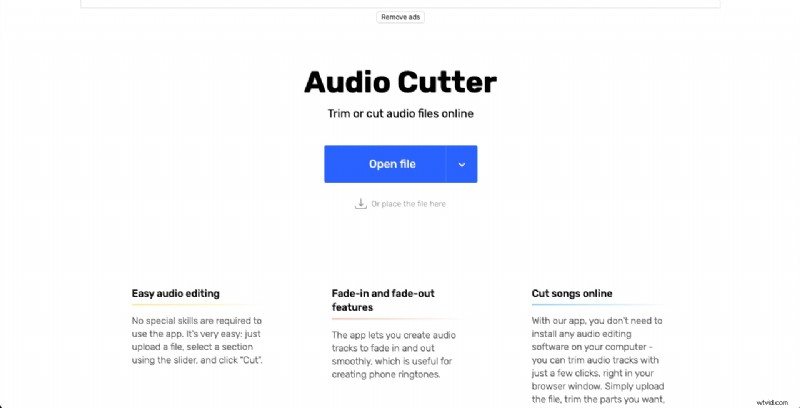
- Generous Free Plan – Many features without a subscription.
- Optional Upgrade – Pay for premium services if needed.
- Simple Workflow – Drag‑and‑drop conversion.
Limitations – Limited advanced editing and occasional ads in the free tier.
Why Desktop Solutions Often Outperform Online Tools
- Feature Depth – Desktop editors provide precise trimming, noise reduction, and equalization.
- Processing Power – Your local machine handles conversions faster, especially with large files.
- File‑Size Flexibility – No upload limits; work with HD videos without restrictions.
- Output Quality – Maintain original bitrate and avoid compression artifacts.
- Security – No need to upload private content to external servers.
Desktop Alternative: Filmora by Wondershare
Filmora offers a comprehensive toolkit for audio extraction and editing, making it a top choice for professionals and hobbyists alike.
Key Advantages
- Advanced Editing – Cut, split, fade, and apply effects with precision.
- Voice Changer – Built‑in filters for creative projects.
- Audio Normalization – Balanced volume levels across tracks.
- Fast Rendering – Leverages your computer’s CPU/GPU.
- Unlimited File Size – No constraints on video length or resolution.
- High‑Quality Export – Choose bitrate and format to match your needs.
- Enhanced Privacy – All processing occurs locally.
How to Extract Audio from YouTube with Filmora
- Install Wondershare Filmora – Download and run the installer for your OS.
- Import Media – Click “Import Media Files” and select your YouTube‑downloaded video.
- Drag to Timeline – Add the clip to the project timeline.
- Detach Audio – Right‑click the clip or press Ctrl + Alt + D and choose “Audio Detach.” The audio appears on its own track.
- Trim & Edit – Use the scissor icon or split tool to cut the desired segment.
- Export – Click “Export,” set format to MP3, adjust bitrate if needed, then save.
Pro Tip – Filmora’s AI voice changer can transform recordings into fun characters for social media content.
Conclusion
Online MP3 extractors like Clideo and VEED.IO are convenient for quick, casual use, but they fall short in advanced editing, speed, and security. For users who need precise control, high‑quality output, or to work with large files, a desktop solution such as Filmora is the superior choice.
Choose the tool that matches your workflow: quick browser-based extraction or powerful local editing for professional results.

