
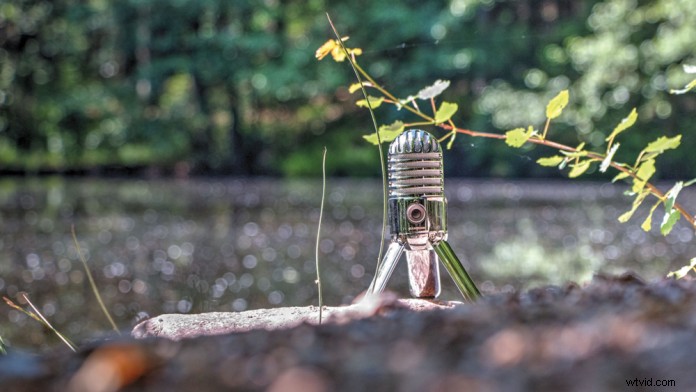
Natural sounds, or nats, are the ambient sounds that exist in and around the focal points of your recording. Grasping the subtleties and importance of nats is a key component to bringing out the best in your audio and potentially getting yourself out of some tricky situations.
Nats for Sync
Clapboard
The clapboard produces a pronounced transient that is easy to hone in on when marrying your audio and video. Being able to synchronize the video to both audio sources always gives you the extra bit of assurance that everything is on track.
Sound Cues
Natural sound cues help to reinforce your scene. You should always ask yourself about the sonic qualities of your scene. Is there a reason to replace your audio? Is the natural sound captured usable and does it contribute to the scene?
Just as music recordings use room microphones to capture ambient sounds and blend it with the closed miked signals, the same techniques also apply to video shoots.
Additional cues tie back into audio sync and, more importantly, to missing sounds that you are dubbing or replacing. For example, keeping the sound of a door closing out of frame would make sense, even if it is replaced with a different sound during post. The character didn’t just appear out of thin air, after all.
Nats for Backup
B is B-roll, that’s good enough for me. Capturing high quality B-roll is a good policy; the following are some useful starting points:
Good Camera Audio
Leave yourself options; improve your camera’s sound by attaching a better microphone when the camera supports it. A shotgun or cardioid microphone is recommended. Chose depending on how directional you want the capture to be. A cardioid will provide a wider field of sound.
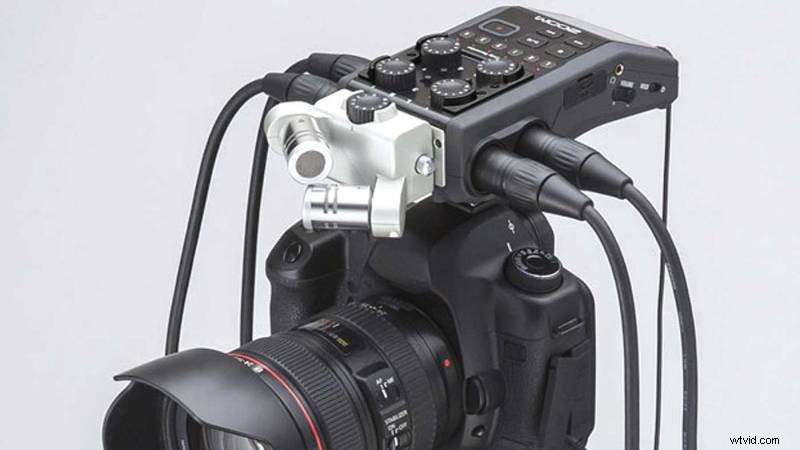
You should also consider, depending on your camera model, camera mounted recorders like the Zoom H6. It might not record sound to your camera, but would still get the job done and provide you with better quality sound than the camera’s original hardware.
Keep Rolling
Don’t miss out on unexpected moments, ad libs and outtakes. You never know when the extra material could be needed. Try to record several minutes of background sound when shooting at a new location.
When All Else Fails
“Expect the best, plan for the worst…”. You’ve lost all the primary audio for a scene and re-shoots are not an option. Fortunately, the camera had a mounted Sennheiser ME 64 cardioid microphone. This provided good directional pickup of the dialogue and background sound. All’s not lost.
I can’t recall a case where things had gone quite so badly, but there have been moments where I did not end up caring for the sound from my primary microphone captured and ended up using more of the room microphone to offset and replace the original signal.
Nats as a Backdrop
My first encounter with nats was its use as ambient sound for scenes. I learned early on to always a record a few minutes of sound at every location. I would even leave a microphone on my porch on certain nights if there were particularly pleasing sounding bits of rain, garden ambience and street sounds that were worth capturing.
If nats has a secondary purpose, it’s to serve as a source of believable background noise. We know bad sound can ruin your video — no sound has the same effect. The main point to take home from the previous section is to come prepared with the right equipment and not miss out on extra takes and potential scenes.
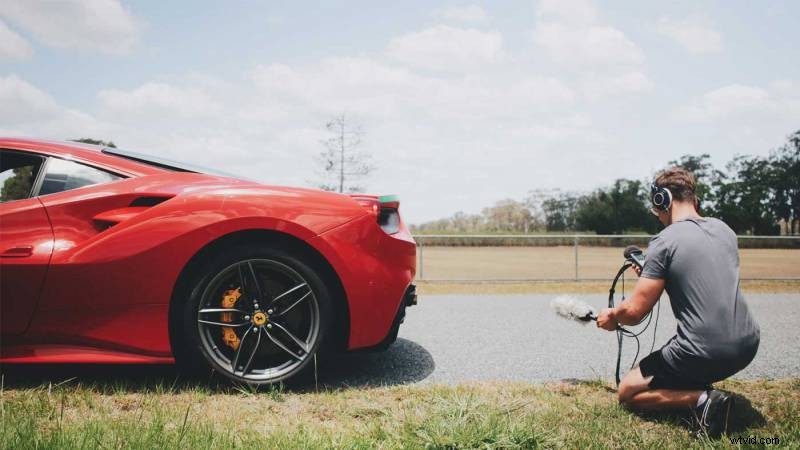
Take a simple scene of two people walking in a hallway while talking. The scene needs to convey this setting as well as the dialogue. This of course can be completely done in post, but would it be so bad if your camera audio setup combined with your dedicated sound recording achieved a similar if not superior result?
Recording or overdubbing footsteps can get tricky. How many feet is too many? Our hearing starts to lose track after three to four people. At that point you can substitute what is a generic number of footsteps, within reason of course. Four people will not sound like an army battalion, but you no longer need a direct relationship between the sight and sound of the footsteps.
Let’s go back to our previous scene and add four more people to the mix. There would be no reason not to use nats as source of background sound to blend with what will either be on-set shotgun, lavalier, or ADR sourced dialogue.
The next big decision will be whether you mix your nats more towards the foreground or background.
Taking Notes
If your production has a Camera Loader to operate the clapboard, they should also be calling out scene and take numbers. Keep your camera audio rolling where possible, it will help you correlate your takes, not to mention to take some useful notes.
Call out your notes as you see them, leave queues and pointers you will need for later. Think of nats as your sonic notepad.
- Was it a good take, director approved?
- Is ADR needed?
- Were there any extraneous sounds?
- Recommendation or ideas for post.
A Corner You Shouldn’t Cut
Although it may add extra time to your shoot, capturing natural audio on-set can actually save even more time in post-production. More than saving time however, nats may indeed save your entire project when issues arise with your primary audio recording. Next time you’re recording audio, don’t skip the nats.
Blag spends his time between web development, IT, and music. His background is oddly enough in the same things. Blag works in IT and is a contributing editor at Videomaker magazine where he mainly focuses on audio related columns.