
Key takeaways:
- Best beginner courses: Ripple Training for Final Cut Pro and Media Composer 2020 Essential Training Fundamentals.
- Premiere Pro mastery: Phil Ebiner’s Adobe Premiere Pro CC Masterclass.
- DaVinci Resolve training: Official course from BlackMagic Design.
- Effect-focused learning: After Effects Kickstart.
- Advanced courses for pros: FilmEditingPro offerings.
Whether you’re new to video editing or a seasoned editor looking to refine your craft, we’ve curated the best courses across all skill levels. For beginners, we also recommend our video editing glossary to get acquainted with essential terms.
Let’s dive in!
Table of contents:
- 7 Best video editing courses to improve your editing skills
- Adobe Premiere Pro CC Masterclass: Video Editing in Premiere
- Ripple Training for Final Cut Pro
- Media Composer 2020 Essential Training: 101 Fundamentals 1 / 110 Fundamentals 2
- DaVinci Resolve Training from Blackmagic Design
- After Effects Kickstart
- Courses from FilmEditingPro
- Inside The Edit
- What to consider while selecting the course
- How is video editing a skill beneficial to learn?
- Make video editing easier: Editing with Riverside
- FAQs on Video Editing Courses:
7 Best video editing courses to improve your editing skills
Adobe Premiere Pro CC Masterclass: Video Editing in Premiere
Price: $74.99 (often discounted to $14.99)
Length: 25.5 hours
Level: Beginner
Skills covered: Basic editing, transitions, color correction & grading, video effects, titles & graphics, chroma keying, and more.
Certification: Yes
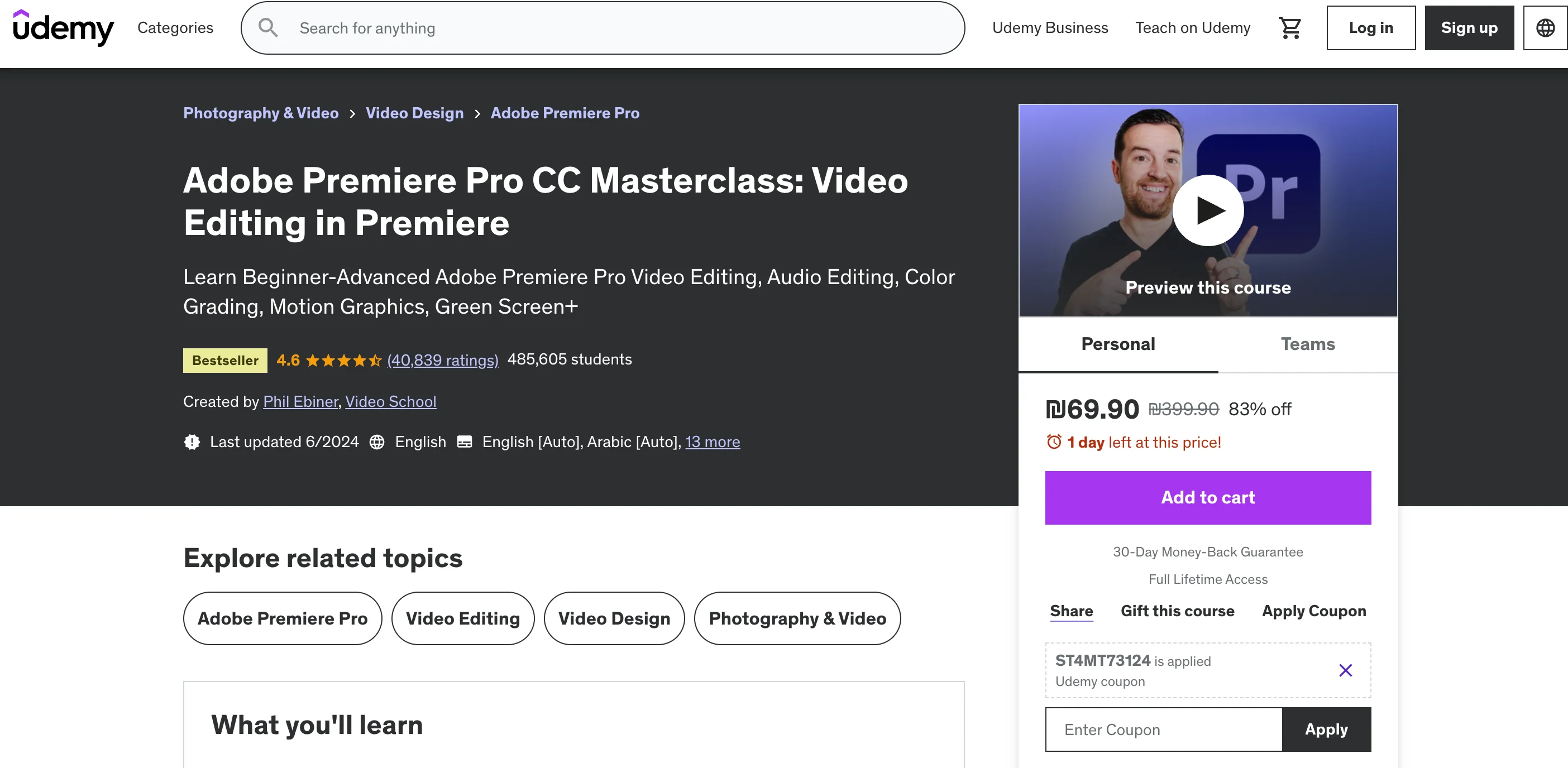
Phil Ebiner’s Udemy course is the most popular Premiere Pro class on the market, with nearly 500,000 students. It offers hands‑on practice videos and a comprehensive curriculum that spans basic to advanced techniques, including green‑screen work.
Reviews and ratings
- Students with zero prior editing experience praise the course for building a solid foundation.
- Many highlight the depth and clarity of the instruction, covering both fundamental and advanced workflows.
Ratings: 4.6/5 from 41,000 reviews
Ripple Training for Final Cut Pro
Price: $79 (Core course)
Length: 7 hours
Level: Beginner
Skills covered: Basic editing, color correction, multicam editing, titles and effects, sound editing, and more (Core course).
Certification: No
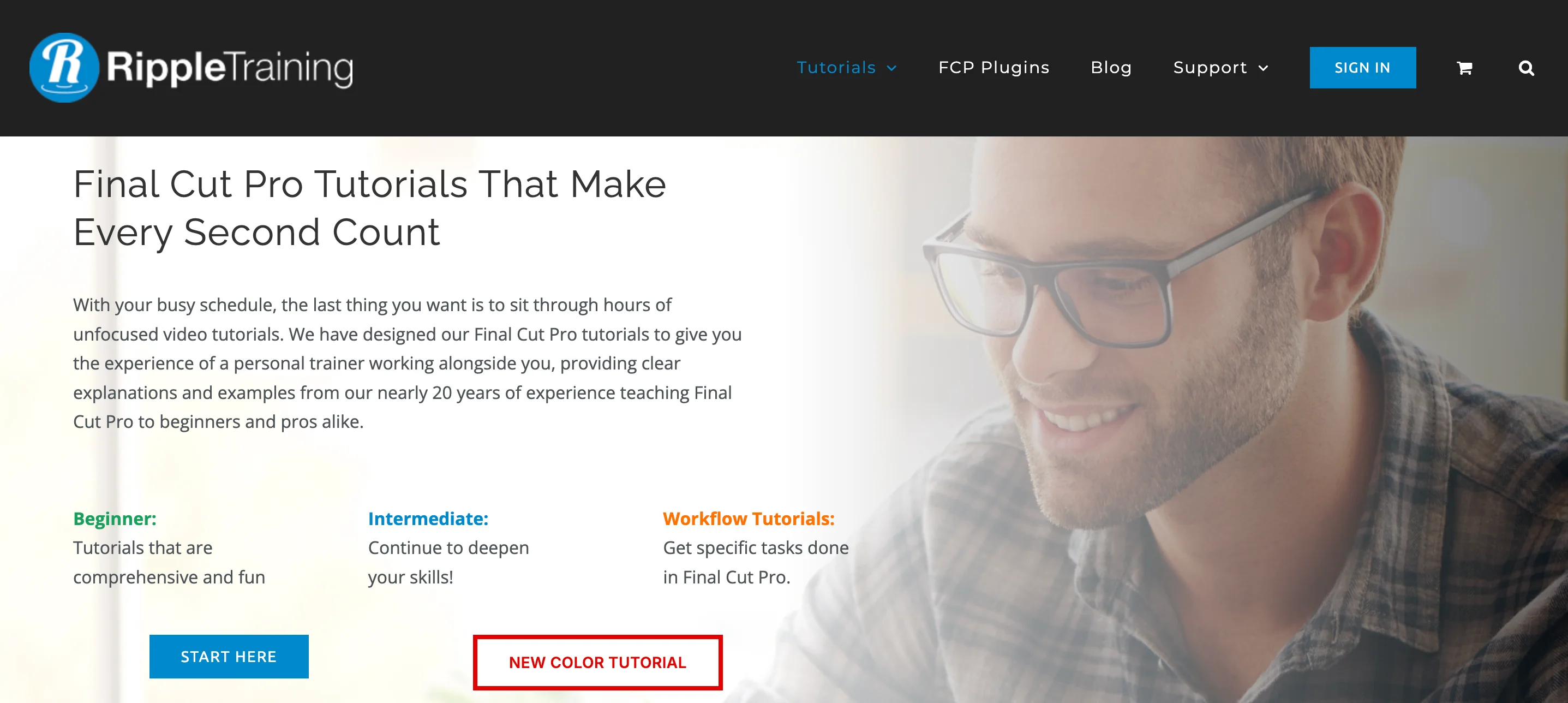
Ripple Training offers a structured curriculum for Final Cut Pro, from fundamentals to specialized topics such as color grading and sound editing. Beginners should start with the Core Training, while the Essentials Bundle expands into deeper skill sets.
Reviews and ratings
- Learners appreciate the clear, step‑by‑step format and thorough coverage of features.
- High-quality tutorials are cited as a standout strength.
Media Composer 2020 Essential Training: 101 Fundamentals 1 / 110 Fundamentals 2
Price: $19.99/month (annual subscription) via LinkedIn Learning
Length: 101 Fundamentals 1 – 9h 35m; 110 Fundamentals 2 – 9h 20m
Level: Beginner
Skills covered: Basic editing, transitions, titles, effects, audio editing, tracking, chromakeying.
Certification: Yes
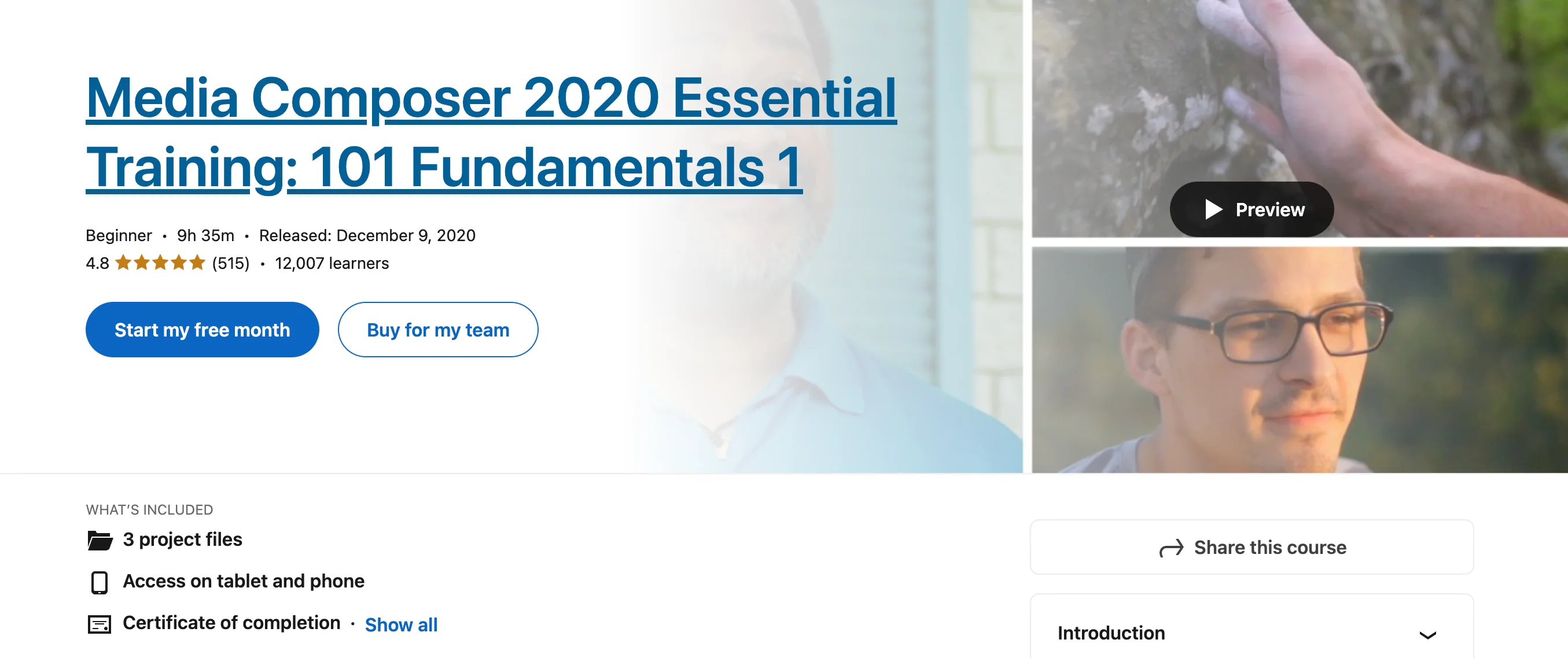
These two LinkedIn Learning courses are highly regarded for Avid Media Composer, suitable for novices and experienced editors transitioning to this platform. A free one‑month trial allows you to explore before committing.
Reviews and ratings
- Clear explanations and in‑depth guidance on Media Composer’s workflow.
- Beginners find the teaching style approachable.
Ratings: 101 Fundamentals 1 – 4.8/5 (514 reviews); 110 Fundamentals 2 – 4.9/5 (93 reviews)
DaVinci Resolve Training from Blackmagic Design
Price: Free
Length: 16 hours
Level: Beginner
Skills covered: Basic editing, multicam editing, visual effects, color, audio editing & mixing, basic compositing, motion graphics, 3D compositing.
Certification: Yes
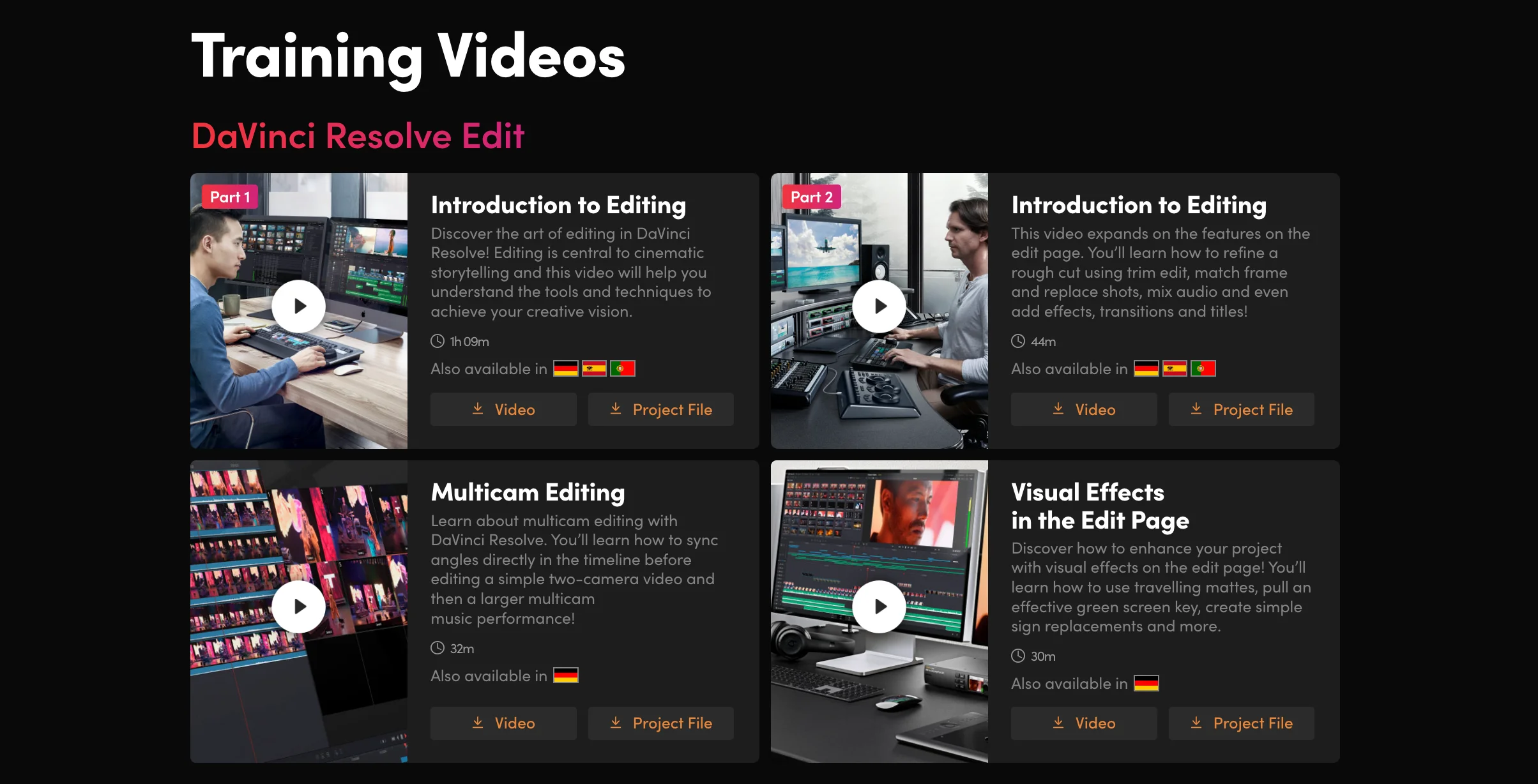
DaVinci Resolve is both free and supported by a comprehensive official training program that evolves with each software release. Expert instructors guide you through all facets of the toolset.
Reviews and ratings
- Comprehensive coverage appeals even to seasoned Resolve users.
- Some find the video style monotone but recommend the Blackmagic Certified Ripple training for a more engaging experience.
After Effects Kickstart
Price: $897
Length: 8‑week course
Level: Beginner
Skills covered: Keyframe animation, typography, shape layers, parenting.
Certification: Yes
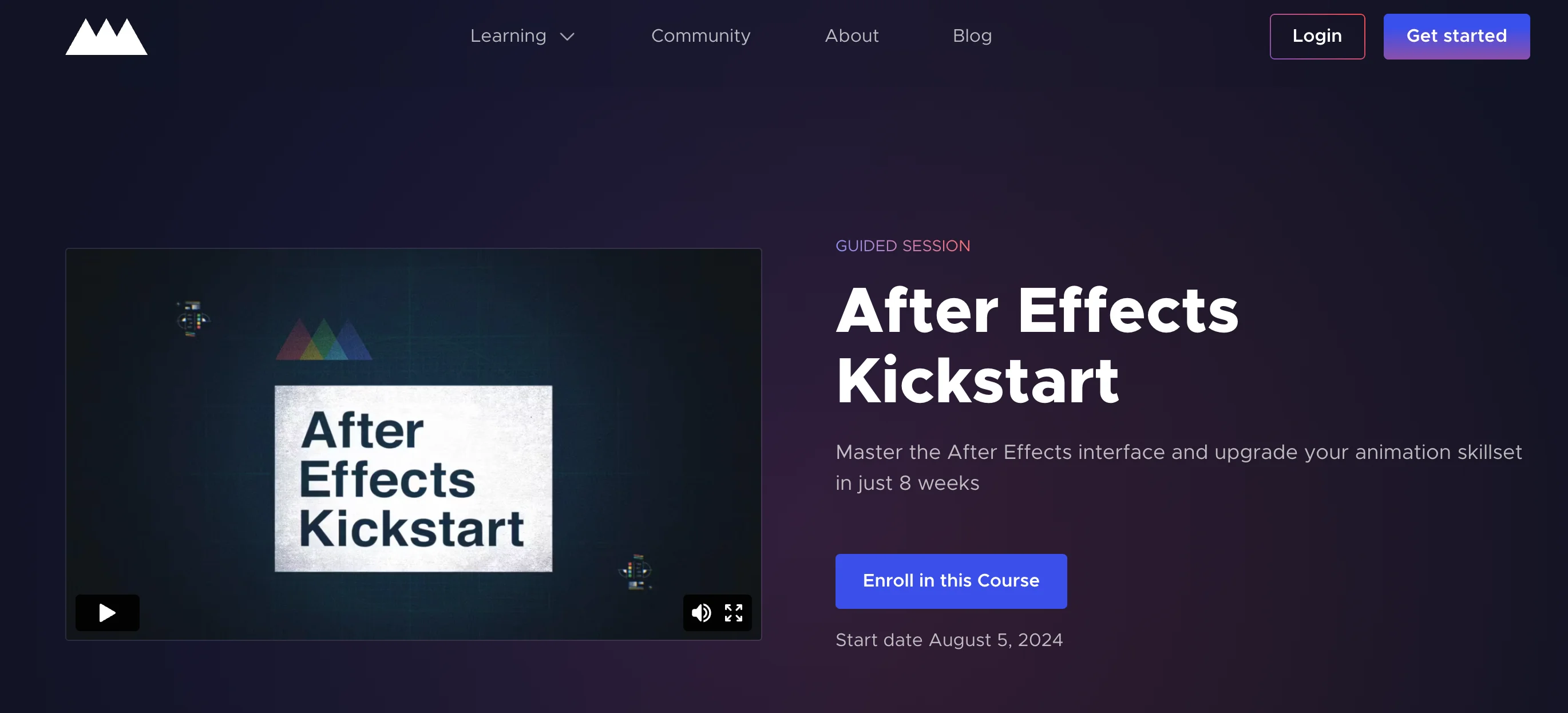
School of Motion’s After Effects Kickstart delivers industry‑level instruction with personalized feedback from professional animators, making it a strong foundation for motion graphics careers.
Reviews and ratings
- Students credit the course for establishing a solid motion graphics base.
- Applicants to junior motion designer roles frequently cite School of Motion training as a differentiator.
Courses from FilmEditingPro
Price: $297–$997 (varies by course)
Length: Varies
Level: Beginner to Advanced
Skills covered: DaVinci Resolve and Premiere Pro editing, creative editing, film, drama, trailer, music editing, VFX, and graphics.
Certification: Yes
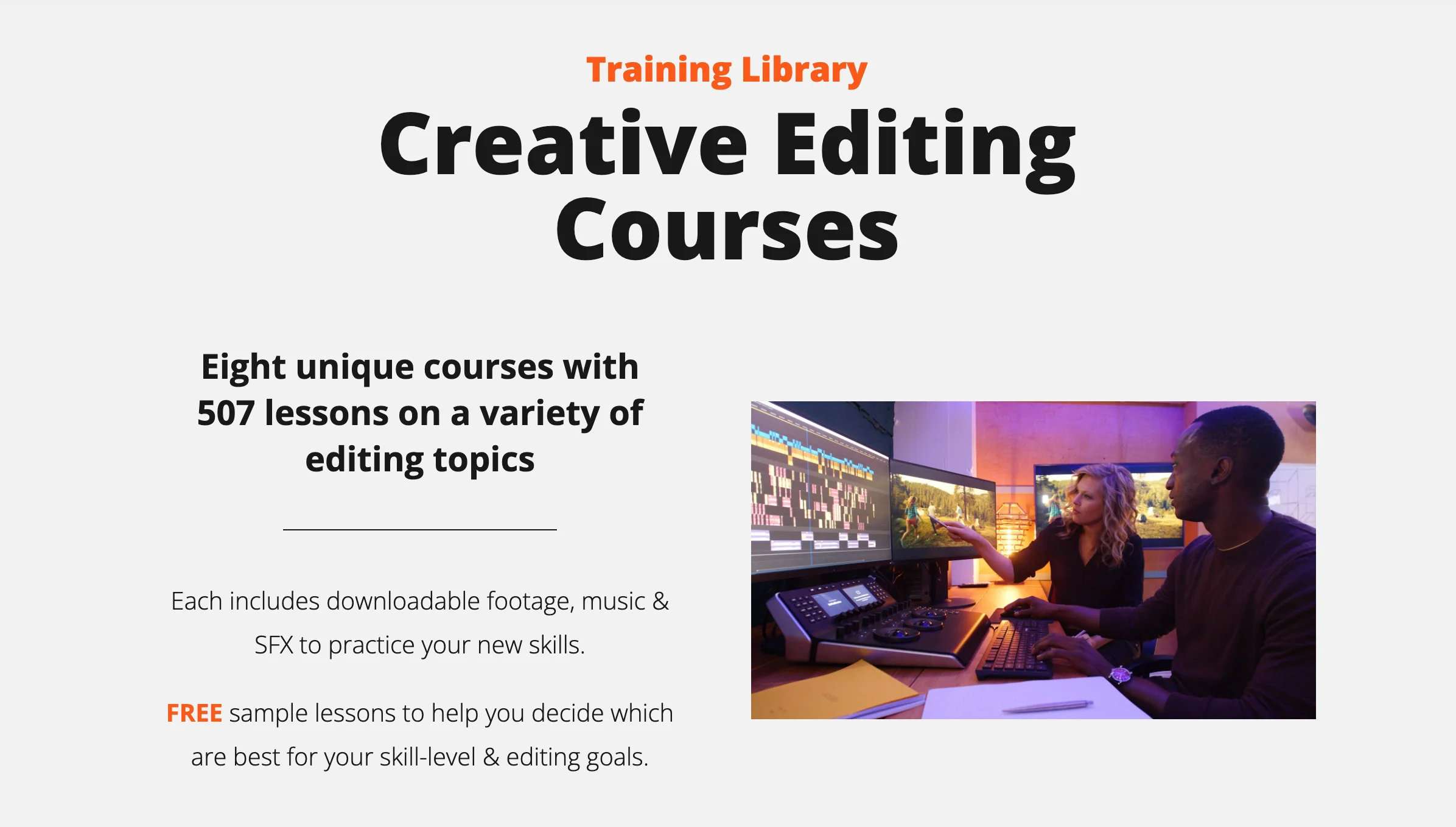
FilmEditingPro delivers insider techniques from editors who’ve worked on high‑profile projects such as Batman v Superman and Star Wars: Rogue One. Courses range from foundational editing to niche specialties like trailer and action editing.
Reviews and ratings
- While priced higher, reviewers unanimously agree the courses are worth the investment.
- Trailer editing students note the authenticity of industry‑level instruction.
Inside The Edit
Price: £497
Level: Intermediate, Advanced
Skills covered: Pacing and timing, narrative structuring, dialogue editing, music editing, drama creation, intercutting, and more.
Certification: No
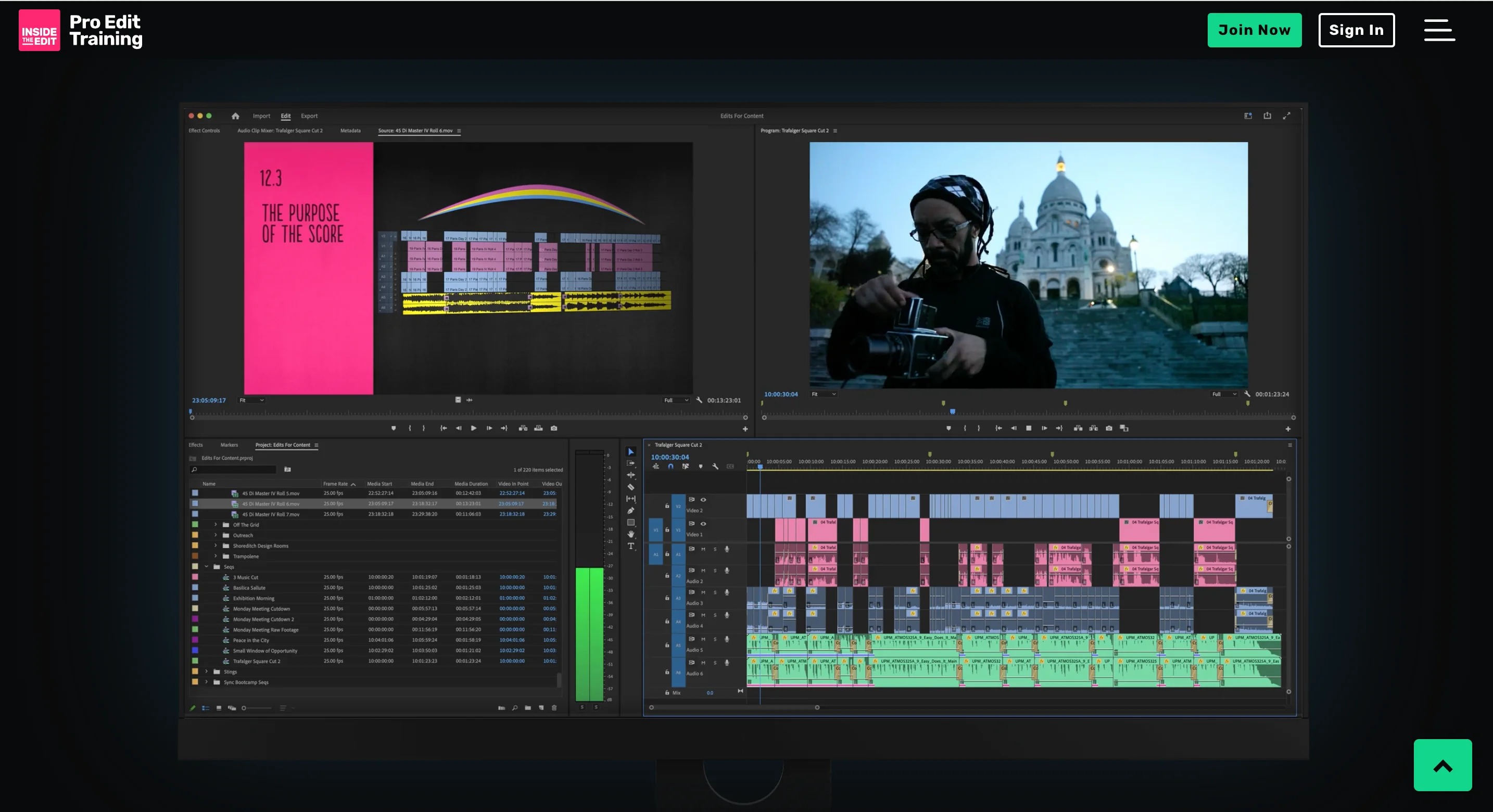
Inside The Edit focuses on the art of creative editing beyond software. Led by Paddy, a seasoned editor from BBC, National Geographic, and PBS, the course offers a documentary‑style learning experience using over 100 hours of raw footage.
For deeper mastery, the Inside The Edit Pro Editor Course is available at $9,999 for a 12‑month program featuring weekly masterclasses and live cutting sessions.
Reviews and ratings
- Oscar‑nominated Eddie Hamilton praises the depth and clarity of the instruction.
- Students appreciate the instructor’s articulate, detailed responses to questions.
What to consider while selecting the course
When choosing a course, match the curriculum to your skill level, schedule, and budget. Advanced courses typically cost more but offer deeper specialization and personalized mentorship.
Level of Expertise
For beginners
- Comprehensive coverage: Look for courses that balance basic editing with intermediate techniques.
- Step‑by‑step guidance: Prefer lessons that provide clear, sequential instructions and downloadable practice clips.
- Feedback opportunities: Courses that offer critiques or mentorship can accelerate learning, though they may come at a premium.
For professionals
- Specialized skills: Seek advanced modules on color grading, motion graphics, or VFX.
- Reputation: Choose instructors with proven industry success.
Duration
Short courses are ideal for quickly picking up specific skills, while longer programs provide a robust foundation for beginners.
Cost
Affordable options like Udemy offer substantial discounts during sales. Premium platforms such as School of Motion or FilmEditingPro reflect higher pricing due to elite instruction and mentorship.
How is video editing a skill beneficial to learn?
Video content is projected to dominate 82% of online traffic by 2025, creating high demand for skilled editors across numerous industries.
Career advancement opportunities
From social media and marketing videos to film and television, video editing roles range from entry‑level to high‑paying senior positions.
Creative expression and storytelling
Editing allows creators to blend visuals, sound, and effects into compelling narratives, keeping the craft fresh and engaging.
Versatility across industries
- Film & television
- Marketing & advertising
- Music
- Media companies
- Education
- Healthcare
- Real estate
- Hospitality
- Corporate
- Sports
Freelancing and entrepreneurial opportunities
Platforms like Upwork showcase abundant freelance video editing gigs. Advanced editors can scale by launching agencies that hire junior editors.
Make video editing easier: Editing with Riverside
Riverside offers a unified platform for recording and editing, delivering high‑quality 4K video and 48kHz audio without reliance on internet speed. Its AI‑powered editor cuts editing time by half.
Key features include:
- High‑resolution recording up to 4K and 48kHz WAV audio
- Local recording for consistent quality
- AI transcriptions in 100+ languages
- Text‑based editing via transcript
- Color‑coded timeline with speaker tags and chapters
- Automated multi‑track sync
- Magic Clips to generate shareable short videos
- AI show notes for instant summaries
- Built‑in teleprompter
- Live media board for effect editing
Riverside complements structured courses by handling the recording and basic editing workflow, letting you focus on advanced techniques learned elsewhere.
Try it today – create a video with Riverside now!
FAQs on Video Editing Courses
Is a video editing course worth it?
Yes. While free YouTube tutorials exist, they lack structure, feedback, and support. Paid courses provide guided learning and, often, mentorship.
Can I learn video editing on my own?
Absolutely. Free tutorials cover basics, but structured paid courses accelerate mastery and provide community support.
Can I learn video editing in 1 month?
Mastering all aspects in one month is unrealistic. Focus on fundamentals; you can make substantial progress in three months with dedicated effort.